Welcome to KnowHow Daily!
Practical guides, money-saving tips, tech solutions, government benefits, and useful information for everyday life.
Welcome to KnowHow Daily!
Practical guides, money-saving tips, tech solutions, government benefits, and useful information for everyday life.

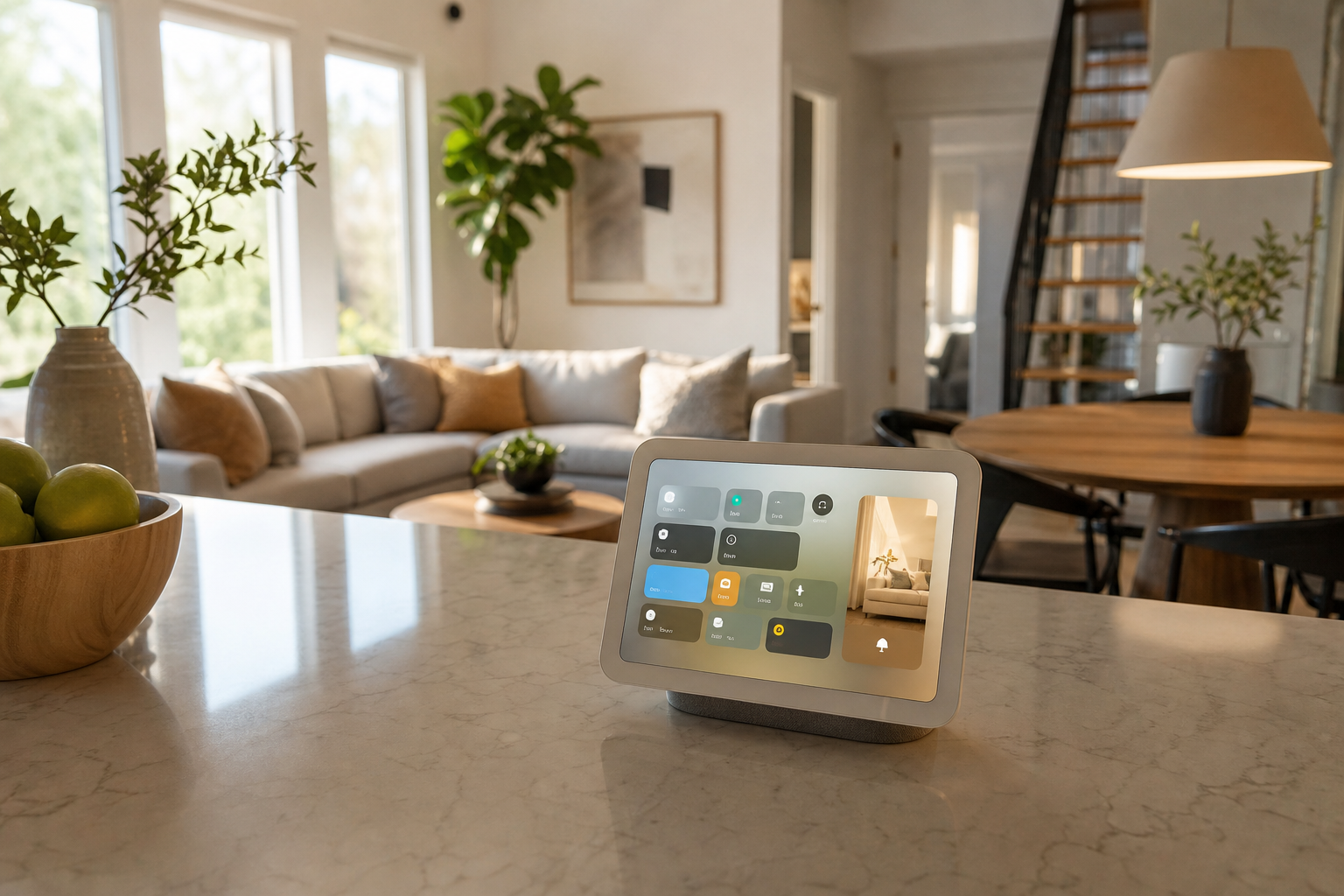
Apple HomeView is now available in the US and Canada. Learn what it does, which iPhones and iPads work, how setup works, pricing, privacy limits, and language support.
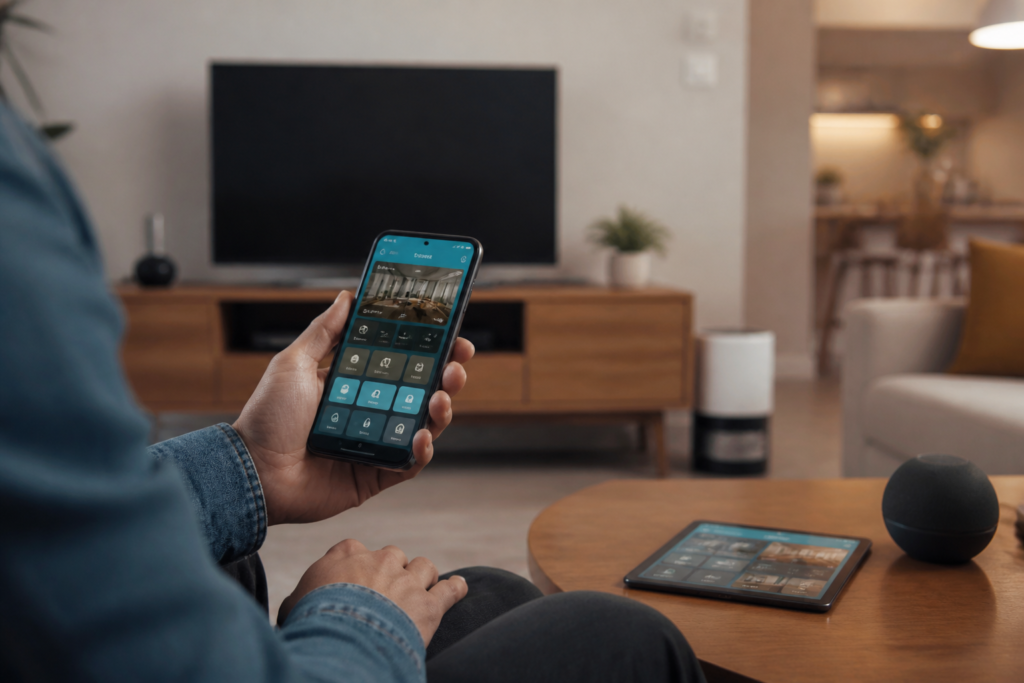
Apple HomeView is a new home device with a 7-inch Liquid Retina display, built-in speakers, a camera, Siri AI, FaceTime, and access to the Apple Home app. Apple positions it as a shared household screen for entertainment, communication, personal information, and smart-home control.
The key distinction is that HomeView is not simply a larger HomePod or a wall-mounted iPad. It is designed to recognize household members and change the information shown on screen. Music, FaceTime, Calendar, Reminders, Messages, Find My, Home controls, and Siri can all be available from the same device, while personal information is intended to remain private to each user.
Apple says HomeView became available on November 13, 2026, in the United States, Canada, Australia, India, New Zealand, Singapore, and the United Kingdom. It is not currently available for sale in the European Union because Siri AI is unavailable in iOS there.
In the United States, both the tabletop and wall-mounted HomeView models start at $299. In Canada, both models start at CA$429. The tabletop model is available in silver, starlight, rose pink, and space gray. The wall-mounted model comes in silver and space gray.
| Region | Tabletop model | Wall-mounted model | Language note |
|---|---|---|---|
| United States | $299 | $299 | Siri AI available in English |
| Canada | CA$429 | CA$429 | English available; Canadian French support is planned through a software update |
The wall-mounted version adds installation and power decisions. Compatible Schneider Home mounts are sold separately. In the United States, listed mount prices start at $59.95 for the USB-C Wall Connector and $79.95 for the AC Wired option. In Canada, the listed starting prices are CA$79.95 and CA$109.95.
Check HomeView wall-mount installation support and pricing Check Apple HomeView availability and order from the Apple StoreHomeView combines several functions that usually require separate Apple devices:
HomeView can recognize up to six people. Each person needs an Apple Account and a compatible iPhone or iPad to join the shared home. That makes it more useful for a household than a device tied to one person, but it also means the experience depends on every user having a suitable Apple setup.
Before buying HomeView, check the device used for setup. Apple says HomeView requires an iPhone with iOS 27.2 or later or an iPad with iPadOS 27.2 or later. The setup device must also be signed in to an Apple Account, have Bluetooth turned on, and connect to Wi-Fi.
The person setting up HomeView must be the Resident or Owner of the home in the Home app. If you have never used the Home app, Apple says you can create a home during setup and become its Resident.
Smart-home accessories are managed through the Home app. Existing accessories should be compatible if they already appear in your Apple home, but new purchases should carry the Works with Apple Home label or otherwise list support for Apple Home.
Check accessories compatible with Apple HomeOne limitation is worth knowing if you plan to use an iPad as the paired device: Apple says some third-party audio and video apps and remote widgets for device control are unavailable when HomeView is used with an iPad.
Review Apple HomeView compatibility and product requirementsUpdate the pairing device to iOS 27.2 or later, or iPadOS 27.2 or later. Sign in to the Apple Account you want to use with the home.
Update your iPhone or iPad before setting up HomeViewOpen the Home app and confirm that you are listed as the Resident or Owner. Turn on Bluetooth and connect the iPhone or iPad to Wi-Fi. For the smoothest setup, use the same Wi-Fi network that HomeView will use.
The tabletop model includes a power cable and adapter. Apple specifies a USB-C power adapter of at least 30 watts that supports 15 volts at 2 amps or higher. The wall-mounted model needs a compatible third-party mount and power solution. Depending on the mount, it can use a separate USB-C cable and adapter or a hardwired connection.
Turn on HomeView and follow the prompts to connect it to your home. Add household members through the Home app, then complete the face-recognition setup for anyone who wants personalized content.
After setup, test the Home app, Siri, FaceTime, music, automations, and each household member’s profile. If a person’s content does not appear, check that the paired iPhone or iPad is powered on, signed in, recently unlocked, and connected to the same Wi-Fi network.
Check Apple HomeView power and setup requirementsHomeView is designed to be shared, but personal information does not appear solely because someone is standing near the screen. Apple says the user must be recognized by face, and the paired iPhone or iPad must be present and recently unlocked.
If the paired device is temporarily disconnected from Wi-Fi, personal information may remain available under additional conditions: the device must have recently used the same Wi-Fi network, have an active cellular connection, be in the same location, and have been recently unlocked.
This approach is useful for a family kitchen or entryway, but it is not a guarantee that every app or piece of information will behave like it does on a personal iPhone. Face recognition, network conditions, language settings, and the paired device all affect the experience.
The tabletop model is the simpler choice for most buyers. It does not require installation and can sit on a kitchen counter, nightstand, desk, or side table. It also offers more color choices.
The wall-mounted model makes more sense when you want a permanent control panel in an entryway, hallway, or another central location. However, the device itself does not include every mounting or wiring component. Budget for a compatible mount, power equipment, and possibly professional installation.
| Choose tabletop if you want… | Choose wall-mounted if you want… |
|---|---|
| Simple setup and easy relocation | A permanent household control point |
| Four color choices | A cleaner built-in appearance |
| No separate mount purchase | Entryway, hallway, or dedicated smart-home placement |
For most Apple households, the buying decision comes down to whether a shared screen and speaker are more useful than using an existing iPad, HomePod, or Apple TV setup. HomeView has the strongest case when several people need quick access to home controls, FaceTime, calendars, music, and personalized Siri features from one central location.
A. Apple HomeView requires a compatible iPhone or iPad for setup and multiuser support. A paired device is also needed for personalized content and certain Siri AI features.
A. Apple says up to six household members can be enrolled. Each person needs an Apple Account and a compatible iPhone or iPad running the latest software.
A. Not at launch. Apple says Siri AI on HomeView is initially available in English in Canada, with Canadian French support planned through a free software update.
A. No. The wall-mounted model requires a compatible third-party mount and power solution, which are sold separately. Professional installation may also be available depending on location.
A. Make sure the paired device is powered on, signed in to the correct Apple Account, updated to iOS 27.2 or later or iPadOS 27.2 or later, has Bluetooth enabled, and is connected to the same Wi-Fi network as HomeView.