Welcome to KnowHow Daily!
Practical guides, money-saving tips, tech solutions, government benefits, and useful information for everyday life.
Welcome to KnowHow Daily!
Practical guides, money-saving tips, tech solutions, government benefits, and useful information for everyday life.

YouTube’s 2026 updates bring Ask YouTube, custom homepage feeds, conversational Shorts editing, auto-dubbing and stronger likeness protection. Here’s what is announced, available and still rolling out.

YouTube’s 2026 platform updates are less about one dramatic redesign and more about making the service easier to search, personalize and operate. The biggest changes fall into three groups: viewer tools, creator assistance and new livestream features.
For viewers, YouTube announced conversational search through Ask YouTube, custom homepage feeds based on moods or interests, and Shorts Series for watching episodic content. For creators, the company introduced conversational editing in Shorts and YouTube Create, expanded YouTube Studio guidance, and broader likeness detection. Livestreamers are getting real-time auto-dubbing, Live showdowns and a wider Watch With feature.
The key distinction is that an announcement is not the same thing as nationwide availability. YouTube’s Made on YouTube event on September 23, 2026 described the product direction, while later YouTube updates clarified that some features are already launching in the United States and others remain in testing or staged rollout.
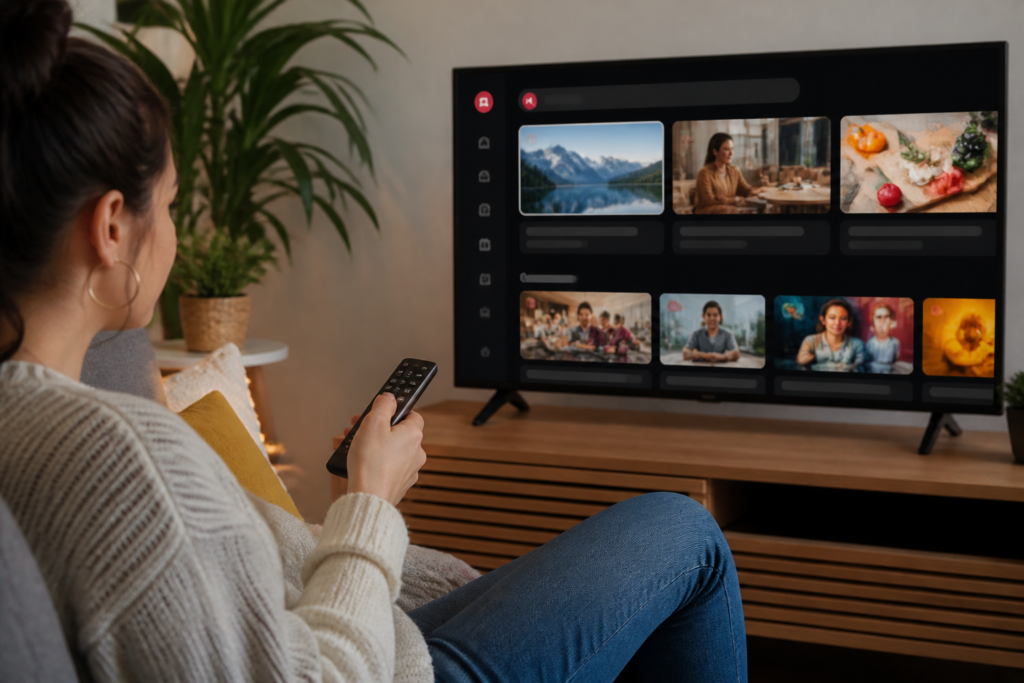
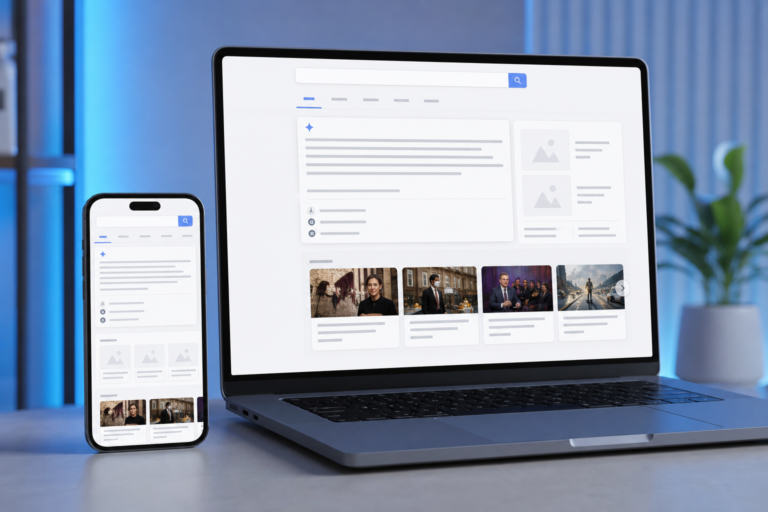
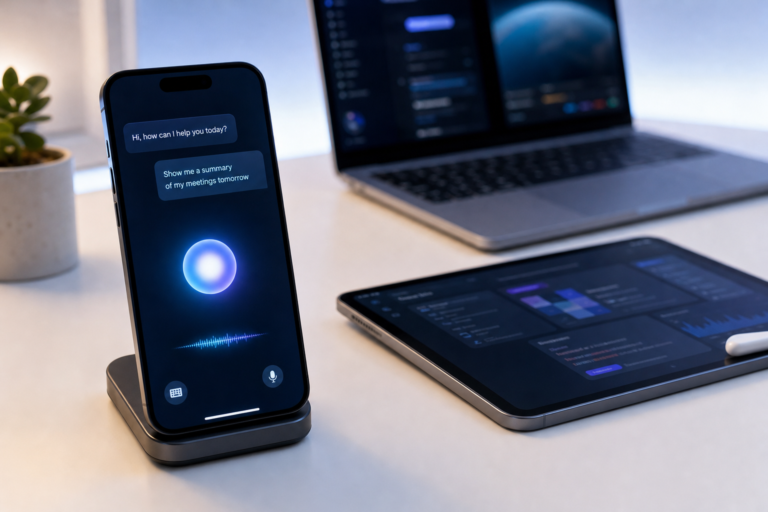
Ask YouTube is designed to help people find relevant videos without having to phrase every search like a keyword query. A viewer can ask a broader question, refine the request with follow-up prompts and receive an interactive set of video recommendations. The system can draw from long-form videos and Shorts.
YouTube first introduced Ask YouTube in limited form for U.S. Premium members aged 18 and older through YouTube’s experimental features page. By October 12, 2026, YouTube said Ask YouTube was expanding to U.S. viewers across web, mobile devices and TVs. The company also said the tool was being extended beyond search and into more watch-page experiences, including Shorts and livestreams.
That makes Ask YouTube more useful for situations where the reader knows the goal but not the exact video title. For example, someone might ask for beginner-friendly videos about repairing a leaky faucet, then narrow the results to creators who explain the work slowly and show the tools on camera.
Custom Feeds take personalization a step further. Instead of relying only on YouTube’s standard Home recommendations, users will be able to describe a viewing theme such as relaxing documentaries, practical DIY channels or witty podcasts for a daily commute. The feed is then intended to refresh with new recommendations over time.
YouTube’s official Made on YouTube FAQ says Custom Feeds are planned for users in the United States on web, mobile and TVs during fall 2026. The announcement does not establish equivalent Canadian availability, so Canadian viewers should treat the feature as unconfirmed unless it appears in their account.
The most practical creator update is conversational editing for Shorts and the YouTube Create app. Rather than starting with a fixed collection of automatic effects, creators can describe the change they want and continue refining it through a conversation.
According to YouTube, prompts may help trim pauses, reorder frames, improve pacing, add text hooks or synchronize music. The tool is intended to create a first draft or suggest changes, not remove manual control. Creators can still edit the result themselves before publishing.
That distinction matters for small channels. A solo creator who records several takes might use the assistant to remove dead air and organize a rough sequence, while still checking whether the edits change the intended meaning. AI assistance can reduce repetitive work, but it does not guarantee good storytelling, accurate captions or a suitable final cut.
YouTube Studio is also becoming more involved in the planning and packaging stages. Announced updates include personalized feedback on early drafts, thumbnails that match a channel’s established style and video A/B testing for up to three different cuts. These tools are aimed at helping creators understand which version holds attention rather than simply generating more content.
For creators, the practical question is not whether every new AI feature should be used. It is whether the tool saves time without making the channel feel less consistent or less trustworthy. Human review remains especially important for sponsored content, instructional videos, news-related material and videos that depend on precise timing.
YouTube announced real-time auto-dubbing to help livestreamers reach viewers who speak different languages. The goal is to translate spoken content while a live broadcast is taking place, reducing the delay between the original speech and the translated audio.
This could be particularly useful for gaming streams, live tutorials, interviews and international fan communities. It may also allow a smaller creator to reach viewers outside the language of the original channel without running separate broadcasts.
There are still obvious limitations. Automatic speech recognition can struggle with accents, background noise, fast speech, names and technical terms. YouTube’s existing automatic-dubbing guidance warns that generated dubs can contain translation or pronunciation errors and may not be available for every video or language. The 2026 announcement does not provide a complete public rollout schedule for real-time livestream dubbing.
Live showdowns are another announced feature. They allow creators to merge livestreams for friendly head-to-head competitions. YouTube is also expanding Watch With so creators can react live alongside eligible long-form videos, adding more ways for viewers to participate in shared viewing.
YouTube is expanding likeness detection to help creators identify altered or AI-generated videos that appear to use their face or voice. The system is designed for creators who enroll, rather than treating every person who appears in a video as someone whose identity is automatically tracked.
YouTube says likeness detection is coming to mobile, allowing enrolled creators to sign up, receive potential match alerts and take action while away from a computer. The company is also integrating speaking-voice detection with facial detection to improve matching accuracy.
Enroll in likeness detectionAs of November 1, 2026, YouTube’s help documentation says the service is still extending likeness detection to audio during 2026. Some users may see an option to record a speaking voice sample, but availability can vary. The tool is not a blanket guarantee that every imitation will be found, and a match still requires review and an appropriate privacy or removal process.
Creators who enroll should also understand the data controls. YouTube says the information used to set up likeness detection is not used to train Google’s generative AI models without consent. Users can manage optional model-improvement consent and turn the feature off through YouTube Studio.
| Feature | Who it is for | Current status or limitation |
|---|---|---|
| Ask YouTube | Viewers searching for complex recommendations | Available to U.S. viewers across web, mobile and TVs, with additional watch-page expansion rolling out |
| Custom Feeds | Viewers who want mood- or interest-based homepages | Announced for U.S. web, mobile and TV users during fall 2026; Canadian availability is not confirmed |
| Conversational editing | Shorts creators and users of YouTube Create | Rolling out as an AI-assisted editing workflow; manual review remains necessary |
| Real-time auto-dubbing | Livestreamers with international audiences | Announced, but full language, eligibility and rollout details are not yet public |
| Likeness detection | Creators concerned about face or voice misuse | Mobile and audio-related capabilities are rolling out in stages |
Viewers in the United States can look for Ask YouTube in supported YouTube search and watch experiences. If Custom Feeds appear on the account, describe a specific viewing goal rather than a vague preference; “quiet 30-minute science documentaries” is more useful than simply asking for “good videos.”
Canadian viewers should not assume that a U.S. announcement means the same feature is active in Canada. YouTube’s public announcement confirms U.S. timing for Custom Feeds and U.S. expansion for Ask YouTube, but it does not provide a matching Canadian schedule.
Creators should treat the new AI tools as assistants for rough cuts, discovery and channel management. Before publishing, check the edit, captions, music rights, translated audio and any claims made by the video. Livestreamers should also be prepared for auto-dubbing errors, particularly when the broadcast includes names, slang, specialized terminology or rapid conversation.
The practical takeaway is straightforward: viewers will see more conversational discovery and personalized recommendations, while creators gain more automation around editing, packaging and global reach. The features worth watching most closely are the ones with the largest gap between announcement and availability—Custom Feeds, real-time auto-dubbing and expanded voice detection.
A. YouTube’s October 12, 2026 announcement specifically confirms expansion to viewers in the United States across web, mobile and TVs. It does not confirm the same rollout for Canada, so Canadian availability should be treated as unconfirmed unless the feature appears in the account.
A. They are designed as conversational assistants for drafting and refining edits. YouTube says creators can request changes such as trimming pauses, reordering frames or adding text, then continue editing manually before publishing.
A. No. YouTube has announced real-time auto-dubbing, but the complete language list, eligibility rules and rollout schedule have not been published. Automatic speech and translation can also make mistakes with accents, background noise, names and technical terms.
A. The feature is designed primarily for enrolled creators who consent to likeness detection. It is not a general facial-recognition system for everyone appearing in uploaded videos. People who are not enrolled can still use YouTube’s privacy complaint processes when appropriate.
A. YouTube says Custom Feeds are planned for users in the United States on web, mobile and TVs during fall 2026. The public announcement does not provide a firm launch day or confirm Canadian availability.