Welcome to KnowHow Daily!
Practical guides, money-saving tips, tech solutions, government benefits, and useful information for everyday life.
Welcome to KnowHow Daily!
Practical guides, money-saving tips, tech solutions, government benefits, and useful information for everyday life.

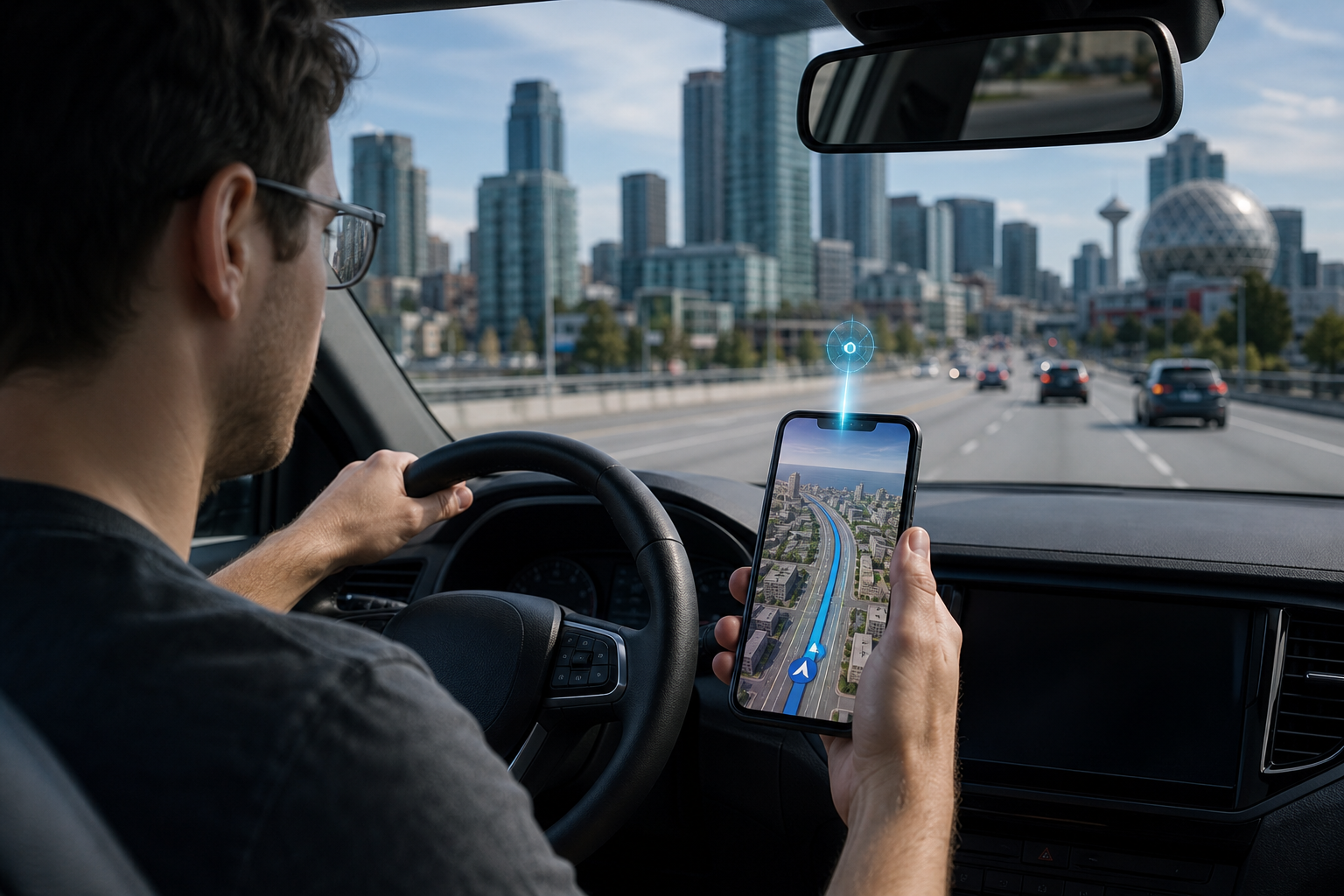
Learn what Google Maps’ 2026 AI update adds, including Ask Maps, Immersive Navigation, natural voice guidance, Canada and U.S. availability, and privacy settings.
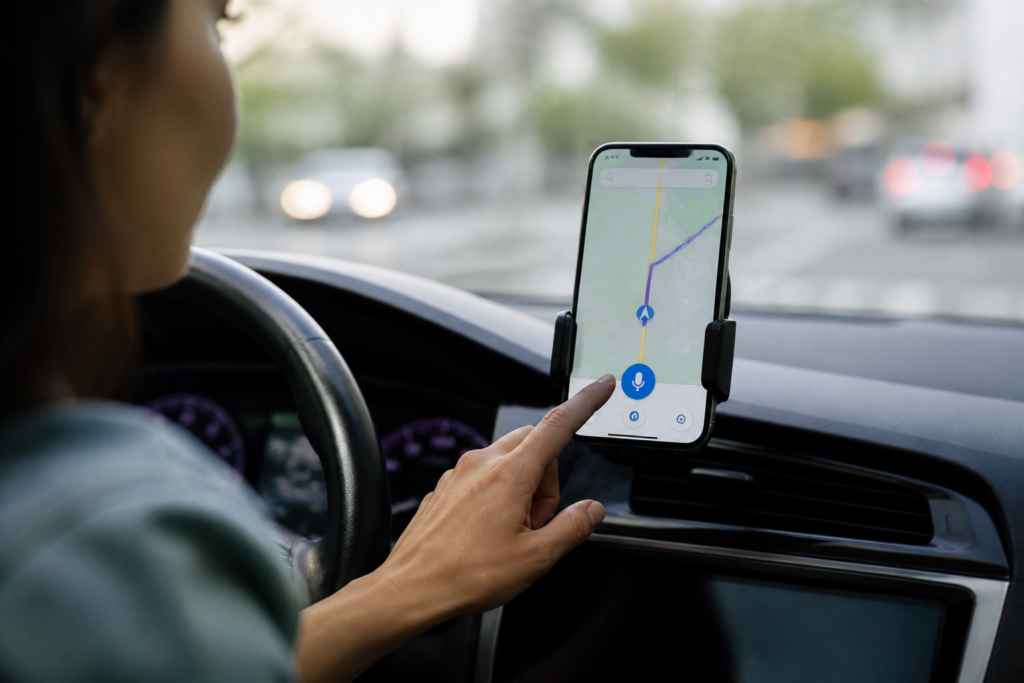
Google Maps’ 2026 update is more than a new map design. Google is adding Gemini-powered tools that let Maps understand longer, more natural questions and explain what is happening during a drive in a less mechanical way.
The biggest distinction is this: Ask Maps is mainly for planning and discovery, while Immersive Navigation is for getting through the trip itself. Ask Maps helps you decide where to go. Immersive Navigation helps you understand the road when you are already on the way.
Both features are rolling out gradually, so seeing one does not guarantee that every related feature is available on the same phone, vehicle display, or in the same country.
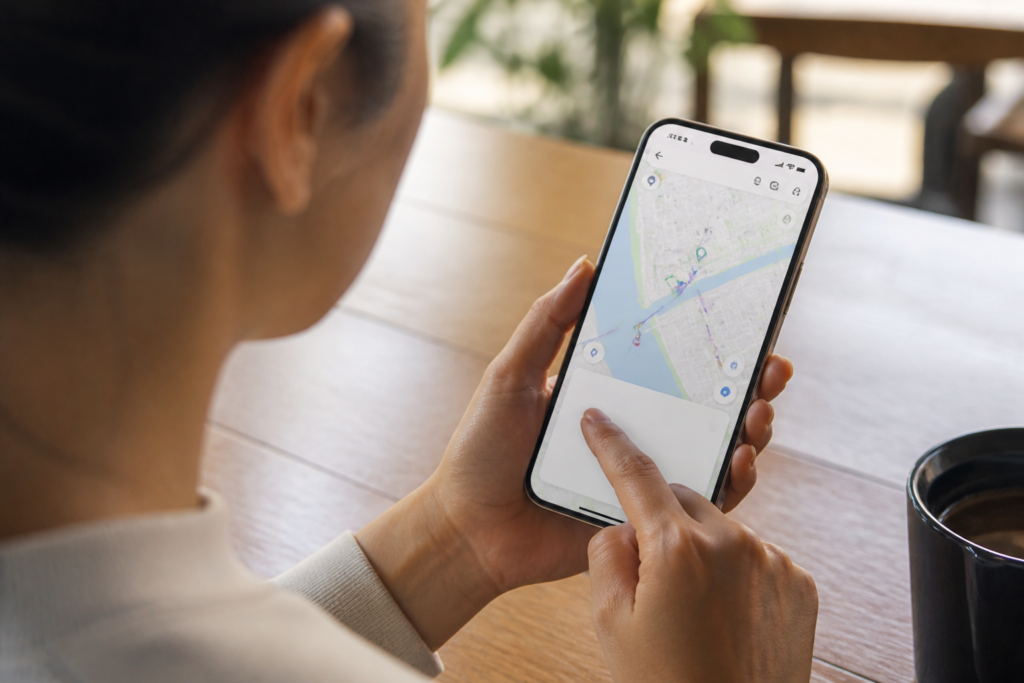
Ask Maps gives you a conversational search box inside Google Maps. Instead of searching for a restaurant, then checking reviews, then looking at the route, you can ask a question that combines several needs.
For example, you might ask for a quiet restaurant halfway between two neighborhoods, a place to charge your phone without waiting for a table, or stops worth making during a weekend drive. Maps can return recommendations, map locations, directions, estimated travel times, and follow-up answers.
Google says Ask Maps can draw on information from more than 300 million places and contributions from its Maps community. It may also personalize results using activity such as saved places, previous searches, reviews, and other account information when the relevant personalization settings are enabled.
That makes Ask Maps useful for questions with several conditions, but it also means the answer is not simply a database lookup. AI-generated responses can be wrong, incomplete, or based on information that has changed. For anything involving hours, reservations, closures, prices, accessibility, or safety, open the underlying place information and verify it before relying on the answer.
Open the official Ask Maps help pageImmersive Navigation is Google’s larger redesign of the driving experience. It uses 3D mapping, Street View imagery, aerial imagery, and AI-based route understanding to show more of the surrounding road environment.
Instead of displaying only the immediate next turn, the redesigned view is intended to help you prepare earlier. Depending on the route and device, Maps may show or emphasize:
The practical goal is to reduce last-second decisions. If a highway exit is approaching, the voice guidance may explain that you should pass one exit and take the next one, rather than simply repeating a short turn instruction at the last moment.
Maps can also explain tradeoffs between alternate routes. One option might be faster but include a toll, while another takes longer but avoids heavier traffic. That does not mean Google will always choose the route you would personally prefer, so review the alternatives when the difference matters.
Google describes the updated guidance as more natural and conversational, with directions that sound more like a person helping you anticipate the road. The wording may include extra context about the next exit, a lane change, a landmark, or the final approach to a building.
This is different from changing the voice language or accent in Maps. The new natural guidance is part of the navigation experience itself, while the available voice choices still depend on the app, operating system, vehicle connection, and regional settings.
On a phone, the usual place to review voice controls is Google Maps → profile picture → Settings → Navigation settings → Voice selection. The exact choices can vary, and Android Auto, Apple CarPlay, and vehicles with Google built-in may handle voice output differently from Maps running directly on a phone.
If navigation is silent, first check the in-navigation sound button and your device volume. Google also says voice directions may need to download while the app is connected to the internet.
Check official Google Maps voice navigation helpAsk Maps began rolling out in the United States on Android and iOS in March 2026, with desktop access planned as the experience expanded. Immersive Navigation also began rolling out in the U.S., with availability extending over time to eligible Android and iOS devices, CarPlay, Android Auto, and vehicles with Google built-in.
“Rolling out” does not mean every U.S. user receives the feature at once. Google can enable features by account, app version, device, operating system, vehicle platform, or location.
Google announced in August 2026 that Ask Maps improvements were rolling out in Canada, along with Australia, Brazil, Indonesia, Japan, Mexico, and more than 150 countries and territories in English. The update included features such as real-time transit information, conversational contributions, personalization, and additional ways to act on recommendations.
Google’s March announcement specifically described Immersive Navigation as starting in the United States and expanding to eligible devices and vehicle platforms. It did not provide a complete Canada-specific device list or a firm Canadian release date for every part of the navigation redesign. Canadian users may therefore see Ask Maps before they see the full Immersive Navigation experience.
For both countries, update Google Maps through the official app store, make sure you are signed in when account-based features are required, and check whether the feature appears in the app. A missing button does not necessarily mean the phone is incompatible; it may simply reflect a staged rollout.
Update Google Maps Read the official Google Maps 2026 rollout announcementAsk Maps can be more useful when it knows your preferences, but personalization also means more account activity may influence the results. Google says Maps AI features can use location information and, where available and enabled, data such as saved places, Maps history, reviews, Search activity, and connected Google content.
Before using Ask Maps for sensitive searches, review these settings:
Incognito mode is not an invisibility switch. Google notes that it does not prevent internet providers, other apps, voice search, or other Google services from handling activity under their own settings.
Manage your Maps history Review official Google Maps AI privacy controlsAsk Maps is most useful for people who plan outings with several constraints: families looking for an activity and a nearby restaurant, travelers comparing stops along a route, drivers looking for charging or parking, and commuters trying to combine transit with walking.
Immersive Navigation is more valuable for unfamiliar roads, complicated interchanges, dense urban areas, and destinations where the final entrance or parking location is confusing. It is less significant if you mostly drive familiar routes and prefer a simple 2D map with minimal on-screen information.
There are tradeoffs. More visual detail can be helpful, but drivers should not study the screen while moving. AI recommendations may also reflect incomplete reviews or outdated business information. Treat the feature as an assistant, not a substitute for checking the road, signs, official transit updates, or the business directly.
Use this short checklist:
The practical takeaway is that Google Maps is becoming more conversational and more visually predictive, but the rollout is still uneven. In the United States, users are more likely to encounter the full navigation redesign first. In Canada, Ask Maps availability is confirmed, while the timing and device coverage of every Immersive Navigation component remain less specific.
A. Yes. Google announced in August 2026 that Ask Maps improvements were rolling out in Canada. Availability can still vary by account, language, app version, device, and rollout stage.
A. No. Google began the rollout in the United States, but access is being expanded gradually to eligible Android and iOS devices, CarPlay, Android Auto, and vehicles with Google built-in. A U.S. location alone does not guarantee access.
A. You can review available voice settings in Google Maps under Settings and Navigation settings. However, the available choices may differ by phone, operating system, language, and vehicle connection. Android Auto, CarPlay, and Google built-in may not offer exactly the same controls as phone-based navigation.
A. Google says past Ask Maps conversations can be saved in Maps history when the relevant history settings are enabled. You can review or delete conversation threads from Ask Maps history and manage broader Maps activity through Google’s history controls.
A. Use Ask Maps as a starting point, not the final authority. AI answers and place information can be outdated or incomplete, so verify important hours, closures, reservations, fares, service changes, and safety information before acting.