Welcome to KnowHow Daily!
Practical guides, money-saving tips, tech solutions, government benefits, and useful information for everyday life.
Welcome to KnowHow Daily!
Practical guides, money-saving tips, tech solutions, government benefits, and useful information for everyday life.

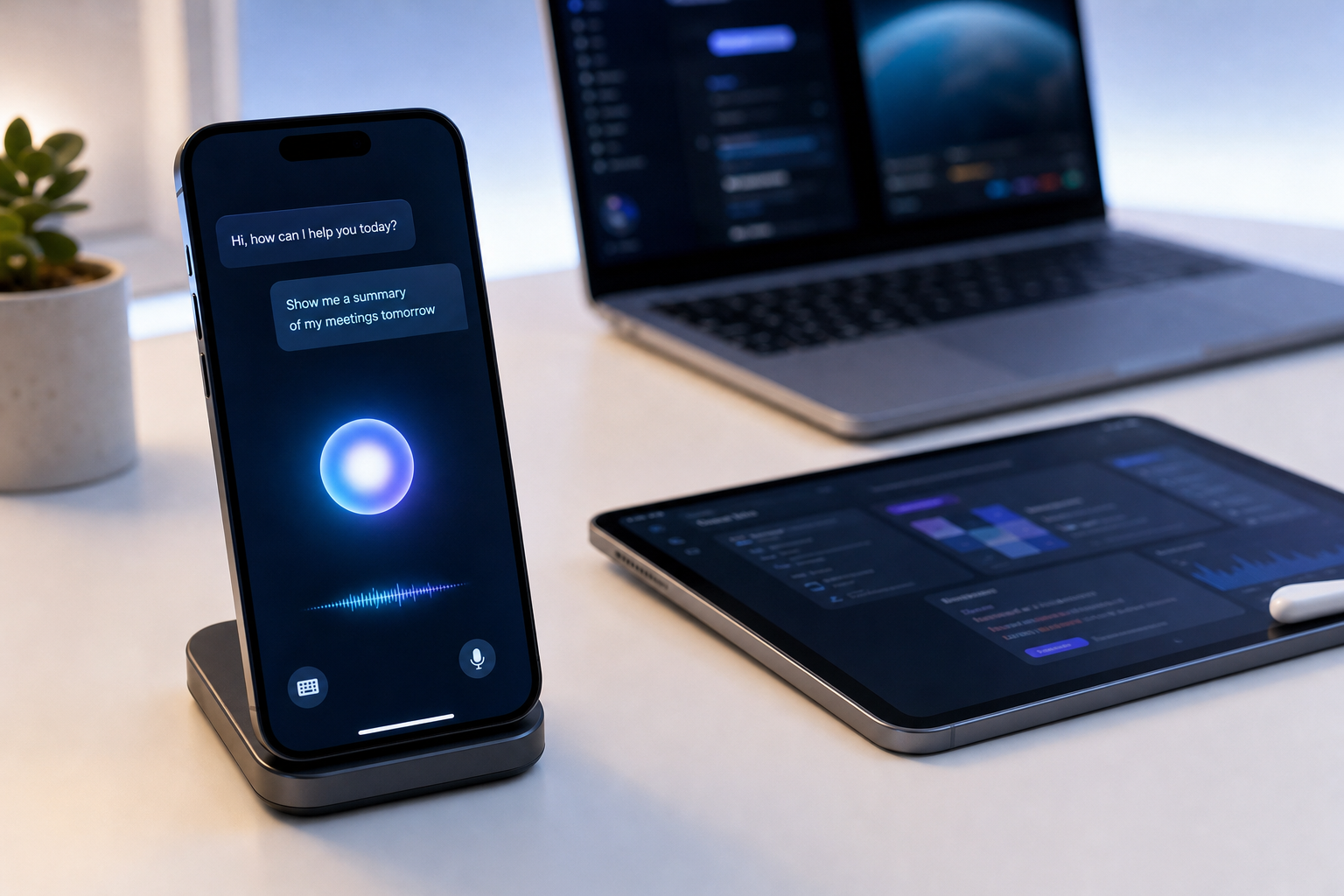
Find out whether your iPhone, iPad, Mac, Apple Watch, or Vision Pro supports Siri AI in iOS 27, which languages and regions qualify, and how to turn it on.

Yes. Siri AI is available as a beta in iOS 27, iPadOS 27, macOS 27 Golden Gate, watchOS 27, and visionOS 27. It is not simply a cosmetic redesign of the old voice assistant. Apple describes it as a new version of Siri with personal context understanding, onscreen awareness, broader web knowledge, and more ability to take action across apps.
The key distinction is between iOS 27 compatibility and Siri AI compatibility. Many older iPhones can install iOS 27, but Siri AI depends on Apple Intelligence hardware. An iPhone 11, iPhone 12, iPhone 13, iPhone 14, or standard iPhone 15 may run iOS 27 without supporting Siri AI.
Siri AI is also still labeled beta. That means Apple has released it for real users, but the feature may change, behave inconsistently, or have limits that do not apply to the standard version of Siri.

Apple’s current requirements cover several product families. The device must be running the appropriate version of its operating system and have Apple Intelligence capability.
| Device | Siri AI requirement |
|---|---|
| iPhone | iPhone 15 Pro, iPhone 15 Pro Max, or any iPhone 16 model or later |
| iPad | iPad mini with A17 Pro, or an iPad with an M1 chip or later |
| Mac | MacBook Neo with A18 Pro, or a Mac with Apple silicon starting with M1 |
| Apple Watch | Apple Watch Series 9 or later, Apple Watch Ultra 2 or later, or Apple Watch SE 3 paired with an Apple Intelligence-enabled iPhone |
| Apple Vision Pro | Any Apple Vision Pro running visionOS 27 |
The Apple Watch requirement is easy to overlook. A compatible watch does not operate as a completely independent Siri AI device in this setup. It needs to be paired with an Apple Intelligence-enabled iPhone, and Siri AI must be enabled there.
Storage also matters. Apple says the new Apple Intelligence models can require several gigabytes of space, depending on the device. Some newer devices may require up to 14 GB, while other compatible models may require up to 8 GB. Apple Watch requires less, but still needs available storage for its system components.
Start by checking the device model, software version, language settings, and Apple Account region. If any one of those requirements fails, the Siri AI option may not appear.
Update iPadOS on iPadOn a Mac, update to macOS 27 Golden Gate, then open System Settings, choose Apple Intelligence & Siri or the relevant Siri settings, and look for the Siri AI beta option. Menu names can vary slightly by device and software build.
Upgrade macOS on MacIf you do not see the option, do not assume the feature is unavailable everywhere. First confirm the exact model, update status, matching language settings, available storage, and Apple Account region.
This is where many availability lists become confusing. Apple Intelligence supports a broad group of languages across its features, including English, French, German, Italian, Japanese, Korean, Spanish, Portuguese, Chinese, Dutch, Danish, Norwegian, Swedish, Turkish, Vietnamese, and others listed by Apple.
Siri AI has a narrower rollout. As of October 10, 2026, Apple lists Siri AI as currently available in English. The device language and Siri language must match. For readers in the United States and Canada, English is the practical starting point, including the English settings used on eligible devices in those countries.
Changing only the device language may not be enough. If Siri is still set to another language, Apple Intelligence may temporarily become unavailable while the new Siri language downloads and synchronizes with the device language.
Apple has announced additional language support, but availability can differ by feature, platform, region, and release timing. Do not assume that a language appearing on Apple’s general Apple Intelligence list automatically unlocks every Siri AI capability.
For users in the United States and Canada, Apple currently lists Siri AI as available when the hardware, operating system, language, and Apple Account requirements are met. There is no general U.S.-or-Canada restriction described in Apple’s current Siri AI requirements.
Regional limits matter more in other markets. Siri AI is not initially available on iOS, iPadOS, or watchOS for Apple Account regions in the European Union. Apple says it is available there on compatible Macs and Apple Vision Pro devices when the required English settings are used. Apple also says Siri AI does not currently work when the Apple Account region is mainland China.
These limits are connected to platform rules, local regulations, and Apple’s rollout decisions. Simply traveling with an eligible device does not necessarily change the Apple Account region attached to it. Apple also says that, after Siri AI is enabled, it can continue working when a user travels to another region, subject to the applicable requirements.
The most meaningful changes are less about asking Siri to set a timer and more about context. Siri AI can use information from areas such as Messages, Mail, Calendar, Notes, and Reminders to help locate something or complete an action.
For example, you may be able to ask Siri to find travel details buried in your messages, summarize information on screen, create an event from a conversation, or answer a question about an image or document. On supported iPhones, Apple’s Siri mode also brings visual understanding into the Camera app.
Siri AI can also use broader web knowledge for general questions. That makes it more useful for research and planning, but it does not make every answer automatically correct. Treat important medical, financial, legal, travel, or account information as something to verify rather than accept without checking.
Apple says Siri AI uses on-device processing when possible and Private Cloud Compute for requests that need more powerful server models. Apple states that personal data handled through Private Cloud Compute is not stored or made accessible to Apple.
That is a meaningful privacy design, but it does not remove every practical concern. Siri AI may access personal context when you authorize features that work across messages, mail, photos, and other apps. Review the permissions and settings before enabling broad access, especially on a shared or work-managed device.
The beta label is the other important trade-off. Apple’s beta guidance warns that pre-release software may contain errors, inaccuracies, and compatibility problems. It recommends backing up devices and avoiding beta software on business-critical hardware.
For most people, the sensible approach is to use the regular public iOS 27 release and enable Siri AI only if it is offered for that release. Install a broader operating-system beta only on a secondary device unless you are comfortable troubleshooting problems or restoring the device.
Turn it on if you have a compatible device, use English, want the new contextual and web-based features, and are comfortable with beta behavior. It is especially useful for people who already rely on Apple apps for messages, scheduling, notes, and device-wide searches.
Wait if your device is your only work phone, you need predictable assistant behavior, have limited storage, or are uncomfortable with an AI system working across personal content. You do not need Siri AI to use iOS 27, and installing iOS 27 does not force you to enable the beta assistant.
Use this quick decision rule:
A. No. Apple lists the iPhone 15 Pro and iPhone 15 Pro Max, but not the regular iPhone 15, as Siri AI-compatible iPhones. The regular iPhone 15 can support iOS 27 but does not meet the Apple Intelligence hardware requirement.
A. Apple’s general Apple Intelligence language list includes French, but the current Siri AI requirements list English as the available Siri AI language. Check Apple’s Siri AI requirements page for the latest language rollout before changing your device settings.
A. No. Siri AI is available as a beta through Apple’s supported public software releases when your device qualifies. A developer beta is not required for ordinary users, and Apple recommends avoiding pre-release software on business-critical devices.
A. The most common causes are an unsupported device, a mismatch between device and Siri languages, an ineligible Apple Account region, insufficient storage, or a required model download that has not finished. Confirm each requirement and restart the device after the language or system update completes.