Welcome to KnowHow Daily!
Practical guides, money-saving tips, tech solutions, government benefits, and useful information for everyday life.
Welcome to KnowHow Daily!
Practical guides, money-saving tips, tech solutions, government benefits, and useful information for everyday life.

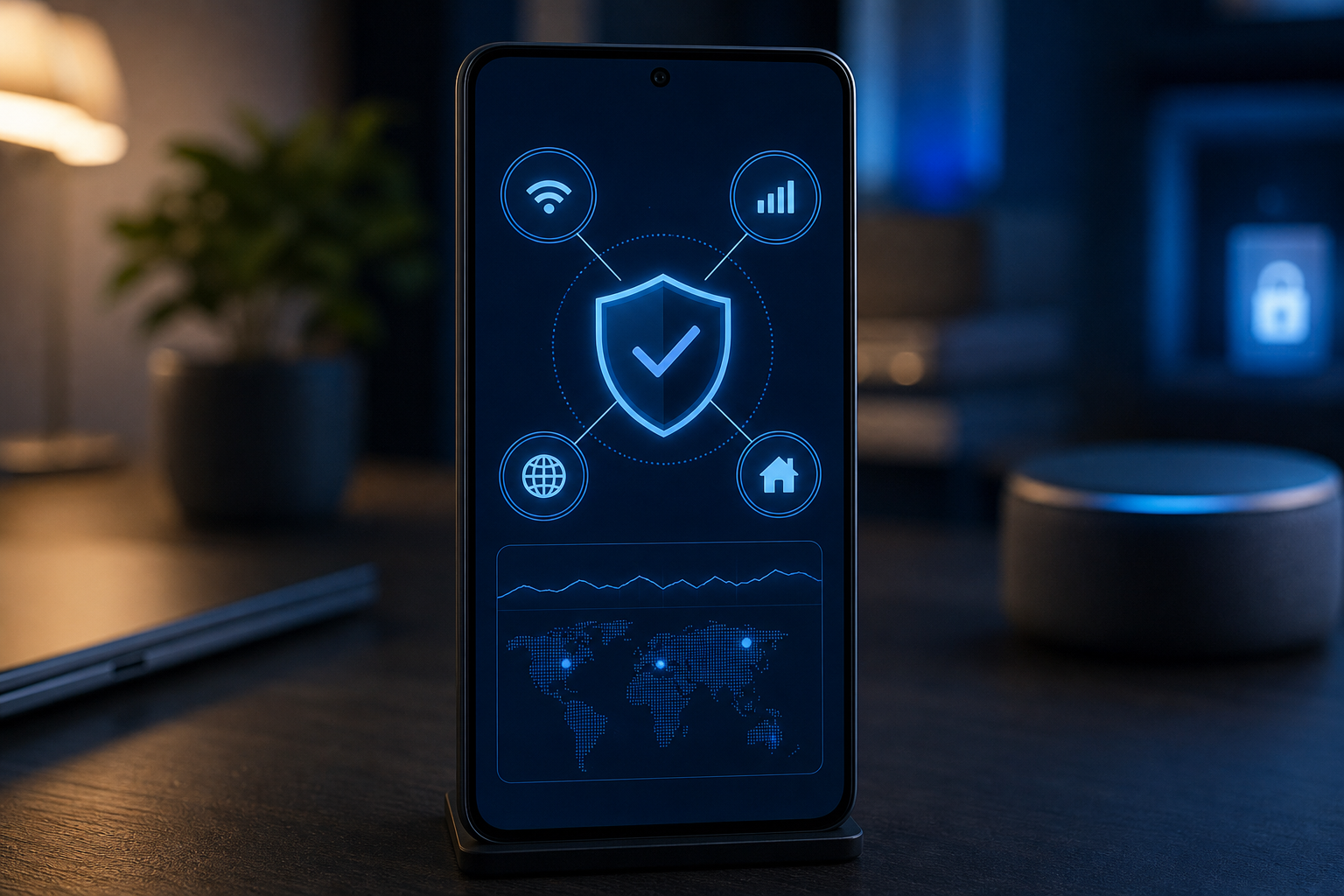
Android 17 adds four network security protections for ECH privacy, local Wi-Fi access, certificate verification, and 2G cellular threats. Here's what they mean.
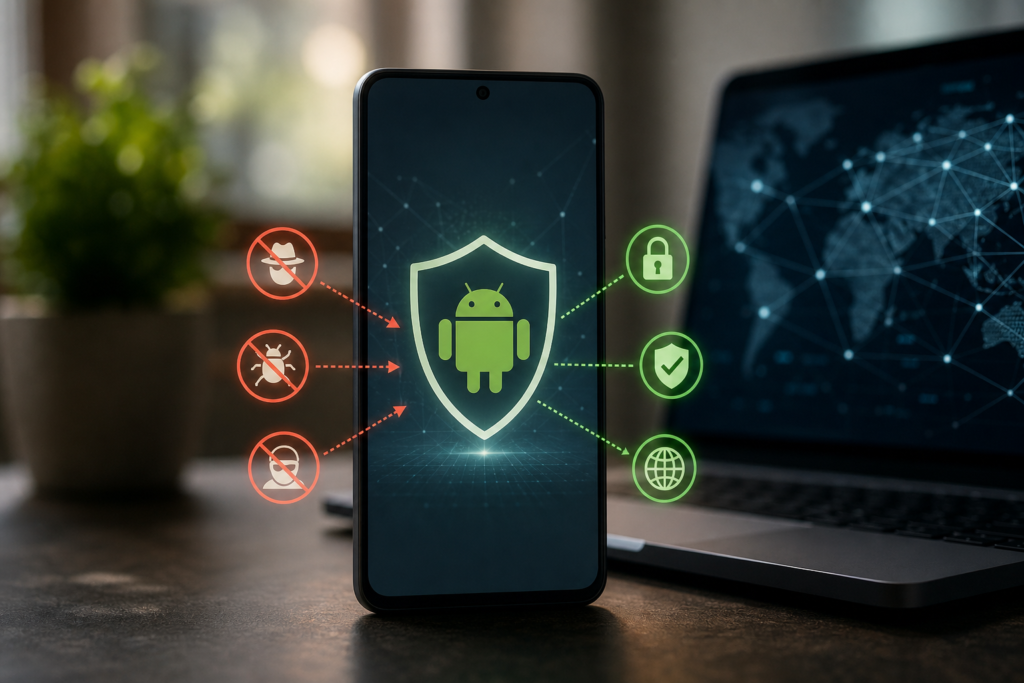
Android 17 adds four protections aimed at different parts of a mobile connection: the websites and apps you access, the devices sharing your Wi-Fi network, the certificates used to prove a website is genuine, and older cellular networks that can be abused by SMS blasters.
The key distinction is that these features do not turn every connection into an invisible or risk-free connection. They reduce specific types of exposure. Some work automatically at the operating-system level, while others only help when an app, website, device modem, or mobile carrier supports the relevant technology.
HTTPS already encrypts the content of most modern web traffic, but traditional TLS connections can still reveal the hostname a device is trying to reach through a field called Server Name Indication, or SNI. That can let a network operator, public Wi-Fi provider, or other intermediary see which domain is being contacted even when it cannot read the page itself.
Android 17 adds platform support for Encrypted Client Hello, or ECH. ECH encrypts the sensitive part of the initial TLS handshake, including the specific hostname. When the app’s networking library and the remote server support ECH, it becomes harder for network observers to identify the destination domain.
There are two important limits. First, ECH does not hide everything: a network may still see that your device is communicating, along with timing, data volume, and possibly the broader service or IP address involved. Second, an Android 17 phone cannot force every app and website to use ECH. The app’s networking stack and the destination server must support it.
Google says developers targeting Android 17 should use networking libraries that adopt ECH. Android’s developer documentation also says ECH is enabled by default for apps targeting API level 37 or higher when the networking library supports the feature.

Your home Wi-Fi network may include phones, laptops, printers, smart TVs, cameras, speakers, and other connected equipment. Before Android 17, apps could have broader opportunities to scan the local network and identify devices nearby.
Android 17 introduces enforcement for Local Network Protection. Apps targeting Android 17 or higher need the new local-network permission before discovering or connecting to devices on the same LAN. The permission falls under Android’s Nearby Devices group.
That matters because a harmless-looking app could otherwise use local-network information to build a picture of your household, identify devices, or probe equipment you never intended to expose to it. Android 17 gives you a clearer permission boundary between using the internet and interacting with devices inside your home.
There is also a more privacy-preserving option for common tasks such as casting a video. Developers can use a system-mediated device picker, allowing you to select a specific TV or receiver without giving the app broad permission to inspect every device on the network.
When you connect to a secure website, your phone checks a digital certificate to confirm that the site is authentic. Certificate authorities issue those certificates, but a compromised or misused authority could potentially allow an attacker to create a certificate for a site they do not control.
Android 17 enables Certificate Transparency by default for applicable public certificates. Certificate Transparency requires certificates to be recorded in publicly auditable logs. That does not make certificate abuse impossible, but it creates a trail that security researchers and domain owners can monitor.
For everyday users, this is mostly a behind-the-scenes improvement. You generally will not need to inspect certificate logs yourself. The practical benefit is that suspicious or improperly issued certificates are more likely to be noticed and challenged before they can support a large-scale interception campaign.
There are exceptions. Private certificates, user-installed certificates, and some specialized enterprise configurations may not fit the same public-log model. Businesses that use internal certificate infrastructure should test Android 17 behavior before broadly changing their security configuration.
SMS blasters and false cellular base stations can attempt to push nearby phones from modern LTE or 5G service down to older 2G networks. Once downgraded, a phone may be exposed to weaker protections, including realistic phishing texts delivered through a legacy network path.
Android has offered a hardware-level option to disable 2G since Android 12 on supported devices. Android 17 adds a carrier-controlled option that can let participating mobile providers set 2G to off by default for subscribers.
This is a meaningful change because users do not have to remember to find and change the setting themselves. However, it is not a universal Android 17 switch. The result depends on the phone’s modem and software, the carrier’s network configuration, and whether the carrier chooses to participate.
Google’s announcement does not provide a complete US or Canadian carrier list. That means Android 17 users should not assume the setting will behave identically across providers, even if two phones run the same Android version. If your phone exposes a 2G setting, disabling it manually may still be useful, but doing so could affect service in places where a carrier still relies on 2G for coverage or emergency fallback.
| Protection | What it helps prevent | What still matters |
|---|---|---|
| Encrypted Client Hello | Network observers easily identifying specific destination domains | App and website support; traffic metadata may remain visible |
| Local Network Protection | Apps scanning or connecting to home-network devices without permission | Permission decisions and secure device-pairing methods |
| Certificate Transparency | Undetected misuse of publicly trusted website certificates | Private or enterprise certificates may follow different rules |
| Carrier-controlled 2G off | Downgrade attacks involving legacy 2G networks and SMS blasters | Carrier participation, modem support, and regional network needs |
Consider two common situations. If you use a coffee-shop Wi-Fi network, ECH may reduce how clearly the network can identify the domains supported by ECH, but it does not make the hotspot trustworthy or protect an app that sends data insecurely. If you use a smart-TV app at home, Local Network Protection may produce a permission prompt or encourage the developer to use Android’s device picker instead of scanning your entire network.
Android 17 features are not necessarily available on every Android phone at the same time. Google began rolling Android 17 out first to Pixel devices, with other eligible devices expected to follow during 2026. Manufacturers can determine update timing, and some features require compatible hardware or carrier support.
ECH is primarily an app and server compatibility story. Local Network Protection affects apps that target Android 17 or later, so older apps may not immediately behave the same way while developers update them. Certificate Transparency is largely automatic, but specialized enterprise apps may need testing. The 2G change is the most dependent on the carrier and device combination.
For the current rollout and platform details, use the official Android 17 features page:
Android 17’s network security changes are best understood as layered defenses. They make certain kinds of tracking, local-device discovery, certificate abuse, and cellular downgrade attacks harder, but the protection is strongest when the operating system, apps, websites, phone hardware, and carrier all support the same security model.
A. No. ECH can hide the specific hostname when the app, networking library, and website support it, but network observers may still see connection timing, traffic volume, IP addresses, or broader service information.
A. No. The requirement primarily affects apps targeting Android 17 or higher that need to discover or connect to devices on your local network. Apps that do not use LAN access should not need the permission.
A. If your device provides the option and you do not depend on 2G coverage, disabling it can reduce exposure to 2G downgrade attacks. Check whether your carrier or phone warns that the change could affect coverage or fallback service.
A. Not directly. Certificate Transparency helps detect misuse of trusted certificates, but it does not decide whether a legitimate-looking domain is a scam. You still need to check the domain, avoid suspicious links, and use account protections such as multi-factor authentication.