Welcome to KnowHow Daily!
Practical guides, money-saving tips, tech solutions, government benefits, and useful information for everyday life.
Welcome to KnowHow Daily!
Practical guides, money-saving tips, tech solutions, government benefits, and useful information for everyday life.


Compare the best laptops to buy in 2026 for work, school, and everyday use, including MacBook, Windows, business, budget, and Chromebook options.
The best laptop is not necessarily the fastest or most expensive model. For work, school, and everyday use, the priorities are usually dependable performance, comfortable typing, strong battery life, a good webcam, and enough memory and storage to remain useful for several years.
For most buyers in Canada and the United States, a laptop with at least 16GB of memory and a 512GB solid-state drive is the safest long-term configuration. A lower-cost 8GB model can still work for email, web browsing, streaming, and simple documents, but it offers less room for heavy multitasking.
Operating system compatibility matters just as much as hardware. macOS is excellent if you already use an iPhone or iPad, Windows remains the safest choice for specialized workplace and school software, and ChromeOS is a practical option when most of your work happens in a browser.
| Laptop | Best for | Operating system | Main strengths | Important limitation |
|---|---|---|---|---|
| MacBook Air with M5 | Best overall | macOS | Fast, silent, lightweight, excellent battery life | Some Windows-only apps and games are unavailable |
| Microsoft Surface Laptop, 13-inch | Best portable Windows laptop | Windows 11 | Light design, touchscreen, strong battery life | Some older x64 apps may not run natively on ARM |
| Lenovo ThinkPad X1 Carbon Gen 14 Aura Edition | Best for business | Windows 11 | Exceptional portability, keyboard, ports, and security | Premium business pricing |
| MacBook Neo | Best lower-cost Mac | macOS | Low entry price, compact design, capable everyday performance | 8GB memory and 256GB storage are limiting for demanding users |
| Acer Chromebook Plus Spin 514 | Best Chromebook for school | ChromeOS | Convertible touchscreen, durable build, Google tools, long support | Not ideal for full desktop Windows or Mac software |
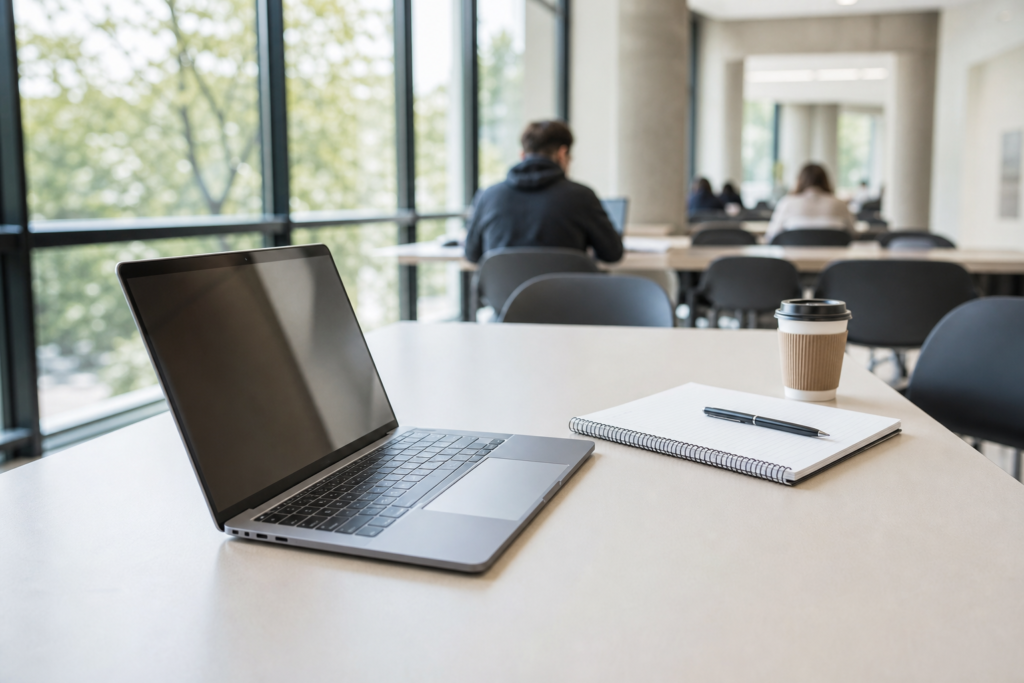
The 2026 MacBook Air with M5 is the easiest recommendation for people who want one laptop for documents, video calls, research, streaming, photo editing, and general home use. Apple offers 13-inch and 15-inch versions, so buyers can choose between maximum portability and a larger workspace.
The M5 model includes 512GB of starting storage, Wi-Fi 7, Bluetooth 6, a 12MP Center Stage camera, two Thunderbolt 4 ports, support for up to two external displays, and Apple-rated battery life of up to 18 hours. Its fanless design also makes it silent during normal work.
Choose the 13-inch model for commuting, classrooms, and frequent travel. The 15-inch version is better for spreadsheets, split-screen research, and users who do not want to carry an external monitor.
Best for: Most professionals, college students, remote workers, and Apple users.
Skip it if: You need Windows-only engineering, accounting, testing, or corporate software.
The 13-inch Surface Laptop is a strong Windows alternative to the MacBook Air. Microsoft lists a starting weight of 2.7 pounds and configurations using the Snapdragon X Plus processor, with options for 8GB or 16GB of memory and 256GB or 512GB of storage.
It is a good fit for people who want a compact touchscreen laptop for Microsoft 365, Teams, web research, presentations, and travel. The 16GB configuration is the better choice for keeping many browser tabs and applications open at once.
The main caution is the ARM-based processor. Many popular applications work normally, but some older x64 programs, hardware utilities, drivers, plug-ins, and school testing tools may have limitations. Confirm compatibility before buying if your employer or school requires a specific desktop application.
Best for: Windows users who value light weight, a touchscreen, and long battery life.
Skip it if: You rely on older specialized Windows software or accessories with uncommon drivers.

The ThinkPad X1 Carbon Gen 14 is designed for professionals who spend much of the day typing, traveling, presenting, and joining video meetings. Lenovo lists a starting weight under 1 kilogram, optional 5G connectivity, Wi-Fi 7, a fingerprint reader, a privacy shutter, multiple Thunderbolt 4 ports, HDMI, and Windows 11 Pro options.
Its biggest advantage is balance. It is lighter than most business laptops but still provides the keyboard, security features, port selection, and manageability that corporate users often need. Configurations can include up to 64GB of soldered memory and a 1TB SSD, although the exact options vary by market.
This is overkill for basic web browsing, but it makes sense for consultants, executives, developers, analysts, and anyone who expects to keep a work laptop for several years.
Best for: Business travel, heavy office multitasking, corporate IT environments, and professional writing.
Skip it if: Your budget is below the mainstream premium-laptop range.
The MacBook Neo is Apple’s entry-level laptop for buyers who want macOS without paying MacBook Air pricing. Apple’s U.S. store lists it from $699, while the Canadian store lists it from CAD $949.
It uses Apple’s A18 Pro chip and is aimed at everyday tasks such as writing, web browsing, video calls, online learning, streaming, and light creative work. That makes it appealing for high school students, college students with simple workloads, and families who want an inexpensive Mac for home use.
The base configuration has 8GB of unified memory and 256GB of SSD storage. Those specifications are acceptable for basic use but leave less headroom for large photo libraries, virtual machines, advanced editing, software development, or years of intensive multitasking. If the price difference is manageable, the MacBook Air is the more durable long-term purchase.
Best for: Basic schoolwork, home use, writing, browsing, and entry-level macOS users.
Skip it if: You need a large storage drive, professional creative software, or heavy multitasking.
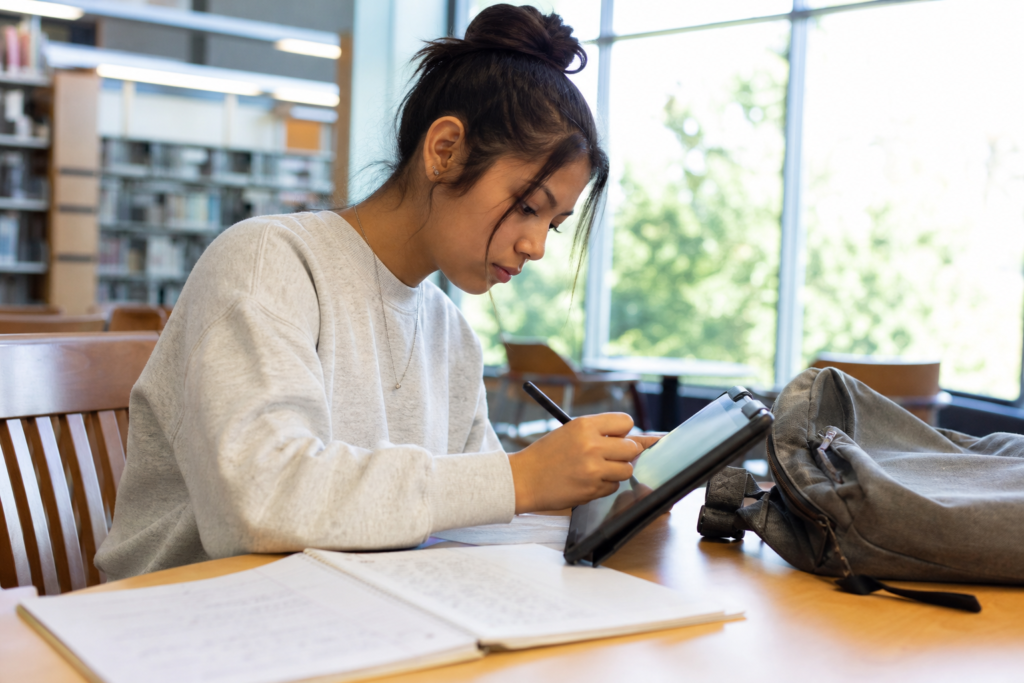
The Acer Chromebook Plus Spin 514 is a flexible 2-in-1 for students whose work is centered on Google Docs, Microsoft 365 web apps, learning platforms, video calls, and browser-based tools. Depending on the configuration, it offers a 14-inch touchscreen, up to 16GB of memory, up to 256GB of storage, a backlit keyboard, Wi-Fi 6E or Wi-Fi 7, and a convertible design that folds into tablet mode.
Acer lists newer configurations with MediaTek Kompanio Ultra 910, 12GB or 16GB of memory, and claimed battery life of up to 17 hours under ChromeOS testing. Intel-based versions remain available in some markets and offer up to about 10 hours depending on the configuration.
ChromeOS is also attractive for families because Google provides automatic updates for supported Chromebooks for up to 10 years from the platform release date. Before purchasing a specific model, check its individual automatic-update date because support length varies by device.
Best for: K-12 students, college students using web apps, note-taking, and casual home use.
Skip it if: You need full Adobe desktop applications, engineering software, local development tools, or Windows-only programs.
A 13- or 14-inch laptop is the best compromise for most students and mobile workers. A 15- or 16-inch model gives you more room for spreadsheets and split-screen work but is heavier. Look for a 16:10 display when possible because it shows more vertical content than a traditional 16:9 screen.
Manufacturer battery figures are useful for comparing models from the same brand, but they are not guarantees. Video playback, screen brightness, video calls, browser tabs, cellular connectivity, and background applications can reduce runtime significantly. For a full work or school day away from an outlet, prioritize efficient modern processors and a battery rating comfortably above your minimum requirement.
For the safest all-purpose purchase, aim for 16GB of memory, 512GB of storage, a 13- to 14-inch display, and a processor platform that supports the applications you actually use. Paying for unused performance is less valuable than choosing the right operating system and a comfortable keyboard.
A. It is enough for basic browsing, email, streaming, and simple documents, but 16GB is a better target for a new Windows or Mac laptop. Choose more than 16GB if you regularly use virtual machines, large creative projects, professional development tools, or unusually large spreadsheets.
A. It may, but compatibility depends on the specific testing browser, security plug-in, driver, or school-management tool. Because Windows on ARM can have limitations with some older x64 applications and drivers, verify the exact software requirements with your school before purchasing.
A. Yes, if your courses use browser-based platforms, Google Workspace, Microsoft 365 web apps, and cloud storage. It may not be suitable for programs that require full desktop versions of Adobe Creative Cloud, AutoCAD, specialized statistics tools, local programming environments, or Windows-only applications.
A. It can handle introductory coding, web development, and light editing, but the base 8GB memory and 256GB storage configuration are restrictive for larger projects. Students in computer science, film, design, or engineering should generally move up to a MacBook Air with more memory and storage.