Welcome to KnowHow Daily!
Practical guides, money-saving tips, tech solutions, government benefits, and useful information for everyday life.
Welcome to KnowHow Daily!
Practical guides, money-saving tips, tech solutions, government benefits, and useful information for everyday life.

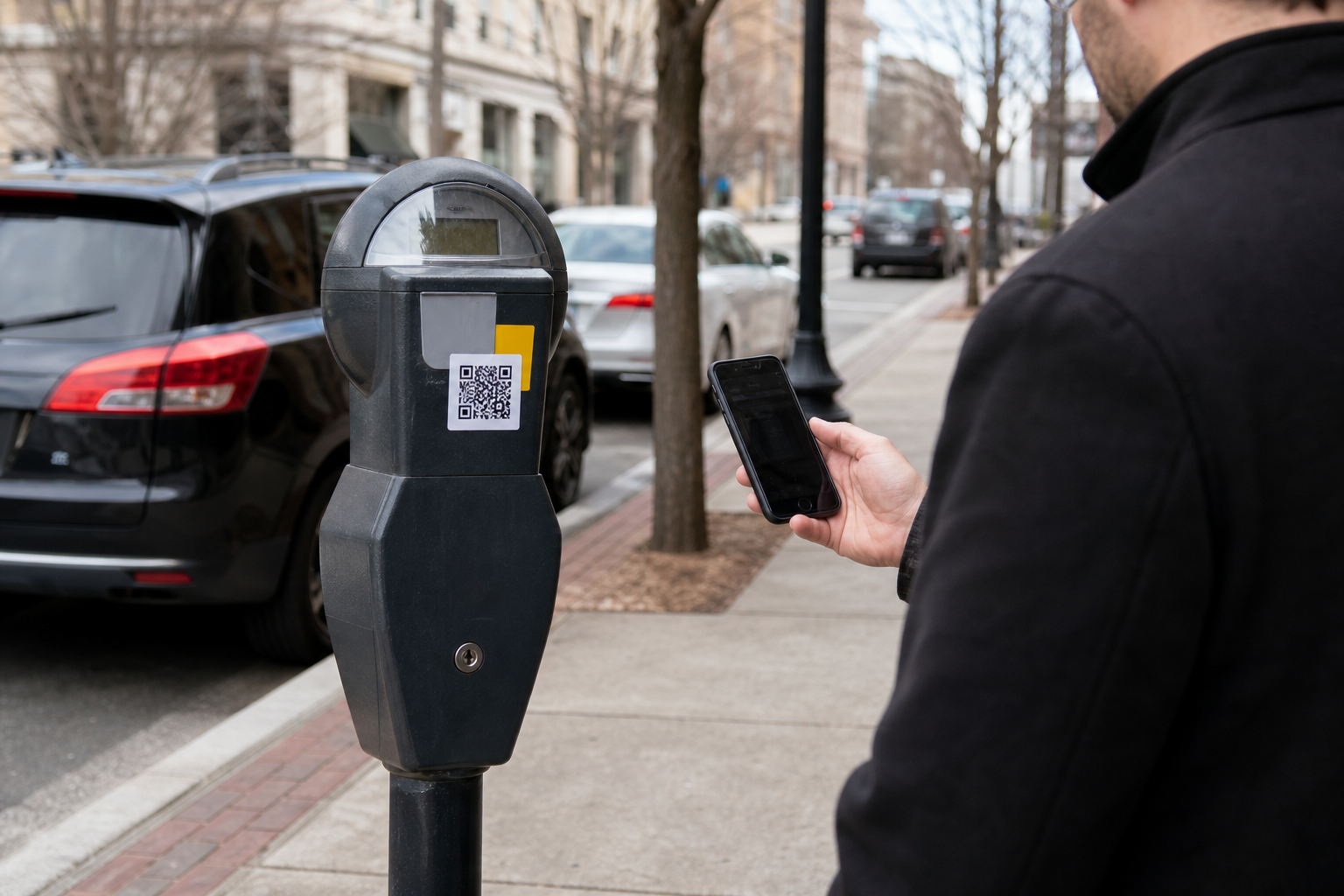
Learn how parking-meter QR code scams work, how to inspect a payment link, and what to do if you entered card or account information on a fake site.
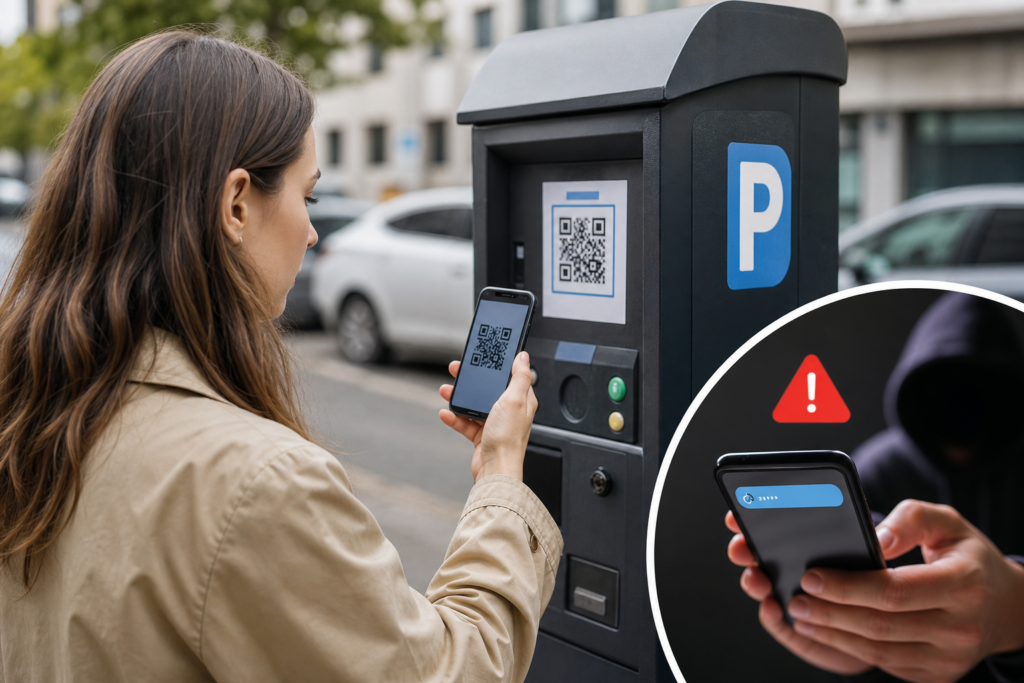
On September 3, 2026, the Federal Trade Commission warned that scammers may cover legitimate parking-meter QR codes with fake stickers. The replacement code can send you to a convincing payment page designed to steal card numbers, usernames, passwords, or other personal information. In some cases, scanning the code may also expose your phone to malware.
The safest approach is simple: don’t enter payment information just because a QR code opens a page that looks official. Pause, preview the web address, and confirm that you’re using the parking operator’s real payment channel.
Updated September 15, 2026.
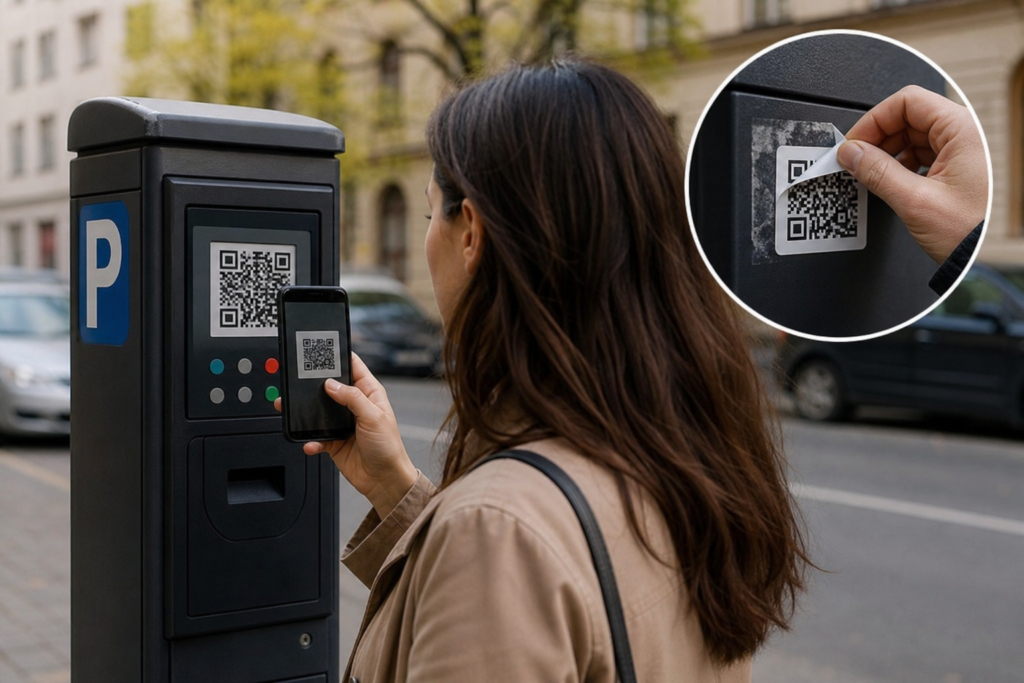
A criminal can place a sticker over the QR code already attached to a parking meter, sign, kiosk, or pay station. The fake code may use the city’s name, a familiar parking brand, official-looking colours, or a page that copies the real payment form.
After scanning, you may be asked to enter your license plate number, card details, account password, phone number, or a verification code. That information can then be used for unauthorized charges, account takeovers, identity theft, or additional phishing attempts.
This isn’t limited to parking meters. The Canadian Anti-Fraud Centre also warns that QR codes can direct people to fraudulent websites, request banking information, or potentially infect a device or network. The same warning applies to QR codes received by unexpected text messages, emails, or social-media messages.
Use this quick check before typing anything into a page opened by a QR code.
| Warning sign | Why it matters |
|---|---|
| The sticker looks loose, layered, scratched, or recently applied | It may have been placed over the original code. |
| The URL uses a misspelled or unfamiliar domain | Scammers often use lookalike addresses to imitate legitimate services. |
| The page creates urgency or threatens a penalty | Pressure makes it easier to overlook a suspicious link or request. |
| The page asks for a banking login or verification code | That information is not normally needed to pay a parking meter. |
| The location, meter number, or license plate details don’t match | The page may not be connected to the parking service at all. |
| The QR code came from an unexpected text or email | Unsolicited QR codes are a common phishing route. |
A polished design is not proof of authenticity. Phishing pages can copy real logos, fonts, payment buttons, and legal language. The web address and independent confirmation matter more than the appearance of the form.
Act quickly, but don’t panic. The sooner you contact the relevant provider, the more options you may have.
If you entered a Social Security number in the United States, use the federal identity-theft recovery process. If you provided sensitive identity information in Canada, contact the affected financial institution and report the incident through the Canadian reporting channels.
Start the federal identity-theft recovery processThe FTC’s guidance is to inspect the URL before opening it, avoid unexpected QR codes, keep your phone updated, use strong passwords and multifactor authentication, and review financial transactions after a suspected scam. If a credit or debit card was used fraudulently, contact the issuer or bank immediately and ask about reversing the transaction.
The Canadian Anti-Fraud Centre treats QR-code scams as a form of phishing and advises people to verify official websites and contact information independently. Canadians who believe they’ve been targeted should contact their financial institution, report the incident to the CAFC, and contact local police if they were victims of fraud.
The basic safety check is the same in both countries: don’t trust the QR code by itself. Verify the destination and payment operator through a separate, trusted route.
The FTC warning is an ongoing consumer-safety alert, not a notice of a single nationwide parking-system shutdown. Cities and parking operators may use different payment providers, apps, and fallback options, so the correct destination depends on the location where you parked.
If a QR sticker appears damaged, layered, or inconsistent with nearby meters, avoid scanning it and notify the parking authority. Take a photo only if it’s safe to do so, and record the street, meter number, time, and payment provider. That information can help the operator remove a fake sticker and warn other drivers.
For now, the practical status is straightforward: QR-code parking payments remain usable, but the code should be treated as an unverified link until the destination and operator match.
A. Yes, a legitimate payment page can use HTTPS, but HTTPS only encrypts the connection. It does not prove that the website belongs to the city, parking authority, or payment provider. Always inspect the domain and verify the operator independently.
A. You can, but treat it as an unverified link. Inspect the previewed URL, compare the location and meter details, and use the official parking app or website instead if the sticker looks altered or the address seems unfamiliar.
A. Close the page and don’t download anything or grant permissions. If an app or file was installed, remove it, update your phone, and run a security check. Continue watching your accounts if the page requested access or login details.
A. Contact the card issuer immediately and explain what happened. The issuer can advise whether to lock the card, replace it, dispute a charge, or monitor the account. Don’t wait for an unauthorized transaction to appear before reporting the exposure.







FDA Infant Formula Standards Proposal: What Parents Need to Know About Nutrient Changes and the Comment Deadline