Welcome to KnowHow Daily!
Practical guides, money-saving tips, tech solutions, government benefits, and useful information for everyday life.
Welcome to KnowHow Daily!
Practical guides, money-saving tips, tech solutions, government benefits, and useful information for everyday life.

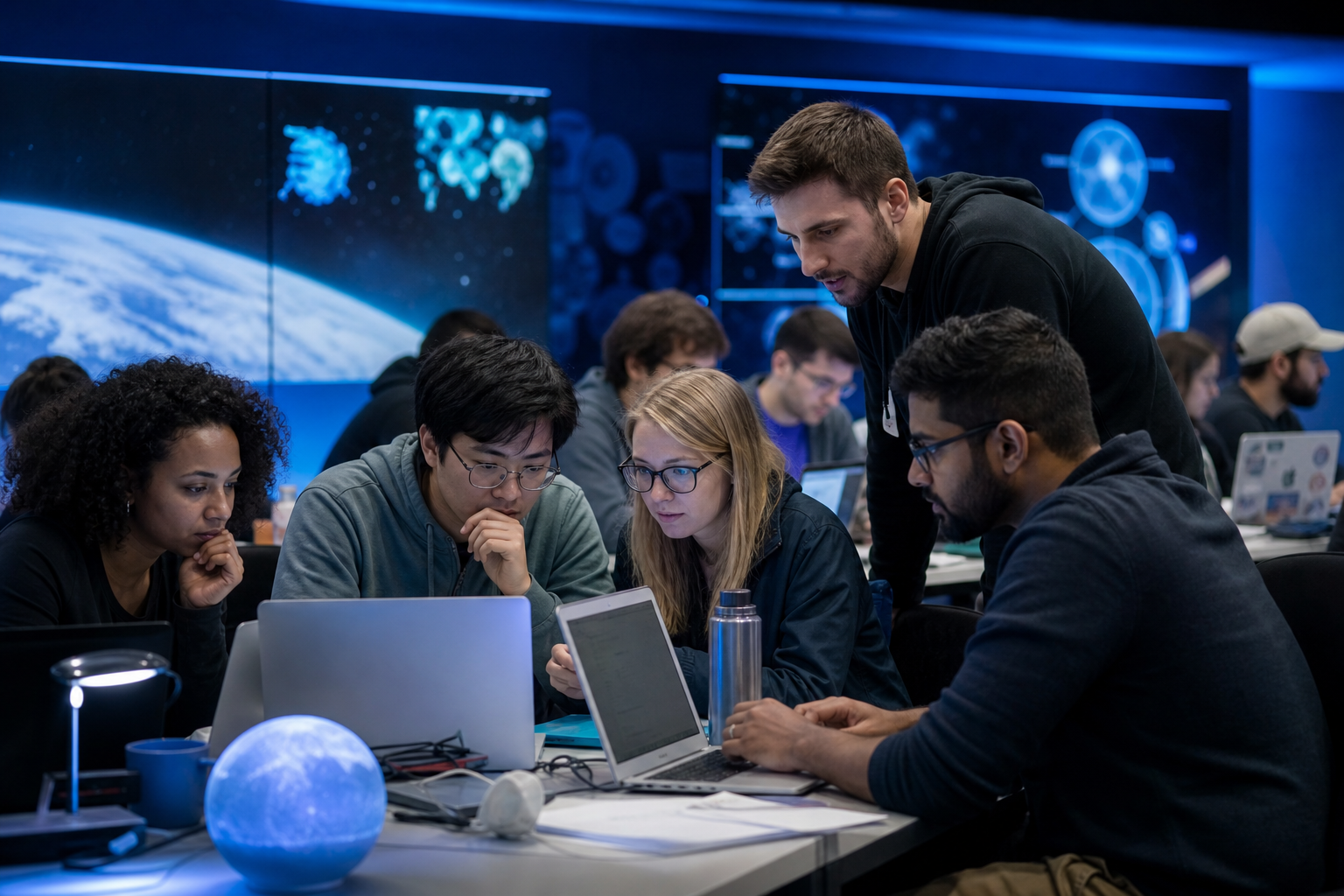
NASA Space Apps Challenge 2026 registration is open for the November 14–15 global hackathon. Learn who can join, how to register, find teammates, and prepare.
The NASA Space Apps Challenge is a global hackathon where participants use NASA data and information from partner space agencies to work on real-world problems related to Earth, science, and space exploration.
The 2026 event is scheduled for November 14–15, 2026. You can join an in-person Local Event or participate virtually through the Universal Event if there isn’t a suitable location near you. NASA Space Apps describes the event as open to people with different ages, skills, and professional backgrounds—not just experienced programmers.
Registration is currently open. The official 2026 announcement says registration remains available through the end of the hackathon on November 15. Even so, waiting until the final hours could make it harder to find a preferred location, connect with teammates, or resolve account issues.
For readers in the United States and Canada, the basic registration process is the same. The main difference is the Local Event you choose. Canadian participants may also see the Canadian Space Agency included among the event’s space-agency partners, but participation is not limited to residents of countries with a named partner.
NASA Space Apps is designed for anyone interested in space, science, technology, creativity, or problem-solving. You don’t need to work for NASA, study aerospace engineering, or already have a polished project idea.
Useful skills can include:
A balanced team can be more useful than a group made up entirely of coders. Many challenges involve explaining an idea clearly, designing a practical user experience, researching a problem, or showing why a solution could help people.
Participants under 18 must be registered by a parent or legal guardian and must be accompanied by a parent or legal guardian throughout the event. U.S. federal government civil servants are not eligible to register as participants under the published participant terms. U.S. federal contractor employees may have additional restrictions, including participating only voluntarily and outside their official contract work.
The official registration process starts on the NASA Space Apps website. Returning participants can sign in with an existing account. New participants need to create an account and verify their email address before logging in.
Open the NASA Space Apps account login and sign-up page Register for the official NASA Space Apps Challenge 2026Registration and event selection are separate from building a project. You can register before the challenge statements are released and use the time to meet potential teammates, learn the platform, and decide what skills your group needs.
A Local Event is the better fit if you want access to a city-based community, local organizers, mentors, or an in-person venue. Local Events may be hosted by universities, science organizations, technology groups, museums, or other community partners.
The Universal Event is designed for people who want to participate virtually or who cannot find a convenient Local Event. It can also be useful for participants who prefer to work with a remote team.
Before choosing, consider:
Local Event details can vary, so read the event information shown in your Space Apps account instead of assuming every location operates the same way. If your first choice changes, the official 2026 guidance says you can update your selected Local Event.
You don’t need a complete team before registering. A practical approach is to register first, then use the event community, local organizers, school or workplace networks, and online groups to find people with complementary interests.
When you talk with potential teammates, ask what they actually want to contribute. Someone who can explain science clearly may be just as valuable as someone who writes code. It also helps to agree early on how your group will make decisions, divide tasks, and keep the final presentation focused.
Before the hackathon begins, try to establish four basic roles:
One person can handle more than one role. The point is to avoid discovering halfway through the weekend that everyone is building a prototype but nobody is preparing the explanation judges need.
NASA Space Apps is a fast-moving event, so preparation should reduce avoidable problems rather than lock you into an idea before you see the official challenges.
Confirm that you can log in to your Space Apps account, access your email, use your team’s communication channel, and collaborate on shared files. If you plan to code, check your development environment before the event. If you plan to work with data, make sure you know how to download, inspect, and document datasets.
A strong hackathon project doesn’t need to be a complete commercial product. It should show that the team understands the challenge, uses relevant data or resources, and has a believable way to help a real audience.
Useful questions include:
Don’t leave the explanation until the final hour. Keep notes about the problem, your users, the data sources, the key design decisions, and what your prototype demonstrates. Screenshots, a short demo, or a clear visual flow can make an unfinished project easier to understand.
After registration, monitor the email address connected to your account and return to your Space Apps profile for event updates. Local organizers may publish schedules, venue information, communication channels, mentor details, or other instructions separately from the global website.
The 2026 challenge announcement says the event will include more than 450 Local Events, along with the Universal Event. Exact local availability and event arrangements can change, so your selected event page is the best place to confirm practical details.
Registration does not guarantee a prize or approval of a project. It gives you access to participate in the hackathon. Awards, judging instructions, challenge requirements, and project-submission details should be followed from the official 2026 materials when they are released.
The published registration window remains open through the end of November 15, 2026, but early registration is still the safer choice. It gives you time to verify your account, choose an event, form a team, and identify technical or scheduling problems.
Use only the official NASA Space Apps website for registration. Be cautious with messages asking for payment, account passwords, or sensitive personal information in exchange for a place in the hackathon. Participation is voluntary, and the event is not a NASA job application.
Your next safe step is to create or access your official Space Apps account, register for the 2026 challenge, and select the Local Event or Universal Event that fits how you plan to participate.
A. Yes. Registration is open for the November 14–15, 2026 event. The official announcement says registration remains open through the end of November 15, but registering earlier gives you more time to choose an event and organize a team.
A. No. NASA Space Apps welcomes people with different skills and backgrounds. Coding, data science, design, science, writing, research, presentation, and project-planning skills can all contribute to a team.
A. Yes. The challenge is global, and Canadian participants can select an available Canadian Local Event or join the Universal Event virtually. Local schedules and participation instructions may differ by event.
A. Yes, but the published participant terms require a parent or legal guardian to register the participant and accompany them throughout the event.
A. No. It is a voluntary hackathon and community problem-solving event. Registering does not apply for a NASA job, internship, mission, or government program.