Welcome to KnowHow Daily!
Practical guides, money-saving tips, tech solutions, government benefits, and useful information for everyday life.
Welcome to KnowHow Daily!
Practical guides, money-saving tips, tech solutions, government benefits, and useful information for everyday life.

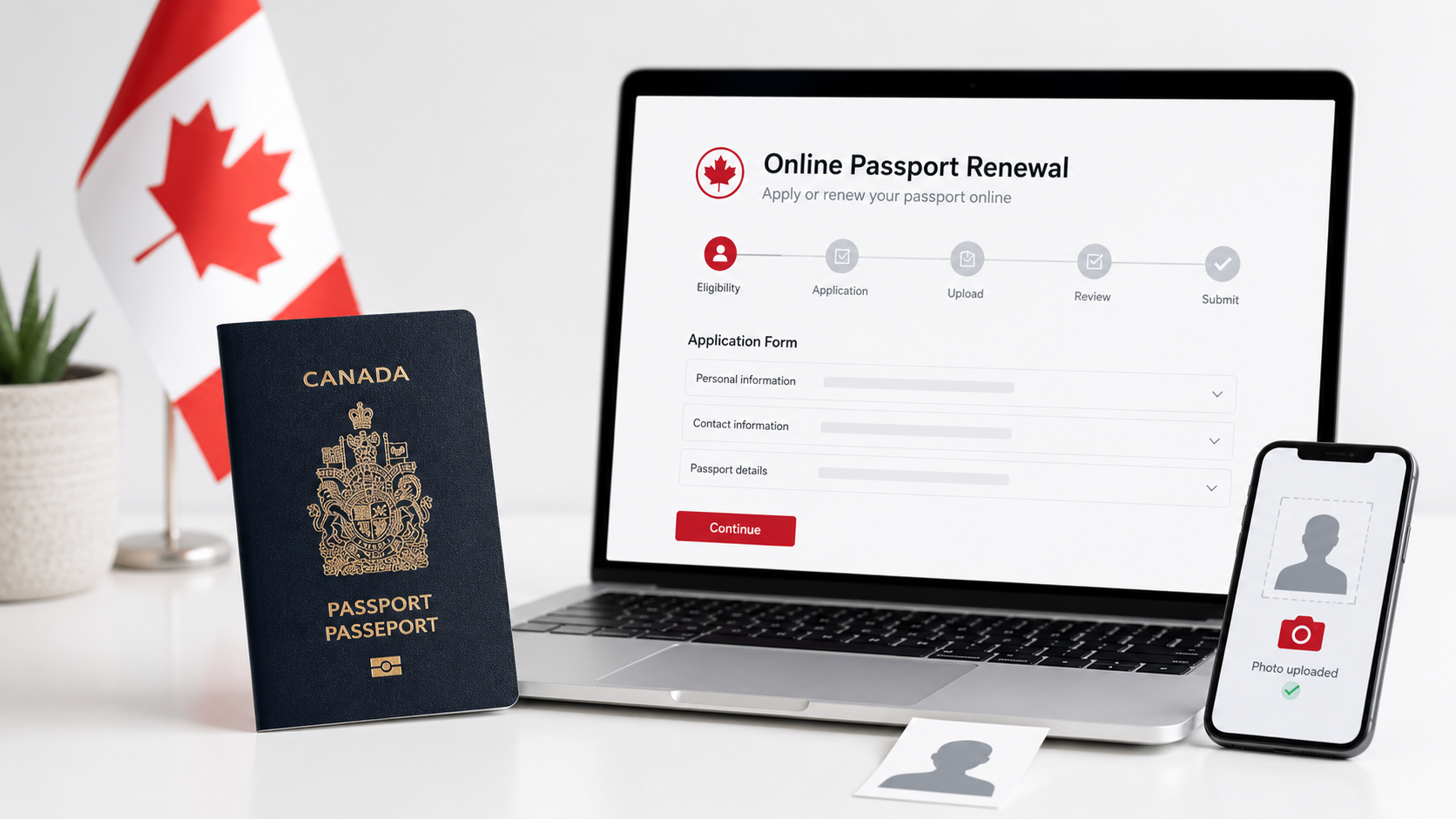
| • Canada expanded online passport renewal to all eligible adults on July 28, 2026, but the online eligibility rules are narrower than the general renewal rules. • For online renewal, your passport must expire within the next 6 months or already be expired, and you must not be travelling in the next 20 business days. • Online renewal requires a digital passport photo supplied by a commercial photographer, and your current passport is cancelled after you submit the renewal. |
Canada’s passport renewal process changed in a meaningful way in late July 2026. The federal government expanded online renewal to all eligible adults, moving the application, digital photo upload and payment into the IRCC Portal. That means many Canadians no longer need to print a renewal form or mail physical photos just to replace an expiring adult passport.
The important word is eligible. Online renewal is not simply the internet version of every passport renewal. The online service has its own screening rules, so a person who can renew in person or by mail may still be told to use a different method online. Checking the eligibility list before paying for a digital photo can save time.
For online renewal, you must have applied for your current passport at age 16 or older. The passport must be a regular blue passport that was valid for 5 or 10 years, show your place of birth and have been issued within the last 15 years. You also have to be renewing your own passport and keep the same name, date of birth, place of birth and gender identifier.
There are additional online-only conditions. Your home and mailing address must be in Canada, you need to be in Canada to receive the new passport, and the passport you are renewing must expire within the next 6 months or already be expired. If it expires more than 6 months from now, the portal says you cannot renew online yet. A damaged, seized or surrendered passport also does not qualify for the online route.
The online page says you must not be travelling in the next 20 business days. Processing can take up to 20 business days, and mailing can add extra time. If your trip is sooner, use the in-person options that match your travel date instead of submitting online and hoping the passport arrives early.
There is another practical detail that is easy to miss: once you apply online, the current passport will be cancelled. Do not plan to submit an online renewal and then use the old passport for a trip while the new one is being processed.

Canada still requires passport photos to be commercially taken. For an online renewal, the photographer provides a digital photo file that meets passport specifications. The government specifically recommends asking for both a digital copy and a printed copy, so you can switch to an in-person or mail application if the online route is not available to you.
Before uploading anything, use the official photo page rather than a generic “passport photo” app. The photo requirements are part of the application, and a rejected image can delay processing.

The government introduced a broader passport service guarantee in 2026: if an eligible application takes more than 30 business days to process, the passport or travel-document application fee may be refunded under the published rules. The online renewal page itself says processing can take up to 20 business days plus mailing time, so the guarantee should not be treated as a promised delivery date for a specific trip.
If you have travel booked, work backwards from the departure date and choose the submission method based on the official service options. The safest plan is to have the new passport in hand before making non-refundable travel arrangements that depend on it.
| Official Links • Renew a Canadian passport online Check the online eligibility rules and start through the IRCC Portal. https://www.canada.ca/en/immigration-refugees-citizenship/services/canadian-passports/renew-adult-passport/submit-form-fees/renew-online.html • Canadian passport photo requirements See the official requirements for a digital photo used in an online renewal. https://www.canada.ca/en/immigration-refugees-citizenship/services/canadian-passports/photos.html • Government of Canada announcement Read the July 2026 expansion announcement. https://www.canada.ca/en/immigration-refugees-citizenship/news/2026/07/canada-expands-online-passport-renewal-to-all-eligible-adults.html |
Q. Can I renew online if my passport does not expire for another year?
A. Not under the current online rules. The IRCC online-renewal page says the passport must expire in the next 6 months or already be expired. You may still qualify for a renewal through another submission method.
Q. Can I take the digital photo myself?
A. No. Canada says passport photos must be commercially taken. Online renewal uses a digital file supplied by a commercial photographer.
Q. Can I travel on my old passport after I submit the online renewal?
A. No. The government says the current passport will be cancelled after you apply online and will no longer be valid for travel.










FDA Infant Formula Standards Proposal: What Parents Need to Know About Nutrient Changes and the Comment Deadline