Welcome to KnowHow Daily!
Practical guides, money-saving tips, tech solutions, government benefits, and useful information for everyday life.
Welcome to KnowHow Daily!
Practical guides, money-saving tips, tech solutions, government benefits, and useful information for everyday life.

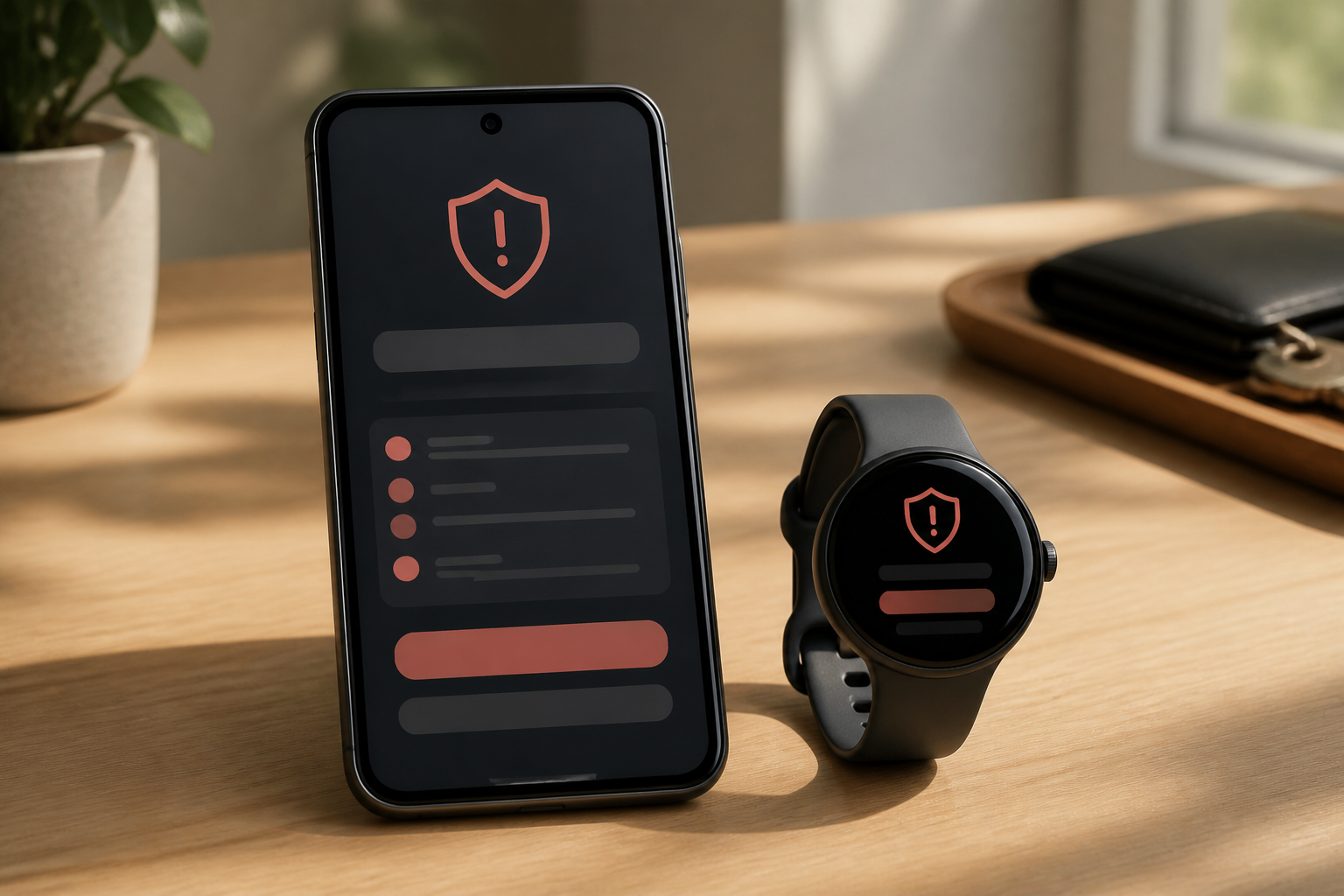
The September 2026 Pixel Drop adds Pixel VIP widgets, Gboard scam warnings, broader message scam detection, and Pixel Watch improvements. Here’s what’s available in the U.S. and Canada.
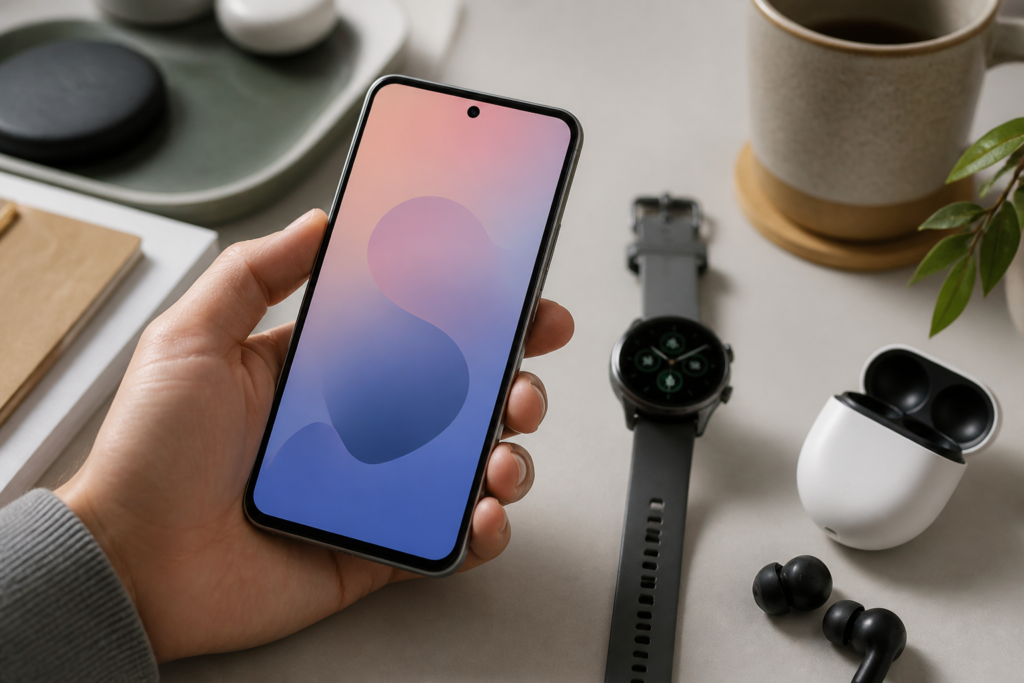
Google’s September 2026 Pixel Drop is a practical update rather than a complete redesign. The biggest changes focus on three areas: faster access to important contacts, more visible scam warnings, and new Pixel Watch controls.
The distinction to keep in mind is that the update isn’t identical on every Pixel device or in every country. Google says features can vary by model, carrier, app version, and region. Some functions are also delivered through app updates or staged rollouts instead of appearing immediately after the main system update.

The updated Pixel VIP experience is designed for people you contact often, such as family members, a caregiver, or a close friend. New home-screen widgets let you call or text a selected contact with one tap.
You can also switch between VIP contacts using a floating navigation menu near the bottom of the screen. New notification badges are meant to make incoming messages from those contacts harder to miss.
That makes the feature more useful than a standard shortcut if you regularly need quick access to several people. It’s especially practical for households where one or two contacts matter more than a long list of recent conversations.
The September update adds inline scam warnings in Gboard for users in the United States. In supported apps, Pixel can warn you while you’re composing or responding to a suspicious message. Google describes this as an additional layer of protection, not a replacement for checking the sender or link yourself.
Pixel’s chat-message Scam Detection also analyzes notifications from supported messaging apps. A suspicious notification may show a red warning icon and a “Likely scam” option. Tapping the warning can provide more details and let you mark the message as a scam or say that it isn’t one.
Google’s current support information lists the United States and Canada among the supported regions, along with Australia, France, Germany, India, Japan, Mexico, Singapore, Spain, and the United Kingdom. Supported languages include English, French, German, Spanish, Portuguese, Japanese, Arabic, and Indonesian. The exact experience can still vary by phone, app, language, and software version.
For U.S. users, the warning may appear in the notification panel, under the suspicious message while using the keyboard, or in both places. Canadian users should expect broader notification-based protection, but the inline Gboard warning is specifically described for the United States.
Review the official Pixel scam detection settingsScam Detection looks for patterns associated with suspicious messages, such as requests for personal information or links that appear deceptive. It can give you a useful pause before you tap, reply, or share sensitive details.
It can’t guarantee that a message is safe or dangerous. Google says the feature may miss scams, and scammers regularly change their wording and methods. A warning is a reason to stop and verify—not proof that every unflagged message is legitimate.
If a message claims to be from your bank, delivery company, government agency, or mobile carrier, open that organization’s official app or type its known website address yourself. Don’t use the phone number or link supplied in the suspicious message.
Pixel updates roll out gradually, so two compatible phones may receive the September features at different times. Carrier and device differences can delay availability by several days or weeks.
On your Pixel phone, open Settings, tap System, then Software update. If the update is ready, follow the instructions on screen. Google recommends connecting to Wi-Fi and charging the phone before installing a large update.
After updating, also check the Google Play Store for updates to Gboard, Phone by Google, Google Messages, and any messaging apps you use. Scam warnings may depend on those apps being current.
Learn how to update Android apps Check the official Pixel software update instructionsPixel Watch users receive improvements to Raise to Talk and additional integrations for one-handed gestures. Google’s September update information identifies Pixel Watch 2, Pixel Watch 3, and Pixel Watch 4 as eligible devices.
On supported newer models, gestures can do more than move through basic watch controls. Google’s update notes include actions such as opening At a Glance or the notification center from the watch face, scrolling through Gemini responses, moving through Wallet cards, reviewing workout metrics, switching Google Maps views, and controlling the Recorder app. A wrist-turn gesture can also work as a universal back action.
Not every gesture is available on every watch. The update notes specify that the expanded one-handed gesture features are available on Pixel Watch 3 and newer, while Raise to Talk improvements are available on Pixel Watch 4 and newer.
To check manually, swipe down on the watch, open Settings, choose System, and tap System updates. Keep the watch on its charger, make sure it has at least 50% battery, and connect it to Wi-Fi before installing.
Update your Pixel Watch through Google’s official help page| Feature | United States | Canada |
|---|---|---|
| Pixel VIP home-screen updates | Rolling out on eligible Pixel devices | Rolling out on eligible Pixel devices |
| Scam warnings in Gboard | Available for supported devices, apps, and languages | Google’s current description does not specifically promise the inline keyboard warning |
| Scam Detection for chat notifications | Supported | Supported |
| Pixel Watch improvements | Eligible Pixel Watch models | Eligible Pixel Watch models, subject to rollout and regional availability |
The safest assumption is that your phone may receive the security and system update before every advertised feature becomes visible. If a feature is missing, update the related Google app, confirm your language and region settings, and check again later.
The practical benefit of this Pixel Drop is better timing: important contacts are easier to reach, suspicious messages can receive an extra warning before you act, and compatible watches can handle more tasks without repeated taps. The protection is useful, but careful verification remains the most reliable defense against scams.
A. No. Scam Detection can identify suspicious patterns in supported message notifications, but it may miss scams and can sometimes be mistaken. Verify unexpected requests through an official app or independently typed website address.
A. Google specifically describes the inline Gboard warning for users in the United States. Canada is listed as a supported region for chat-message Scam Detection, but the exact keyboard warning should not be assumed to be available there.
A. Google’s September update information lists Pixel Watch 2, Pixel Watch 3, and Pixel Watch 4 as eligible for the update. Expanded one-handed gesture integrations are limited to Pixel Watch 3 and newer, while Raise to Talk improvements are for Pixel Watch 4 and newer.
A. Pixel updates roll out in phases and can depend on your phone model, carrier, app version, and region. Check Settings > System > Software update, install pending Google app updates, and check again later if the feature has been announced for your device.