Welcome to KnowHow Daily!
Practical guides, money-saving tips, tech solutions, government benefits, and useful information for everyday life.
Welcome to KnowHow Daily!
Practical guides, money-saving tips, tech solutions, government benefits, and useful information for everyday life.

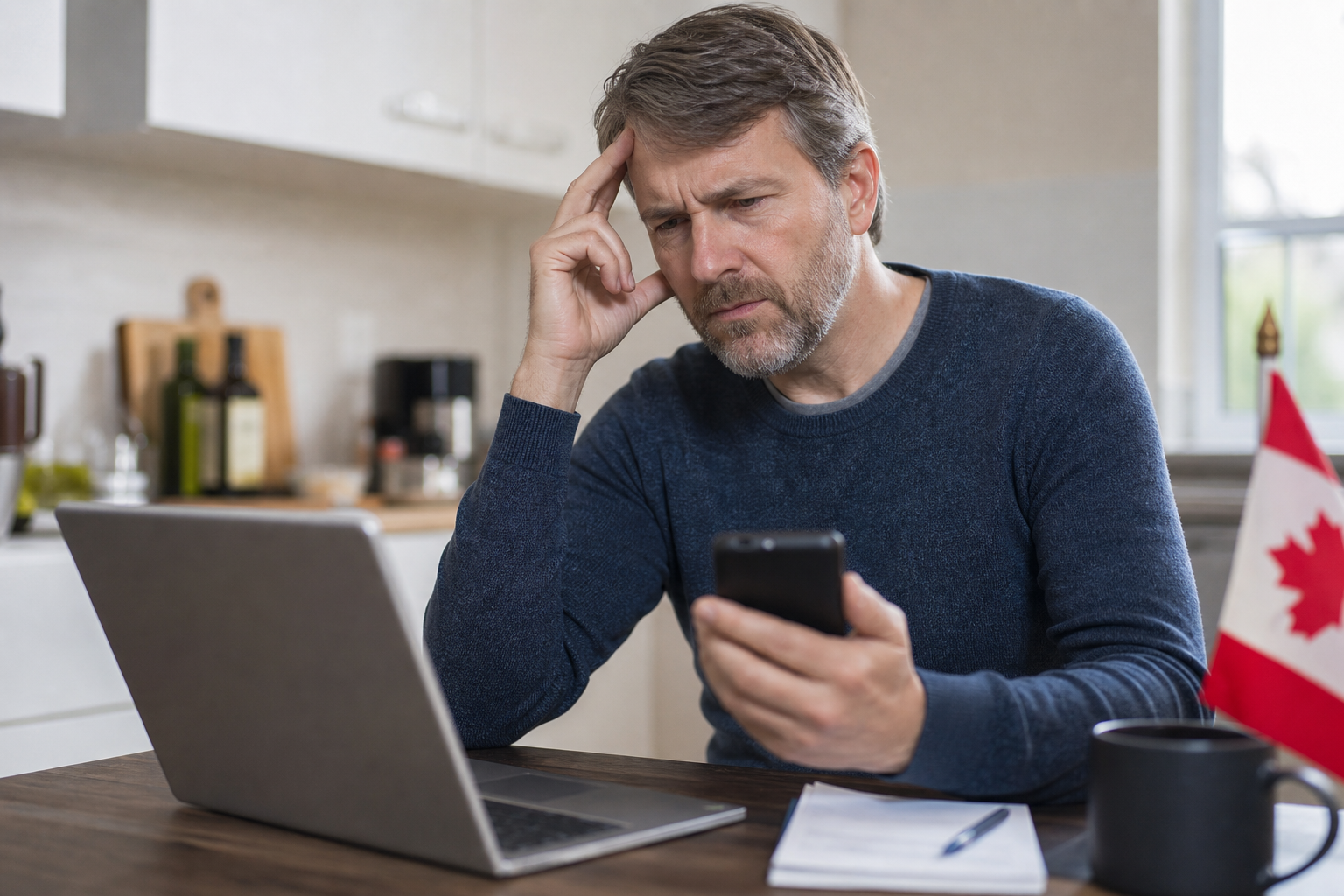
CRA My Account locked? Learn when you can wait, register again, use document verification, or call the CRA after MFA, security-question, or security-code failures.
Stop trying random passwords, security answers, or one-time codes. The correct recovery route depends on what failed: your CRA user ID or password, a multi-factor authentication (MFA) code, security questions, a CRA security code, or document verification.
The CRA says a My Account can become locked after too many incorrect attempts involving any of those checks. In many cases, you can regain access online by going through the registration process again. However, that option is not available when the CRA has locked the account for security or another specific reason.
Use the official lockout guidance before trying again:
Open the official CRA locked-account help page
| What failed? | What usually happens | Best next step |
|---|---|---|
| CRA user ID, password, or security questions | You may be able to create new sign-in information. | Register again, using an MFA option already linked to the account. |
| One-time MFA passcode | The lockout is temporary for 30 minutes. After three such lockouts, it can become permanent. | Wait, then use another enrolled MFA method. Contact the CRA if the permanent lockout occurs. |
| CRA security code | Too many incorrect entries can lock the verification step. | Try document verification if available, or request help from the CRA. |
| Document verification | Your identity check may not complete. | Review the document requirements and try again if offered. Contact the CRA if you cannot complete verification. |
| CRA security lock or suspected compromise | Registering again will not restore access. | Contact the CRA and report suspicious activity if anything changed without your permission. |
Have your Social Insurance Number, full name, date of birth, current address, and a recent CRA tax document nearby. The CRA may also ask for information from an assessed return, notice of assessment, reassessment, or another tax document to confirm your identity.
Do not send your SIN, tax return, or security codes by email. The CRA also warns that it will not call and ask for your MFA one-time passcode. Only enter codes on an official Government of Canada page or provide information during a call that you initiated using an official CRA phone number.
If you suspect someone accessed your account, changed your address or direct-deposit details, or altered information without your permission, stop the normal recovery process and contact the CRA about a possible security incident.
Report suspicious CRA account activity
If you entered the wrong one-time MFA passcode too many times, the CRA temporarily locks access for 30 minutes. Do not keep guessing during that period. Once the 30 minutes has passed, try again with the correct code or choose another MFA option already enrolled on your account.
Depending on what you previously set up, that may include a phone call, text message, passcode grid, or third-party authenticator app. If a text message does not arrive, the CRA says you can request another code, send it to a different enrolled phone number, use the “Call me” option, or switch to an authenticator app or passcode grid that is already configured.
After three MFA lockouts, the account can become permanently locked. At that point, waiting longer will not solve the problem, and you need to contact the CRA.
Check official CRA MFA recovery instructions
If you forgot your CRA user ID, password, or security-question answers, you may be able to regain access by starting the CRA account registration process again. This is also an option when your online-banking credentials changed, provided you can still use an existing MFA option connected to the account.
Use the same personal information the CRA has on file and complete the identity-verification steps. You may be asked to create a new credential, such as a new CRA user ID and password or a new sign-in method.
Be aware of the consequence: previous CRA user IDs, passwords, and Sign-In Partners linked to the account are removed when you regain access this way. Provincial partner credentials are not removed. If you do not want to replace your existing CRA credential, use the separate recovery instructions for a forgotten user ID or password instead.
This route will not work if the CRA has locked your account for security or another reason that blocks re-registration. It also will not work if you have lost access to every MFA option previously enrolled.
Start the official CRA account registration process
The CRA security code is different from the MFA passcode. The security code is used to complete identity verification during registration and unlock full access to CRA services.
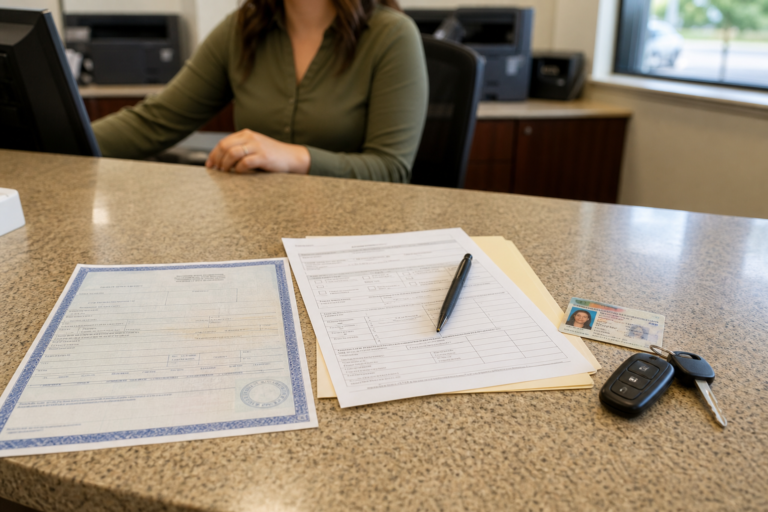
If you entered the CRA security code incorrectly too many times, you may be offered the document verification service. This uses a mobile device to take a real-time picture of yourself and an accepted government-issued photo ID. Use a clear document image with no fingers, shadows, glare, or other obstruction.
Document verification can provide full access immediately when it succeeds. If you cannot use it, you can request another CRA security code by mail or contact the CRA for assistance. The CRA says mailed security codes are sent to the physical address on file and normally arrive within 10 business days. The address must match the CRA’s records, and the code must be used before its expiry date.
If your address has changed, or the postal code you enter does not match the CRA’s records, the online process may stop. In that situation, calling the CRA is usually necessary to update the information and continue identity verification.
Open the official CRA identity-verification page
If you changed your phone number but still have a passcode grid or authenticator app, use that alternative method to sign in. Once inside the account, go to Security settings, then Multi-factor authentication, and update your phone number or add another MFA option.
If the old phone was your only MFA method, you cannot normally replace it from outside the account. The CRA requires access to an existing MFA option when you use the online registration process to regain access. If you no longer have one, contact the CRA.
For future protection, enroll in more than one MFA option. A backup authenticator app or passcode grid can prevent a lost phone or changed number from turning into a full lockout.
Call the CRA if any of these situations apply:
For individual tax and benefit account access, the CRA lists 1-800-959-8281. Have the error message or code available, along with your tax documents. When prompted, select the option for online services.
Contact the CRA about a locked account
The CRA may use additional authentication during the call. Never give an unsolicited caller your MFA passcode. If you need accessibility support or cannot use the regular phone process, use the contact page to find the appropriate official option.
Review your personal information, mailing address, direct-deposit details, notification settings, and security options. If anything looks unfamiliar, do not assume it is a display error—contact the CRA and report the suspected security incident.
Before leaving the account, add a backup MFA method, save your passcode grid securely if you use one, and make sure your phone number is current. These small steps can make the next recovery much simpler.
A. Only in the temporary MFA situation. After too many incorrect MFA codes, the CRA normally applies a 30-minute lockout. After three MFA lockouts, the account can become permanently locked and you must contact the CRA.
A. No. The CRA’s recovery process creates new sign-in information for the existing account. However, previous CRA user IDs, passwords, and linked Sign-In Partners may be removed. Your tax records are not described as being deleted by this process.
A. You may be able to use a passcode grid or authenticator app if one is already enrolled. If the lost phone was your only MFA option, the CRA says you need to contact it because online recovery requires access to an existing MFA method.
A. An MFA code is the one-time passcode required when you sign in. A CRA security code is used during identity verification and registration. They are separate checks, so solving one type of lockout does not automatically solve the other.