Welcome to KnowHow Daily!
Practical guides, money-saving tips, tech solutions, government benefits, and useful information for everyday life.
Welcome to KnowHow Daily!
Practical guides, money-saving tips, tech solutions, government benefits, and useful information for everyday life.

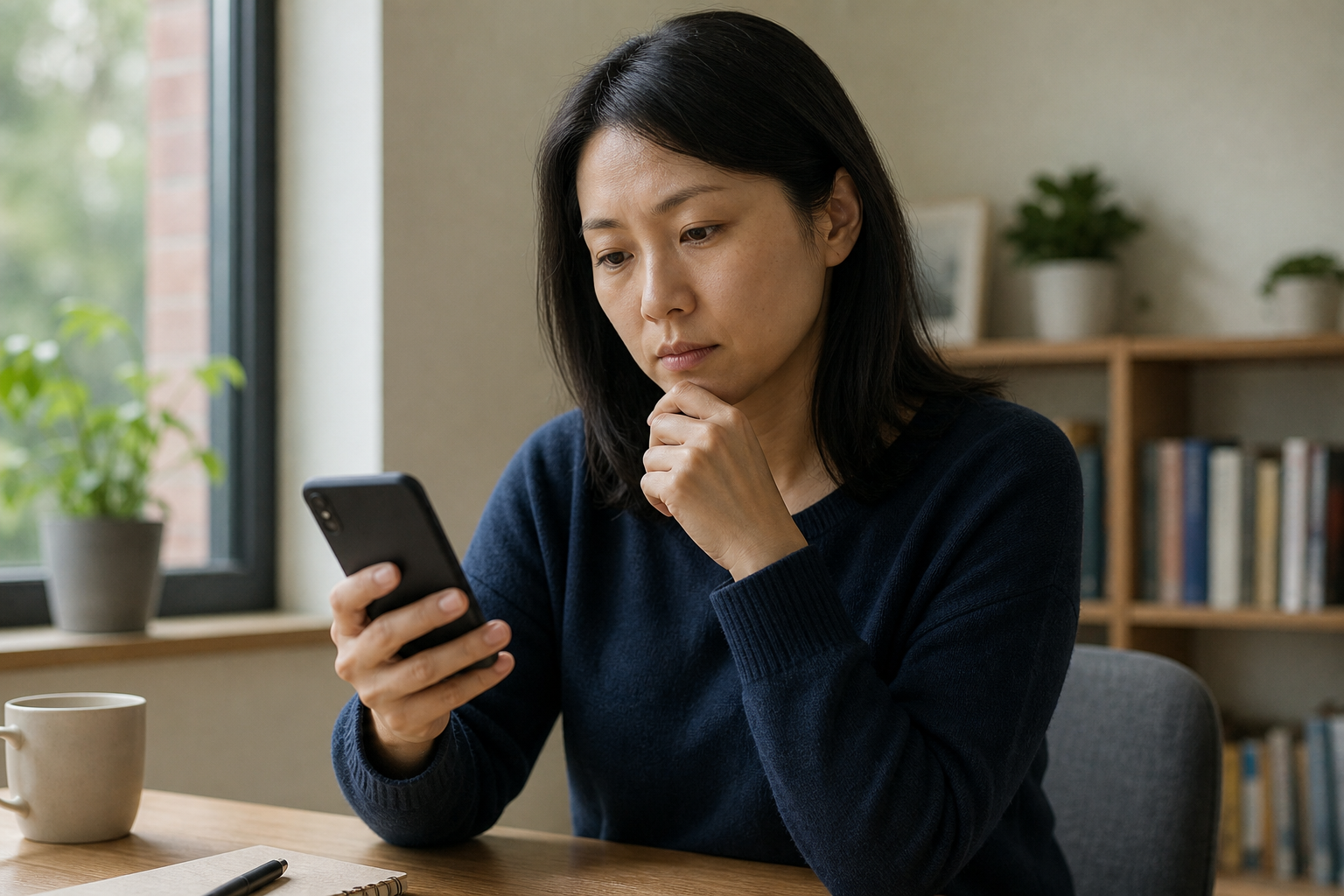
Learn how to check your iPhone or Android for possible stalkerware without creating extra risk, losing evidence, or alerting someone monitoring you.
Stalkerware is software or a hidden device setup that can let another person see your location, messages, calls, photos, browsing activity, or other phone data. The signs can overlap with ordinary battery, network, or software problems, so a slow phone by itself does not prove surveillance.
The risk is different when a partner, ex-partner, family member, or stalker may be involved. Opening settings, changing passwords, removing an app, or suddenly stopping location sharing could alert that person. If you feel unsafe, do not investigate from the phone you’re worried about.
Use a friend’s phone, a library computer, a workplace device, or another device the person cannot access. If you are in immediate danger in the United States or Canada, call 911. In the U.S., the National Domestic Violence Hotline offers phone, chat, and text support. In Canada, Canada.ca lists provincial and territorial crisis services.
Decide what you need most right now: immediate safety, evidence preservation, account protection, or a clean replacement phone. You may not be able to do all four at once without increasing risk.
A domestic violence or stalking advocate can help you create a technology safety plan and decide whether checking or changing the device is safe. Stalkerware is not the only explanation: someone may have access to your Apple or Google account, phone carrier account, location-sharing settings, or the phone itself.
Only perform these checks if you believe the action will not put you at greater risk. If the suspected person regularly handles your phone or knows your passcode, pause and use a safer device or advocate instead.
Possible warning signs include unusually fast battery drain, unexpected data use, overheating, unexplained restarts, or settings that changed without you doing it. More meaningful is a pattern of someone knowing your exact location, private conversations, messages, or browsing activity when they should not.
Also ask whether the person has had unsupervised physical access to your phone, knows your passcode, is listed on your phone plan, or can sign in to your Apple or Google account. These details can explain monitoring without a hidden app.
From a device the suspected person cannot access, review recent sign-ins and connected devices.
Review devices signed in to your Apple AccountChanging passwords from a monitored phone may expose the new password. If possible, change them from a safer device, use unique passwords, and turn on multifactor authentication that the other person cannot control.
Take a Google Account Security Checkup Review Google Account devices and recent sign-ins
Android menus vary by manufacturer and software version, so the exact names may differ on Samsung, Google Pixel, Motorola, and other phones. Avoid uninstalling anything suspicious until you have considered safety and evidence.
Open the Google Play Store, tap your profile picture, choose Play Protect, and run a scan. In Play Protect settings, confirm that Scan apps with Play Protect is on. Google says Play Protect checks apps from Google Play and can also check potentially harmful apps installed from other sources.
A clean scan does not prove that the phone is safe. It may not identify account sharing, location sharing, a carrier-account problem, commercial monitoring tools that evade detection, or every type of unwanted software.
Run Google Play Protect on an Android phoneOpen Settings and review Apps or Apps & notifications. Look for apps you do not recognize, apps with generic names, or apps installed around the time the behavior began. Do not assume an unfamiliar app is malicious; some legitimate system or accessibility tools have technical names.
Pay special attention to apps with access to location, microphone, camera, messages, notifications, accessibility services, device administration, or a VPN. On many Android phones, permission controls are under Settings > Privacy > Permission manager, while accessibility and device-management controls may be in separate settings.
Review Android app permissionsIf an app has unusually broad access, document its name and settings before changing anything. Ask an advocate or qualified technician whether removing it is safe.
Most invasive iPhone stalkerware requires the device to be jailbroken or relies on access to an Apple Account, shared location, synced computer, or another service. An iPhone that behaves normally is not proof that nobody can access your information.
On an iPhone running iOS 16 or later, open Settings > Privacy & Security > Safety Check. You can choose Manage Sharing & Access to review people, apps, connected devices, and account-security details, or use Emergency Reset to stop sharing quickly.
Safety Check may not cover non-Apple accounts, social-media sharing, or every device signed in elsewhere. Review the results carefully, and remember that stopping sharing may be visible to the other person or may affect shared housing, transportation, caregiving, or emergency arrangements.
Use Safety Check on an iPhoneOpen the Find My app and review the People tab. Also check location sharing inside Messages, Maps, social apps, family-safety apps, and any shared Apple family or home setup. A person with access to your Apple Account may be able to see more than someone listed as a Find My contact.
Do not turn off every location feature automatically if that could make you less safe or remove a tool you rely on. An advocate can help you choose targeted changes instead.
Review Find My location sharingUse the result of each check to narrow the possibilities:
| What you find | What it may suggest | Safer next step |
|---|---|---|
| An unfamiliar account device or login | Someone may have your password or account access | Plan a password change and multifactor authentication from a safer device |
| Unexpected location sharing | Find My, Google, an app, or a carrier feature may be involved | Document the setting and ask for help before disabling it |
| An unfamiliar app with powerful access | Possible unwanted monitoring, but also possibly a legitimate system tool | Record details and consult an advocate or technician before deleting it |
| Rooted or jailbroken device | Security protections may have been bypassed | Preserve evidence and arrange professional help before resetting |
| No clear phone evidence | Monitoring may involve accounts, the carrier, another device, or information shared by someone else | Review cloud, email, social, and carrier accounts from a safer device |
Do not rely on a single “spyware detector” app or online test as a definitive answer. Commercial stalkerware is designed to hide, and many phone problems have ordinary causes.
A full factory reset can remove unwanted apps, but it erases data and may destroy evidence. It also does not fix a compromised Apple, Google, email, or carrier account. If you reset the phone, change important account passwords from a safer device first when possible, install system updates, and set it up as new rather than restoring every app from an old backup.
A new phone with a new account or a phone account the suspected person cannot access may be safer in some situations. An advocate can help you plan the change without losing access to transportation, work, health care, banking, or emergency contacts.
Get help before making major changes if the person has threatened you, has a history of violence, knows private details that should be inaccessible, has access to your accounts, or may retaliate when access disappears. Preserve relevant screenshots, login alerts, messages, dates, and names somewhere the suspected person cannot reach—but do not create a record if doing so increases danger.
For technical help, use the phone manufacturer’s official support service or a reputable technician who understands domestic-violence technology safety. Tell them you are concerned about surveillance and ask how they will protect evidence and privacy. If you are in immediate danger, prioritize emergency help over diagnosing the phone.
A. No. Battery drain, overheating, unusual data use, and restarts can have many ordinary causes. They become more concerning when combined with unexplained knowledge of your location or private activity, physical access to the phone, or unfamiliar account and app changes.
A. Not necessarily. Monitoring may come from an Apple or Google account, location-sharing feature, carrier account, synced computer, another device, or a hidden configuration. Deleting an app can also alert the person and destroy evidence, so consider speaking with an advocate first.
A. No. iPhone security can limit some forms of invasive software, but account access, shared location, synced devices, physical access, and jailbreaking can still create privacy risks. Safety Check on iOS 16 or later can help review several sharing and access settings.
A. Usually not if you may need evidence or if the suspected person could react to the change. A reset may remove unwanted apps but will not automatically secure compromised online accounts. Plan the reset or replacement with an advocate or qualified technician when possible.
A. Stop using that phone for research or support calls and use a safer device if available. Contact a domestic violence or stalking advocate, explain that technology monitoring may be involved, and ask for a safety plan before changing settings or accounts.