Welcome to KnowHow Daily!
Practical guides, money-saving tips, tech solutions, government benefits, and useful information for everyday life.
Welcome to KnowHow Daily!
Practical guides, money-saving tips, tech solutions, government benefits, and useful information for everyday life.

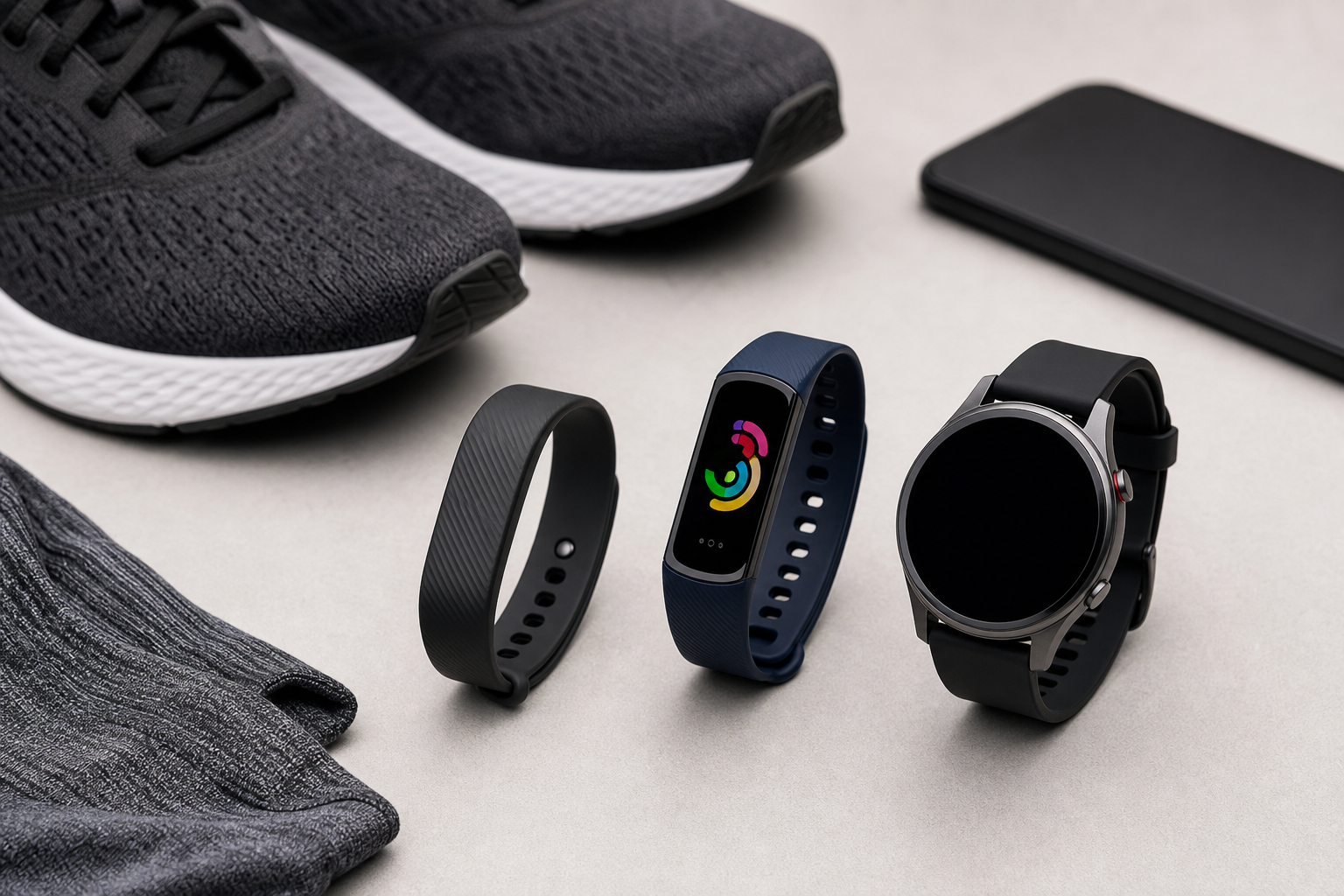
Compare Google Fitbit Air, Fitbit Charge 6, and Pixel Watch 5 to find the right tracker for sleep, fitness, battery life, notifications, and Google Health coaching.
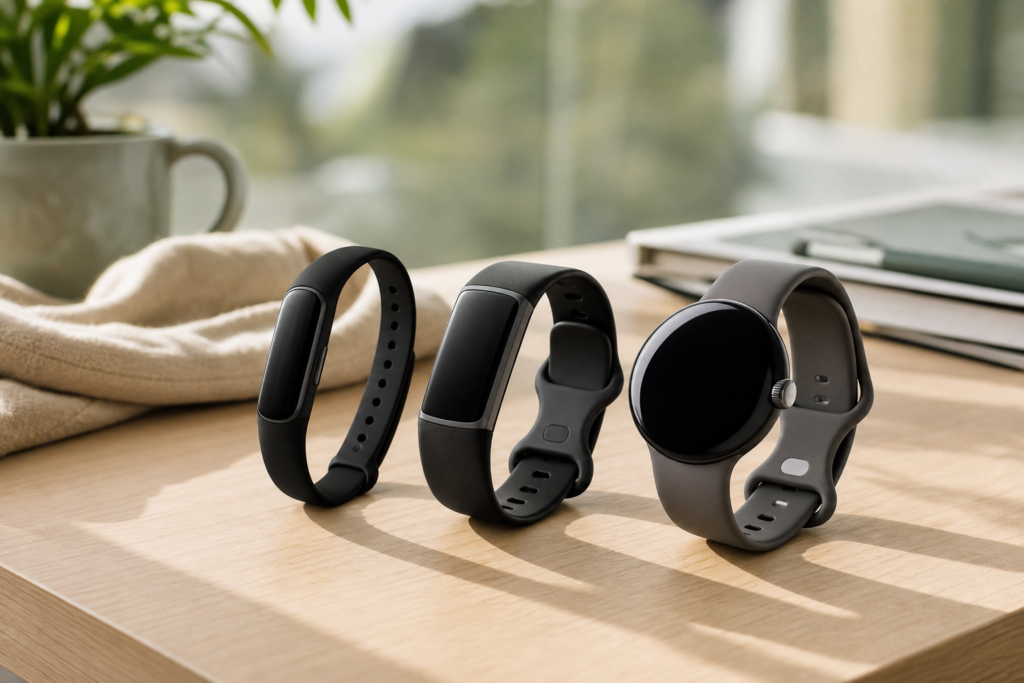
The best Fitbit-style tracker depends on how much device you want to wear. Choose the Google Fitbit Air if you mainly want quiet, screen-free tracking for sleep, steps, heart rate, and daily health trends. Choose the Fitbit Charge 6 if you want a traditional fitness band with a screen, built-in GPS, workout controls, and a longer-lasting battery. Choose the Google Pixel Watch 5 if you want health tracking alongside notifications, apps, calls, navigation, safety tools, and a more complete smartwatch experience.
These recommendations are based on current manufacturer specifications and Google Health documentation, not hands-on testing. Prices and availability can change, so check the exact configuration before ordering.
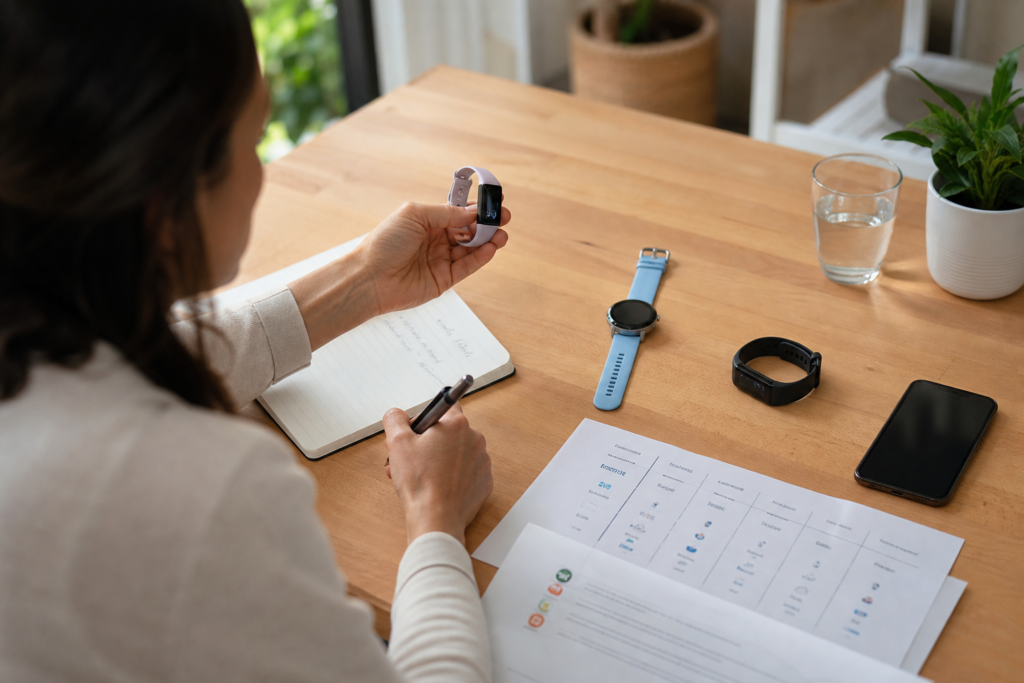
The comparison focuses on the differences that usually matter after the novelty wears off: whether the device has a screen, how it handles GPS, how often it needs charging, what phone it requires, whether it supports notifications and apps, and how much of the Google Health experience depends on a paid Premium membership.
All three devices can feed activity, sleep, heart-rate, and other wellness information into Google Health. That does not make them interchangeable. A screenless tracker encourages you to check your phone later, a fitness band gives you useful information on your wrist, and a smartwatch can become an extension of your phone.
| Device | Best fit | Screen | GPS | Battery rating | Phone requirements |
|---|---|---|---|---|---|
| Google Fitbit Air | Quiet, lightweight health and sleep tracking | No display; status light | Connected phone GPS | Up to 7 days | Android 11 or newer; iOS 16.4 or newer |
| Fitbit Charge 6 | Fitness tracking with a compact display | AMOLED | Built-in GPS, plus connected GPS | Up to 7 days | Android 11 or newer; iOS 16.4 or newer |
| Pixel Watch 5 | Smartwatch features and advanced health tools | AMOLED, 41mm or 45mm | Built-in GPS | Up to 40 hours for the 45mm model | Compatible Android phone running Android 12 or newer |
Battery figures are manufacturer estimates rather than guarantees. Always-on display, GPS, LTE, SpO2 tracking, workouts, notifications, and environmental conditions can reduce real-world battery life.
Google Fitbit Air is the most focused option in this group. It has no conventional display, so it does not constantly invite you to check steps, notifications, or workout statistics. Instead, it tracks information in the background and sends it to the Google Health app on your phone.
That design makes the Air a strong choice for people who find smartwatch notifications distracting or who want something light enough to wear overnight. Google lists continuous tracking for metrics such as heart rate, steps, distance, calories, Active Zone Minutes, sleep, heart-rate variability, breathing rate, blood oxygen, and skin-temperature variation. The device is rated for up to seven days of battery life and is water resistant to 50 metres.
The trade-off is clear: you need your phone for detailed information, and the Air uses connected phone GPS rather than built-in GPS. If you want to record a run without carrying a phone, this is not the right model. It also cannot show incoming messages, directions, or workout data on your wrist.
Buy the Air if: you care most about comfort, sleep, simple tracking, and fewer digital interruptions. Choose Charge 6 instead if you want a display or independent GPS.
View the official Google Fitbit Air product page
The Charge 6 is the middle ground. It keeps the slim band format and Fitbit-focused health tools, but adds an AMOLED display, built-in GPS, NFC, exercise controls, and access to selected Google features. You can see time, heart rate, steps, workout information, and notifications without reaching for your phone.
Its built-in GPS is the key difference from Fitbit Air. The Charge 6 can record outdoor routes without relying entirely on your phone, although GPS use will affect battery life. It also supports heart-rate sharing with compatible exercise equipment and apps, including selected Peloton, Strava, Wahoo, Zwift, and other platforms.
Google rates the Charge 6 for up to seven days of battery life, but always-on display and SpO2 features require more frequent charging. The tracker is water resistant to 50 metres, though it is not waterproof in the permanent, damage-proof sense used by some shoppers.
The Charge 6 is a better value than a smartwatch if you mainly want fitness, sleep, and health tracking. Its limitations are just as practical: the screen is small, app support is limited compared with Wear OS, and it is not designed to replace your phone for calls or a broad range of smartwatch tasks.
Buy the Charge 6 if: you want a screen, built-in GPS, and long battery life without moving to a full smartwatch. Choose Pixel Watch 5 instead if notifications, apps, calls, safety features, or richer on-device workout guidance matter more than charging frequency.
View the official Fitbit Charge 6 product page
Pixel Watch 5 is the most capable device here, but it is also the one that asks the most from you. It requires a compatible Android phone, and its smartwatch features mean more charging than either Fitbit band. The 45mm version is rated for up to 40 hours, while features such as GPS, LTE, and always-on display can shorten that figure.
In return, you get a full AMOLED display, built-in GPS, calls and messages with the appropriate connection, Google Wallet, apps, safety features, and access to Google Health and Fitbit-related tracking. The watch is available in 41mm and 45mm sizes. The larger model makes information easier to read, while the smaller model may suit narrower wrists or people who prefer a lighter watch.
Google positions Pixel Watch 5 as its most comprehensive health and wellness device. Features include sleep tracking, heart-rate monitoring, ECG and irregular-rhythm tools where available, readiness information, workout tracking, and new Google Health features. Some advanced capabilities are region-dependent or scheduled for later availability, so do not treat every advertised health feature as universally active in Canada and the United States.
Google Health Premium is another factor. Basic tracking is available with the paired device, but personalized coaching, adaptive fitness plans, detailed sleep coaching, proactive insights, and other premium tools depend on the membership terms shown in Google Health. Treat the subscription as part of the long-term cost if coaching is a major reason for buying.
Review or manage Google Health Premium
Buy Pixel Watch 5 if: you want one device for health tracking, notifications, apps, safety, and everyday smartwatch use. Choose Charge 6 instead if you would rather charge once a week and do not need a full smartwatch.
View the official Google Pixel Watch 5 product page
Google Fitbit Air and Charge 6 support Android and iPhone requirements listed by Google Health. Pixel Watch 5 is an Android-only product and requires a compatible phone running Android 12 or newer. If you use an iPhone, the two Fitbit-branded options are the practical choices in this comparison.
For walks, runs, and bike rides where your phone is usually with you, connected GPS may be enough. If you want to leave your phone behind, Charge 6 or Pixel Watch 5 is the safer choice. Pixel Watch 5 has built-in GPS, while Fitbit Air relies on the phone’s location sensors.
Air and Charge 6 are better suited to people who want to wear a tracker for several days between charges. Pixel Watch 5 offers more features but has smartwatch-style battery demands. Sleep tracking is only useful if you actually wear the device overnight, so battery convenience can matter more than a long feature list.
Do not assume every Google Health insight requires Premium, but do not assume every coaching feature is included either. Review the current membership terms before buying, especially if personalized plans, detailed sleep guidance, or Gemini-based coaching are central to your decision.
Confirm the country-specific Google Store page, exact size and connectivity configuration, phone compatibility, return policy, warranty terms, and current price. In the United States, the listed starting prices are US$99.99 for Google Fitbit Air, US$159.95 for Charge 6, and US$399.99 for Pixel Watch 5. In Canada, the listed starting prices are CA$129.99, CA$219.95, and CA$549.99 respectively. Prices, promotions, and stock can change.
Check warranty coverage and eligibility
Review the Google Store return policy
For Pixel Watch 5, check whether you want Bluetooth/Wi-Fi or 4G LTE and whether your carrier supports the watch. LTE service can add a recurring carrier charge. For Fitbit Air, confirm that your phone can install Google Health and that you are comfortable reviewing detailed results on the phone rather than on the tracker.
Check Pixel Watch 5 carrier compatibility
Check official Google Fitbit and Pixel Watch compatibility and comparison details
Pick Google Fitbit Air for the lightest, quietest approach to sleep and everyday health trends. Pick Fitbit Charge 6 for the best balance of display, fitness functions, GPS, and battery life. Pick Pixel Watch 5 when you want a smartwatch first and a health tracker second, with the strongest Google ecosystem integration and the shortest charging interval of the three.
A. Google Fitbit Air is the simplest sleep-first choice because it is screenless, lightweight, and rated for up to seven days of battery life. Charge 6 also tracks sleep but adds a display and built-in GPS. Pixel Watch 5 offers broader smartwatch and health features, but it needs more frequent charging.
A. No. Google Fitbit Air uses connected phone GPS, so your phone needs to be nearby and configured to share location data with Google Health. For phone-free route tracking, choose Fitbit Charge 6 or Pixel Watch 5.
A. No. Pixel Watch 5 requires a compatible Android phone running Android 12 or newer. Fitbit Air and Charge 6 are the better options in this comparison for iPhone users.
A. No. Basic activity, sleep, and health tracking is available with the paired device and Google Health. Premium is used for additional features such as personalized coaching, adaptive fitness plans, detailed sleep guidance, and other membership benefits. The exact offer and trial terms can change.