Welcome to KnowHow Daily!
Practical guides, money-saving tips, tech solutions, government benefits, and useful information for everyday life.
Welcome to KnowHow Daily!
Practical guides, money-saving tips, tech solutions, government benefits, and useful information for everyday life.

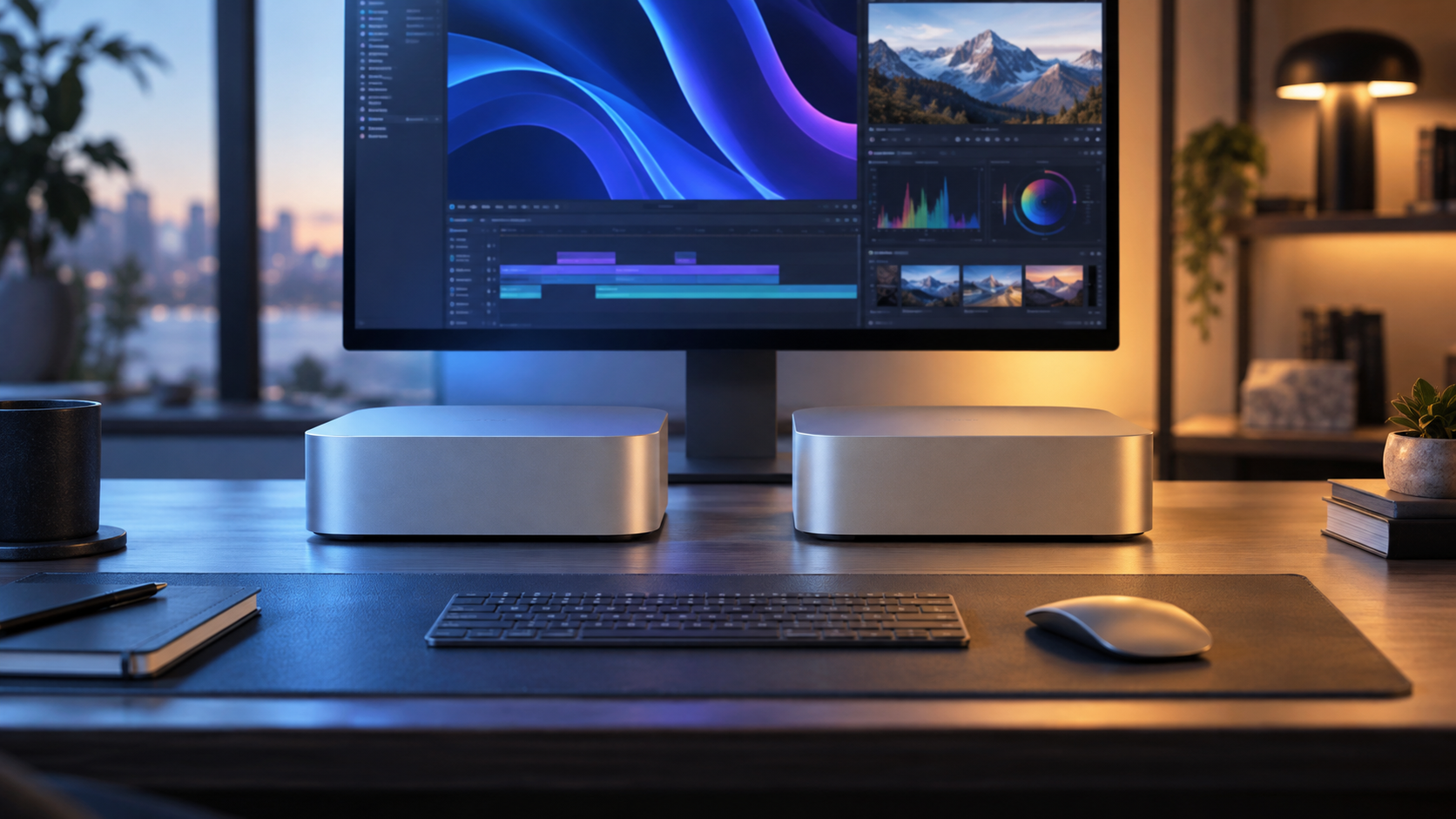
Choosing between the new Mac mini M6 and M5 Pro? Compare performance, memory, storage, ports, displays, pricing, and upgrade trade-offs before September 22, 2026.
Apple’s new Mac mini gives buyers two very different performance tiers. The M6 model is the better fit for everyday computing, office work, school, general creative projects, photo editing, moderate video work, and many AI-assisted tasks. The M5 Pro makes more sense when your work regularly involves large video timelines, 3D scenes, software builds, scientific workloads, advanced audio sessions, or local AI models that need more memory and graphics performance.
The important trade-off is that the M5 Pro is not automatically the better buy just because it has “Pro” in the name. It starts at $1,699 in the United States, compared with $899 for the M6, before adding memory, storage, displays, and accessories. For many buyers, an M6 with more memory and a larger external SSD will be a more balanced system than a lightly configured M5 Pro.
The new Mac mini is available with Apple’s all-new M6 chip or the higher-performance M5 Pro chip. That naming can be confusing: M6 is the newer chip generation, while M5 Pro is the more powerful professional tier. This is not a simple “newer beats older” comparison.
The M6 has a 12-core CPU, a 12-core GPU, and up to 32GB of unified memory. The M5 Pro can be configured with up to an 18-core CPU, a 20-core GPU, and up to 64GB of unified memory. Apple also gives the M5 Pro higher memory bandwidth and three Thunderbolt 5 ports, compared with Thunderbolt 4 on the M6.
Both models use the same compact five-by-five-inch design and include HDMI, Ethernet, Wi-Fi 7, Bluetooth 6, two front USB-C ports, and a headphone jack. The main differences are processing headroom, memory capacity, memory bandwidth, and Thunderbolt generation.

| Factor | Mac mini M6 | Mac mini M5 Pro |
|---|---|---|
| Best for | Home, office, school, everyday creative work, general AI tasks | Video production, 3D, development, research, advanced local AI |
| CPU | 12-core | 15-core or 18-core options |
| GPU | 12-core | 16-core or 20-core options |
| Unified memory | 16GB standard, configurable to 32GB | Up to 64GB |
| Rear high-speed ports | Three Thunderbolt 4 ports | Three Thunderbolt 5 ports |
| Networking | Wi-Fi 7, Bluetooth 6, 2.5Gb Ethernet; 10Gb option | Wi-Fi 7, Bluetooth 6, 2.5Gb Ethernet; 10Gb option |
| U.S. starting price | $899 | $1,699 |
| Availability | September 22, 2026 | |
Apple’s performance claims are based on selected workloads and comparison systems, so they should not be treated as a universal speed rating. Your applications, project sizes, storage setup, and memory needs will determine the practical difference.
The M6 should be more than sufficient for web browsing, Microsoft 365, video calls, coding, photo management, music playback, schoolwork, and typical multitasking. Its 12-core CPU and 12-core GPU also give it room for demanding creative applications, especially when projects are organized efficiently and media files are stored on a fast external drive.
It is also the more sensible starting point for people who want Apple’s newest platform features without paying for workstation-level performance. Apple’s announced M6 configuration includes 16GB of standard unified memory, with options up to 32GB.
The M5 Pro earns its premium when the computer spends hours compiling code, rendering video, processing large image batches, handling complex 3D scenes, running multiple virtualized environments, or working with larger local AI models. Its higher memory ceiling matters as much as its extra CPU and GPU cores because demanding applications can run into memory limits before they fully use the processor.
For professional users, Thunderbolt 5 may also be meaningful. It provides more headroom for fast external storage, high-bandwidth accessories, and specialized production setups. If your current workflow already depends on several high-speed peripherals, list them before deciding.
Unified memory is shared by the processor, graphics, and other system functions. It is not a removable RAM module, so choose enough at checkout rather than planning to upgrade later.
Storage is easier to supplement with an external SSD, but internal storage remains faster and more convenient for active projects. The 256GB M6 configuration may work for a light office setup, but it can feel restrictive once you add applications, photos, creative assets, and system files. For a primary computer, 512GB is a safer baseline; 1TB or more is easier to justify if you work with video, audio, photography, or virtual machines.
Mac mini is not a complete computer out of the box. Apple includes the Mac mini and power cord, but you still need a display, keyboard, and mouse or trackpad. Existing PC accessories may work, although you should check connector types, software support, and whether you need an adapter.
Both versions include HDMI and three rear Thunderbolt ports, plus two front USB-C ports and a headphone jack. The M6 uses Thunderbolt 4 on the rear, while the M5 Pro uses Thunderbolt 5. Before ordering, write down every device you plan to connect: displays, docks, external drives, audio interfaces, cameras, card readers, and network equipment.
Also confirm your monitor’s input and resolution. A USB-C or Thunderbolt display may connect directly, while an HDMI monitor may need the appropriate cable. If you intend to run multiple displays, verify the exact support for the configuration you select rather than assuming every Mac mini setup behaves the same way.
Check the official Mac mini technical specifications
Apple announced U.S. starting prices of $899 for Mac mini with M6 and $1,699 for Mac mini with M5 Pro. Education pricing is lower for eligible buyers. Canadian shoppers should use the Canadian Apple Store because configurations, taxes, currency, education eligibility, delivery estimates, and available accessories are shown separately from the U.S. store.
Preorders opened on August 25, 2026, and Apple says the new models will begin arriving and appearing in Apple Stores and authorized resellers on September 22, 2026. Availability can vary by configuration and location, particularly for higher-memory and higher-storage models.
U.S. shoppers can review current configurations and place an order through the official Apple Store:
Review Apple U.S. return terms
Canadian shoppers should use Apple’s Canada-specific store and confirm the final price, delivery estimate, and configuration before paying:
Review Apple Canada return terms
View and preorder Mac mini in Canada
An M1 Mac mini or newer may still be perfectly capable for general use. Upgrade pressure is strongest if your current Mac regularly runs out of memory, struggles with large projects, lacks the ports you need, or cannot support the displays and peripherals in your planned setup.
Owners of an older Intel Mac, an entry-level Mac with limited memory, or a system that has become slow under current software will see a more meaningful benefit. The M6 is likely the better value for most of these buyers. Move to the M5 Pro if you can identify a specific workload that will benefit from extra cores, more memory, faster graphics, or Thunderbolt 5.
Before selling or trading in your current computer, check that your essential applications, plug-ins, drivers, and accessories work with the new Mac and its operating system. Apple also offers a trade-in program, but compare the quoted credit with private-sale value and keep a backup before transferring or erasing anything.
Back up your Mac before transferring or erasing data
Get an Apple Trade In estimate
| If you are… | Better starting point | Why |
|---|---|---|
| Buying a compact home or office desktop | M6, 16GB or 24GB | Strong everyday performance without paying for unused professional capacity |
| A student or general multitasker | M6, preferably 24GB if budget allows | More comfortable for many apps, browser tabs, and longer ownership |
| Editing photos or moderate video | M6 with 24GB or 32GB | Balances performance, memory, and total system cost |
| Rendering 3D, editing complex video, or compiling large projects | M5 Pro | More CPU/GPU headroom and a higher memory ceiling |
| Running large local AI models or datasets | M5 Pro with 64GB if required by the workload | Memory capacity may matter more than the headline processor generation |
| Connecting several high-speed peripherals | M5 Pro | Thunderbolt 5 offers more connectivity headroom |
The best preparation is simple: choose the M6 unless you have a clear professional reason to buy the M5 Pro, then spend the remaining budget on enough memory, practical storage, and the accessories your desk actually needs.
A. No. M6 is the newer chip generation, but M5 Pro is the higher-performance professional tier. The M5 Pro can still be faster for heavily threaded, graphics-intensive, memory-heavy, and professional workloads.
A. No. Unified memory is integrated into the Mac mini’s chip-based architecture, so select the memory capacity you need when ordering.
A. No. The box includes the Mac mini and power cord. A display and input devices must be purchased separately unless you already have compatible equipment.
A. Apple says the new models will begin arriving and appear in Apple Stores and authorized resellers on September 22, 2026. Configuration-specific delivery estimates may vary.
A. For many buyers, more memory in the M6 is the better-balanced choice. Choose the M5 Pro when your software or workload clearly benefits from additional CPU/GPU performance, Thunderbolt 5, or up to 64GB of unified memory.