Welcome to KnowHow Daily!
Practical guides, money-saving tips, tech solutions, government benefits, and useful information for everyday life.
Welcome to KnowHow Daily!
Practical guides, money-saving tips, tech solutions, government benefits, and useful information for everyday life.

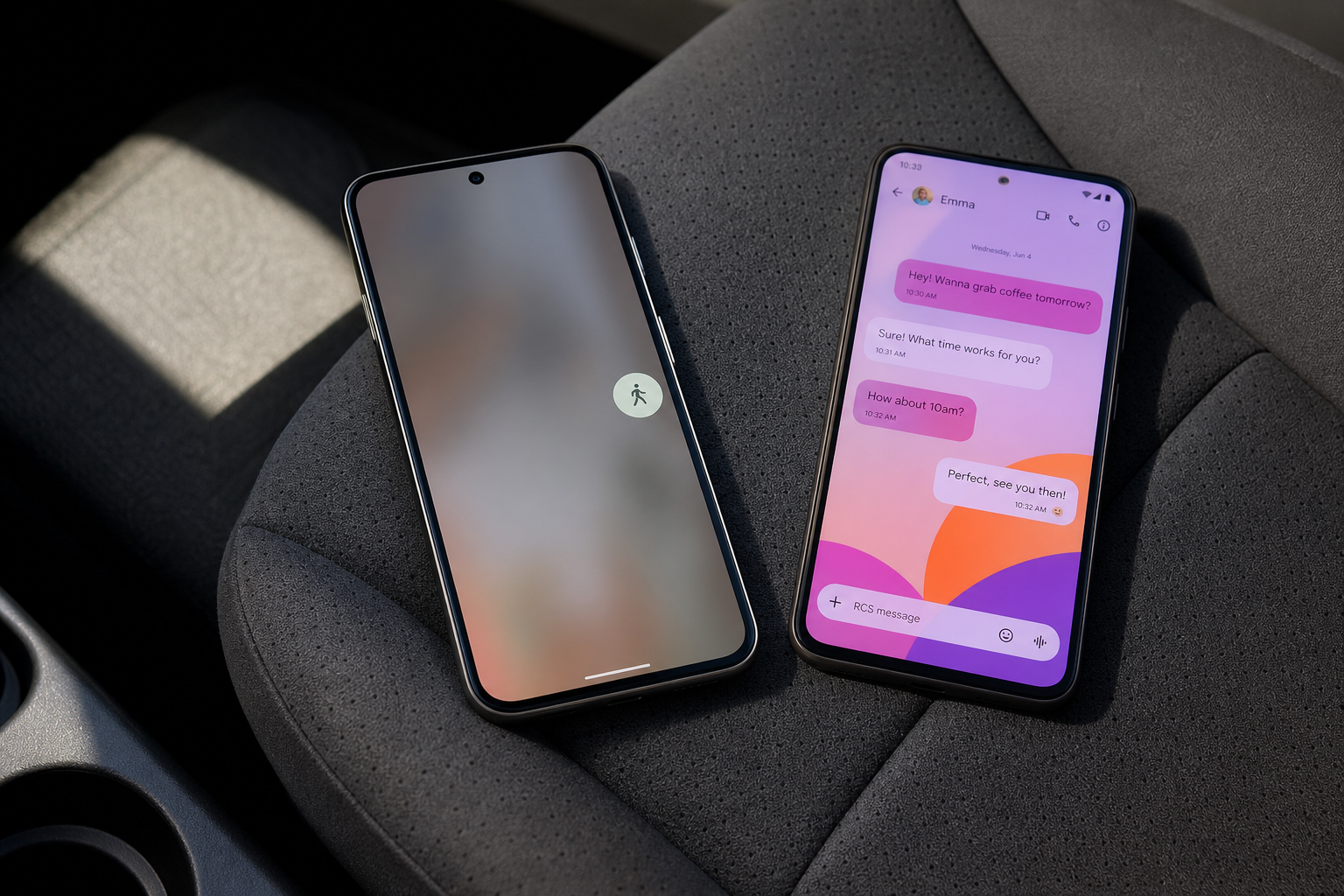
Google's September 2026 Android feature drop adds remembered items in Find Hub, Motion Assist, Guided vision, Google Keep in Messages, and chat themes.
Google’s September 2026 Android Drop adds five practical features aimed at everyday problems: remembering where you put important items, reducing motion sickness in the car, getting spoken descriptions of your surroundings, collaborating on notes in Google Messages, and personalizing individual chats.
The update was announced on September 1, 2026. Some features are available now, while others are rolling out gradually or are still listed as coming soon. Google has not announced a separate United States or Canada release schedule, so access may depend more on your phone, Android version, app updates, language, and account than on your country alone.
View the official September Android Drop announcement ↗
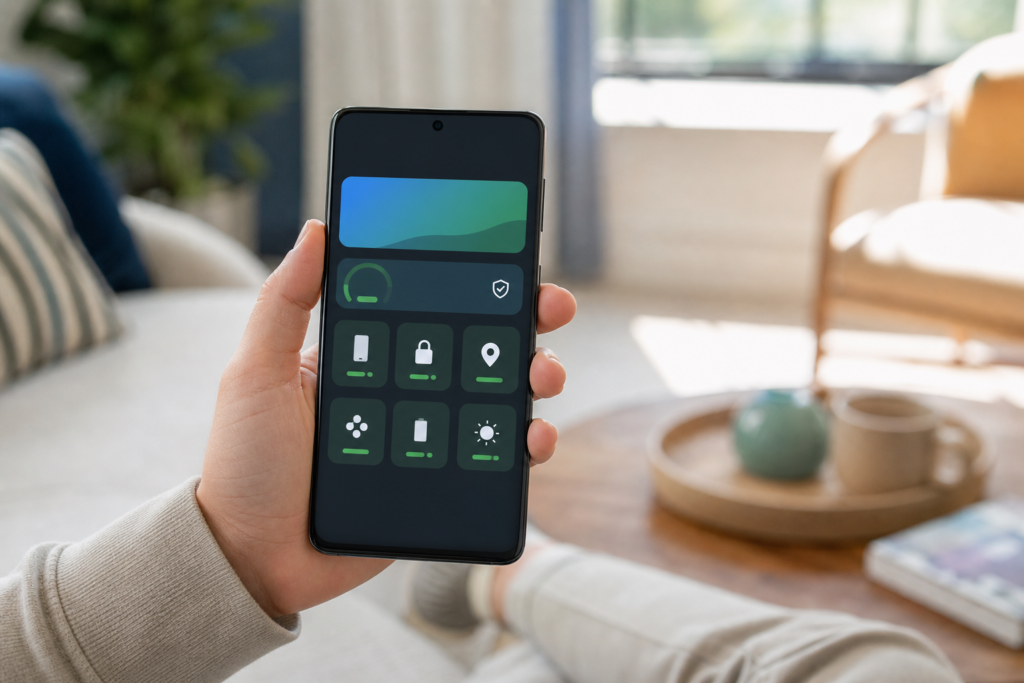
| Feature | Minimum requirement | Current status | US and Canada notes |
|---|---|---|---|
| Find Hub remembered items | Android 16 or newer, with Gemini and Find Hub supported | Coming soon | Gemini is available in both countries, but feature rollout may vary by account and device. |
| Motion Assist | Android 17 | Rolling out | Google lists global availability and support for all languages. |
| Guided vision in Gemini Live | Android 9 or newer, with Gemini available | Coming soon | Both the US and Canada are listed among Gemini-supported countries. |
| Google Keep in Google Messages | Compatible Google Messages app | Rollout starts immediately | Google lists global availability in all languages. |
| Chat theme in Google Messages | Compatible Google Messages app; RCS may be required for some chat features | Available now | Google lists global availability in all languages. |
The most useful idea in the update may be the new remembered-items feature. Instead of attaching a tracker to every important object, you’ll be able to ask Gemini to remember where you placed something such as a passport, spare key, document, or travel adapter.
For example, you could tell Gemini that you put your passport in a bedroom drawer. The information is then saved in Find Hub, where you can ask for the location later or open the remembered-items section.
This is different from tracking a device or Bluetooth tag. Find Hub is not magically locating the passport after you move it. It is storing the location you provide, so the feature works best when you update the memory after moving an item.
Google says the feature requires Android 16 or newer and is available in countries where Gemini and Find Hub are supported. The September announcement describes it as coming soon, so not every eligible phone will necessarily show it on September 8, 2026.
Motion Assist adds a subtle bubble overlay that moves with the vehicle while you use your phone as a passenger. The goal is to reduce the mismatch between what your eyes see on the screen and what your body feels during travel.
You can set Motion Assist to turn on automatically, add it to Quick Settings, and adjust details such as the bubbles’ shape, color, and opacity. It’s intended for reading, browsing, or watching content during a car ride, not for helping someone drive.
The main limitation is device software. Google says Motion Assist requires Android 17. That means a phone running Android 16 or an older version won’t qualify simply because the Google apps are up to date. Android 17 availability also depends on the phone manufacturer’s rollout schedule.
Motion Assist is listed as globally available and supports all languages, but Google does not promise that every Android 17 phone will receive it at exactly the same time.
Guided vision is aimed especially at blind and low-vision users. In Gemini Live, you can share your camera and receive spoken descriptions of what is in front of you. Possible uses include reading fine print on a food label, understanding a menu in a dim restaurant, or identifying an everyday household object.
The feature can also provide voice feedback when the camera is poorly positioned. It may tell you to reframe the shot, pan across an area, or center an object so Gemini can respond more usefully.
Google says Guided vision is coming soon to phones running Android 9 or newer in countries where Gemini is available. That makes the Android version requirement less restrictive than Motion Assist, although the phone still needs access to the relevant Gemini experience.
There’s an important safety boundary here: Google warns that Guided vision can make mistakes and should not be used as a medical device, mobility aid, navigation system, or substitute for safe-travel guidance. It can describe what the camera appears to see, but it should not be treated as a guarantee that a route or obstacle is safe.
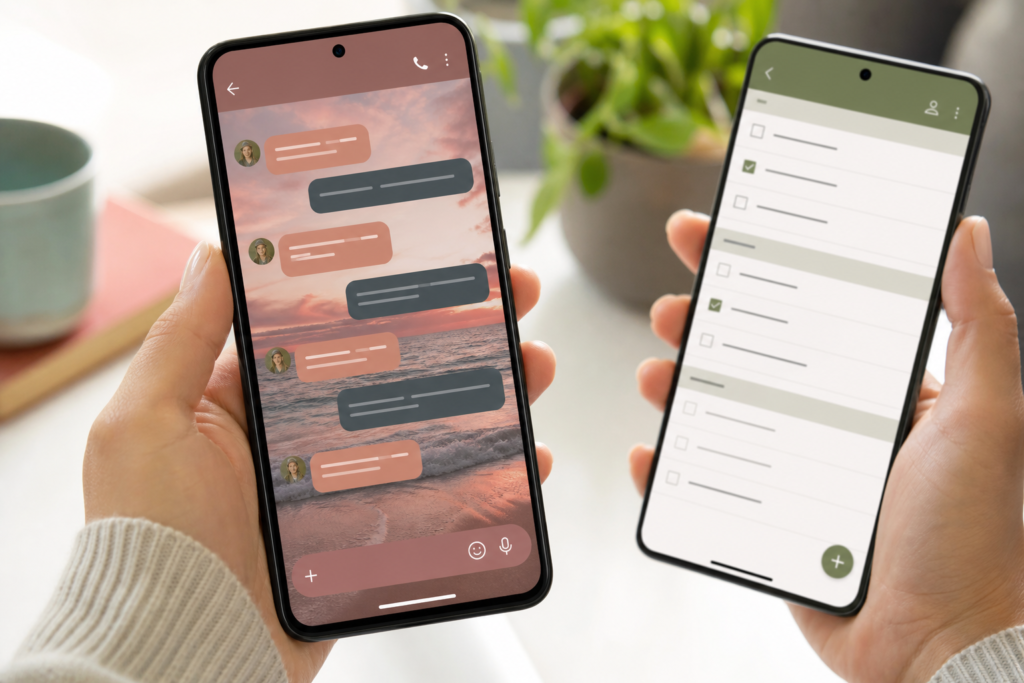
Google Messages is gaining a simpler way to collaborate on shared notes. From a conversation, you’ll be able to use the plus icon to bring Google Keep into the chat, create a list or note, and let people in the conversation view, edit, and add to it.
That could be handy for grocery lists, group trips, party planning, or a shared list of ideas. The practical advantage is that you won’t have to leave the conversation, open Keep separately, and then send the note link back to everyone.
Google says the rollout starts immediately and lists the feature as globally available in all languages. Still, staged app rollouts can take time, so updating Google Messages from the Play Store may not make the feature appear immediately if Google has not enabled it for your account yet.
Read the official Google Messages feature guide ↗
Google Messages is also adding more visual customization. You can choose a background photo or preset wallpaper for an individual conversation, then select colors for the message bubbles.
The change is designed to apply to your view of the chat, not to force the other person to see the same design. That means you can use a family photo, a vacation image, or a simple color scheme without changing how the conversation appears on the recipient’s phone.
Google lists Chat theme as available globally in all languages. If the option is missing, check that Google Messages is updated and look inside an individual conversation’s settings rather than the app’s general settings. Availability can also vary by conversation type and the version of Messages installed on your phone.
There is no separate US-versus-Canada feature list in Google’s September announcement. Both countries support the Gemini mobile app, and Google lists the broader Find Hub, Motion Assist, Google Keep, and Chat theme availability as global or tied to Gemini-supported markets.
The biggest difference for readers in either country is likely to be rollout timing. A Pixel phone running the required Android version may receive a feature before a Samsung, Motorola, OnePlus, or other Android phone. App-based features can also arrive independently from a full operating-system update.
To check your chances of receiving the update, confirm your Android version under Settings, install pending updates for Google Messages, Gemini, and Find Hub, and look for the feature inside the relevant app. If a feature is described as coming soon, there may be nothing else you can do until Google enables it on the server side.
The clearest first step is to update Google Messages and check your Android version. If you’re specifically waiting for remembered items or Guided vision, Google’s announcement does not provide a firm public release date beyond the coming-soon wording.
Update Google Messages, Gemini, and Find Hub ↗
Check your Android version and system updates ↗
A. No. Motion Assist requires Android 17, but Guided vision is listed for Android 9 or newer, and Google Messages features depend mainly on the compatible Messages app and the rollout to your account.
A. Google has not announced a separate Canadian delay or release schedule. Canada is a supported country for Gemini, and Google lists several of these features as global. Actual access can still vary by device, app version, language, and staged rollout.
A. The remembered-items feature does not continuously track an untagged object. It saves the location you tell Gemini, such as a drawer or closet, so you can recall that information later.
A. Google describes chat themes as personal customization. The background and bubble styling are intended to affect your view of the conversation, not automatically change the recipient’s display.
A. Google has marked both features as coming soon but has not provided a specific public release date. Eligible users may receive them gradually after the September 1 announcement.