Welcome to KnowHow Daily!
Practical guides, money-saving tips, tech solutions, government benefits, and useful information for everyday life.
Welcome to KnowHow Daily!
Practical guides, money-saving tips, tech solutions, government benefits, and useful information for everyday life.

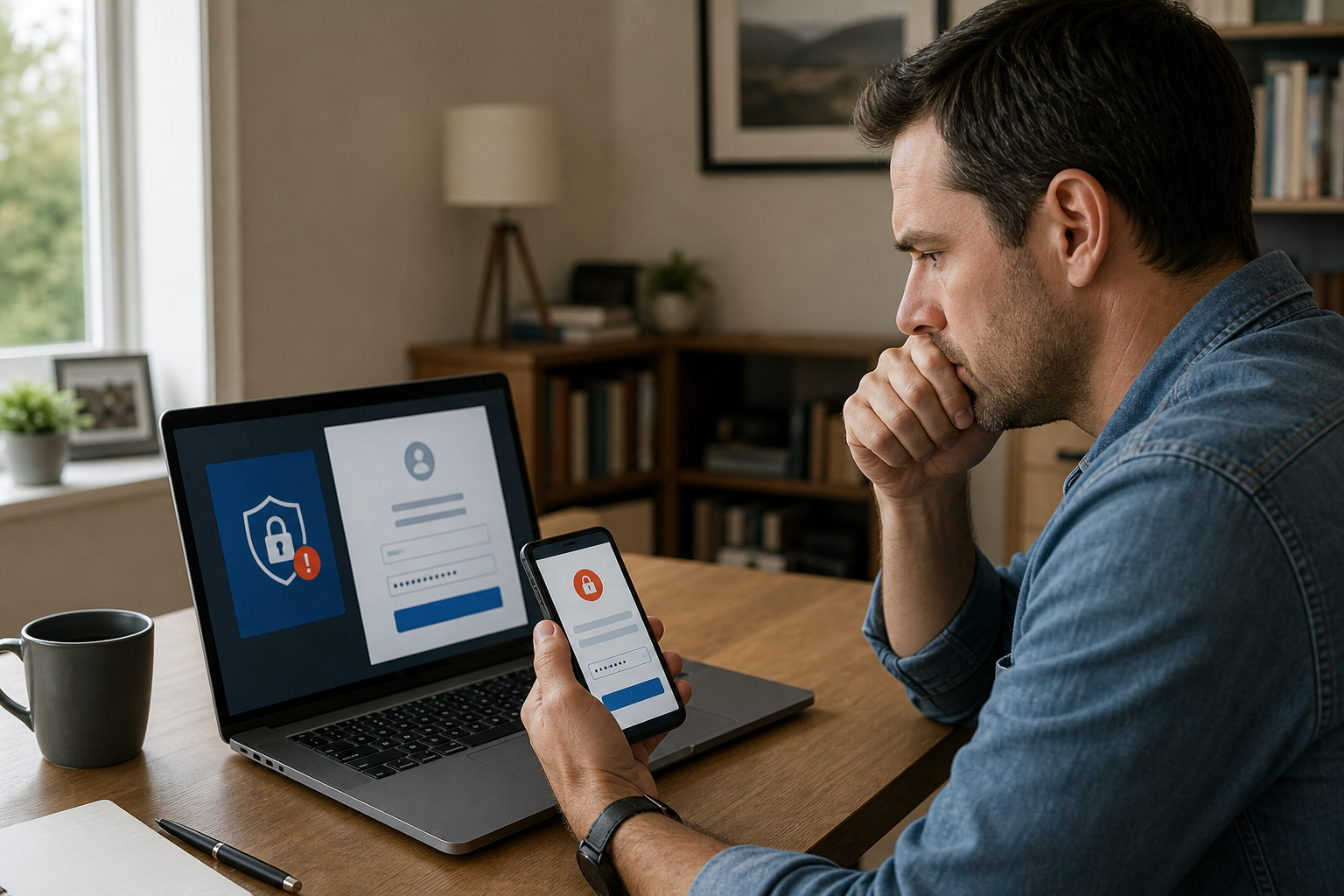
Regain control of a hacked email or social media account with this practical recovery checklist, including password changes, session removal, 2FA, and fraud reporting.
Move quickly, but don’t panic. The safest recovery order is to secure the device you are using, regain or confirm access through the provider’s official recovery process, change the password, remove unauthorized access, and then check what the intruder changed.
This guide applies to common personal accounts such as Gmail, Outlook.com, Apple Account, Facebook, Instagram, X, TikTok, WhatsApp, and similar services. Menu names vary by platform, but the recovery pattern is broadly the same.
Common warning signs include an unexpected password-reset message, a changed recovery email or phone number, unfamiliar login alerts, posts or messages you didn’t send, or an account password that suddenly stops working.
If the account was compromised after you opened a suspicious attachment, installed an unfamiliar app, or gave someone remote access, don’t change passwords on that device until it has been checked. Run a full scan with updated security software, install pending operating-system updates, and use another trusted device for recovery if possible.
Never give a supposed helper your password, verification code, backup code, or remote access. Google says it does not work with services that claim to provide account or password support, and legitimate platforms will not need your one-time code sent through a random text, direct message, or phone call.
If money, banking information, a Social Security number, Social Insurance Number, or identity documents may have been exposed, treat this as more than a login problem. Contact your financial institution using a trusted number, review transactions, and report identity theft or fraud through the appropriate government service.
After each step, open the account in a private browser window or on a second trusted device. Confirm that you can sign in with the new password and that no unfamiliar session or security alert returns.
Use the provider’s official recovery page, ideally from a device and location you have used before. Answer recovery questions as accurately as you can, and don’t keep guessing random information. If the attacker changed your email address or phone number, look for an earlier security notification that lets you reverse the change.
For Google accounts, the recovery process can be used when someone changed your password or recovery information. Google notes that recovery requests can sometimes be delayed for several hours or days as a security measure. Avoid paying anyone who promises instant access or asks for your verification codes.
For Microsoft accounts, Microsoft’s sign-in helper guides you to the appropriate recovery option. Microsoft also recommends scanning a Windows PC for malware before changing the password if the account may have been compromised through that computer.
For Facebook, Meta directs users with hacked accounts to its dedicated recovery page and recommends using a device previously used to log in. X provides a hacked-account support form for people who cannot regain access after a password reset.
Open the FTC hacked email and social media recovery guide Start Google Account or Gmail recovery Use Microsoft's hacked account recovery tool Open Apple Account SupportEmail accounts deserve extra attention because they can be used to reset passwords for your other services. Check forwarding rules, filters, automatic replies, email signatures, delegated access, recovery addresses, and recently deleted messages. Remove anything you did not create.
Search your mailbox for terms such as “password,” “security alert,” “verification code,” “new login,” and “receipt.” This can reveal password-reset attempts, account changes, or purchases made while the attacker had access.
Look for posts, comments, direct messages, new follows, new friends, profile changes, and deleted content you don’t recognize. Delete malicious posts where possible, but save screenshots first if they involve threats, fraud, impersonation, or financial loss.
Tell contacts that the account was compromised and that they should ignore recent links, investment offers, emergency money requests, or messages asking for verification codes. If the attacker contacted coworkers or customers, notify them through another trusted channel.
Review bank, credit-card, payment-app, shopping, gaming, and cryptocurrency accounts connected to the compromised email or social profile. Look for new payment methods, changed shipping addresses, password resets, or purchases you don’t recognize.
In the United States, use IdentityTheft.gov if personal information may have been misused. In Canada, report fraud or identity theft to the Canadian Anti-Fraud Centre and contact your financial institutions and local police when appropriate.
Report fraud to the Canadian Anti-Fraud CentreThe attacker changed your recovery email or phone: Search your original inbox and text messages for a security notice from the platform. Some providers include a short-term reversal link. If there is no reversal option, start the official recovery process from a familiar device and provide the oldest accurate account information you can.
You still receive password-reset emails: Secure the email account first, then change the affected account’s password again and revoke connected apps. Repeated reset messages can be an attempt to distract you or wear down your security.
The account keeps sending messages after the password change: Scan your devices, remove suspicious browser extensions, revoke third-party access, and check active sessions. Persistent unauthorized activity may indicate malware or a stolen session cookie.
You see unauthorized charges or identity fraud: Contact the bank, card issuer, payment service, or credit bureau immediately. Preserve emails, receipts, login alerts, usernames, dates, and screenshots. Do not delete evidence before reporting the incident.
The account is a work, school, or employer-managed account: Contact the organization’s IT or security team. Consumer recovery forms may not work for managed accounts, and the administrator may need to revoke sessions or reset authentication methods.
Contact the platform’s official support channel when the recovery email and phone number were replaced, the account was disabled after the hack, you cannot pass identity verification, or the intruder continues to regain access. Use only support pages linked from the provider’s official website or app.
Submit an X hacked-account support requestConsider help from a reputable local computer professional if malware, remote-access software, SIM-swap activity, or multiple compromised devices may be involved. If your phone suddenly loses cellular service or your carrier reports a SIM change you did not request, contact the mobile carrier immediately from another phone.
Once the account is stable, store recovery codes offline, keep recovery information current, use unique passwords, and review account activity every few months. A password manager can make unique passwords much easier to maintain.
Open Facebook or X hacked-account supportA. Usually, yes. Email is often the recovery key for other accounts. Secure the email account first if it is still under your control, then change passwords on social media, banking, shopping, and payment accounts that use the same email address or password.
A. Be extremely cautious. Unexpected offers of account recovery are commonly scams. Use the platform’s official recovery process, and never share your password, verification code, backup code, or remote access with an unsolicited helper.
A. Not always. Many services have separate active-session, device, or connected-app controls. Change the password, sign out unfamiliar sessions, revoke unknown apps, and review recovery information and security settings.
A. Warn your contacts through another trusted channel and tell them not to click recent links, send money, or share verification codes. Save screenshots and message details if there was fraud, impersonation, harassment, or financial loss.