Welcome to KnowHow Daily!
Practical guides, money-saving tips, tech solutions, government benefits, and useful information for everyday life.
Welcome to KnowHow Daily!
Practical guides, money-saving tips, tech solutions, government benefits, and useful information for everyday life.

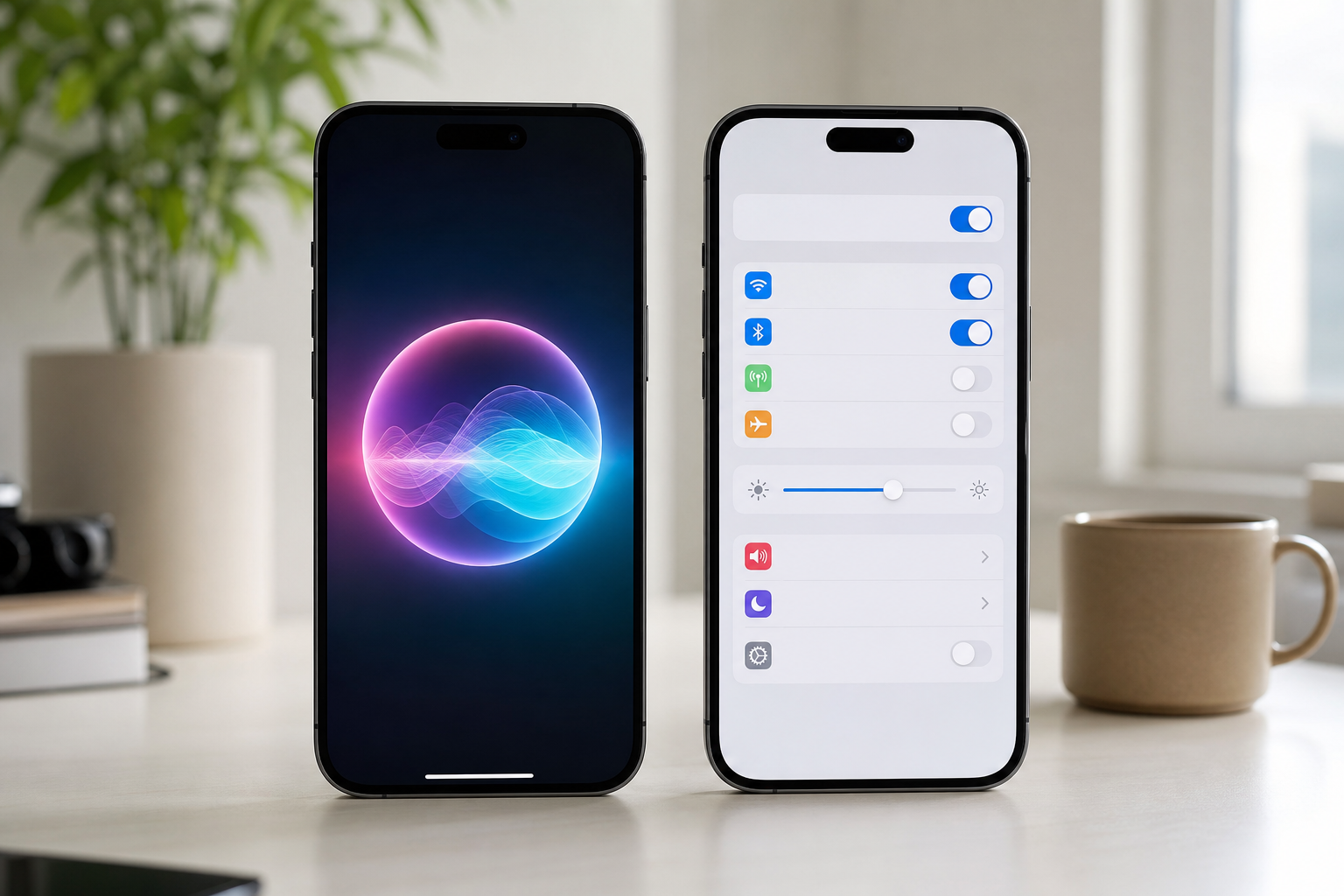
Find out which iPhones support iOS 27, what Siri AI and Apple Intelligence can do, how privacy works, and which features are limited by language or region.
Apple released iOS 27 on September 14, 2026. The update brings Siri AI, expanded Apple Intelligence tools, new photo and Safari features, stronger child-safety controls, and broader system refinements. The important detail is that iOS 27 compatibility and Apple Intelligence compatibility are not the same thing.
Many older iPhones can install iOS 27, but Siri AI and most Apple Intelligence features require an Apple Intelligence-enabled model. If you’re deciding whether to update, the practical answer is simple: install iOS 27 on a supported iPhone if you want the latest security and system improvements, but check your model before expecting the new AI tools to appear.
Check the official iOS 27 update and compatibility page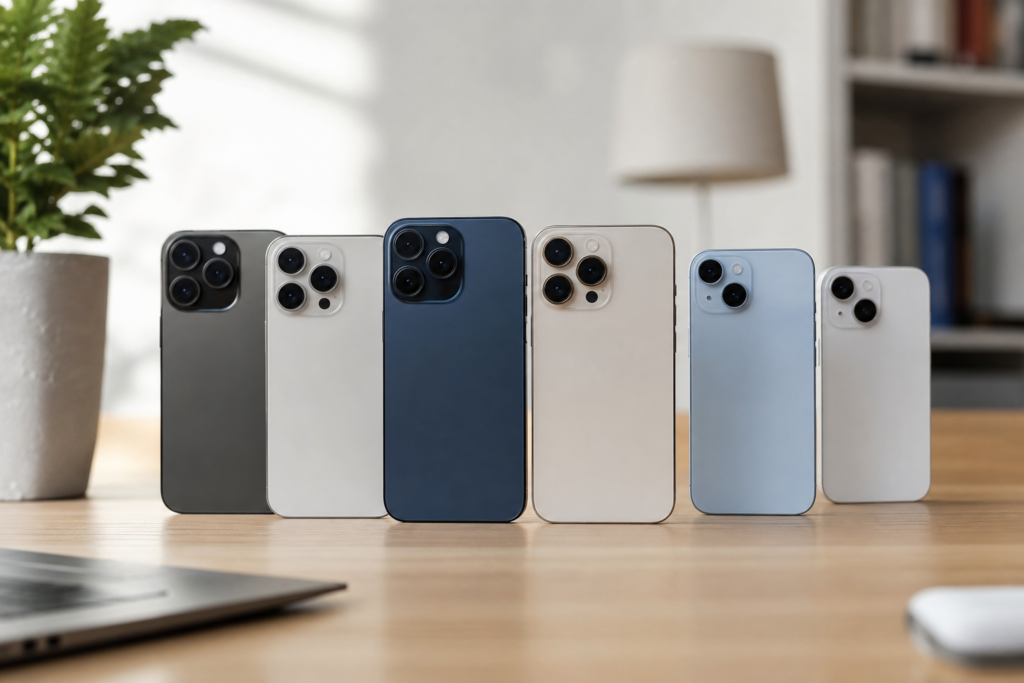
Apple’s current compatibility list includes the following models:
Your exact feature set can still depend on the iPhone model, language, region, and carrier. To check your model, open Settings > General > About. The model name appears on that screen.
The biggest dividing line is Apple Intelligence. Apple lists iPhone 15 Pro, iPhone 15 Pro Max, iPhone 16 models or later, iPhone Air, iPhone 17 models, iPhone 18 Pro models, and iPhone Duo as eligible hardware. A standard iPhone 15, iPhone 14, or iPhone 13 can run iOS 27 but does not qualify for the full Apple Intelligence experience.
Siri AI is Apple’s more conversational version of Siri. It can understand more natural requests, use personal context from information on the device, recognize what is on screen, and perform more actions across supported apps. Apple also says Siri AI can draw on tools such as the Spotlight index and App Toolbox, with many tasks handled on the device.
At launch, Siri AI is rolling out in beta in English. That means the feature is available on eligible devices, but Apple may continue changing its behavior, supported actions, and availability. Apple has announced that French, Japanese, Korean, Portuguese, and Spanish support is coming next month, but it has not published an exact date for that expansion.
For readers in Canada, English-language Siri AI is the most relevant launch option. Some Apple Intelligence features already support English (Canada) and French (Canada), but availability is feature-specific rather than universal. In the United States, English (United States) is supported, while individual tools may still have their own requirements.
Check Apple Intelligence feature availability by country and languageSiri AI is only one part of the update. On a compatible iPhone, Apple Intelligence also supports tools across Photos, Messages, Mail, Safari, Home, Shortcuts, and other system apps.
Not every tool works on every compatible iPhone. Some features require Apple Intelligence hardware, while others depend on a particular language, app, subscription, device configuration, or region.
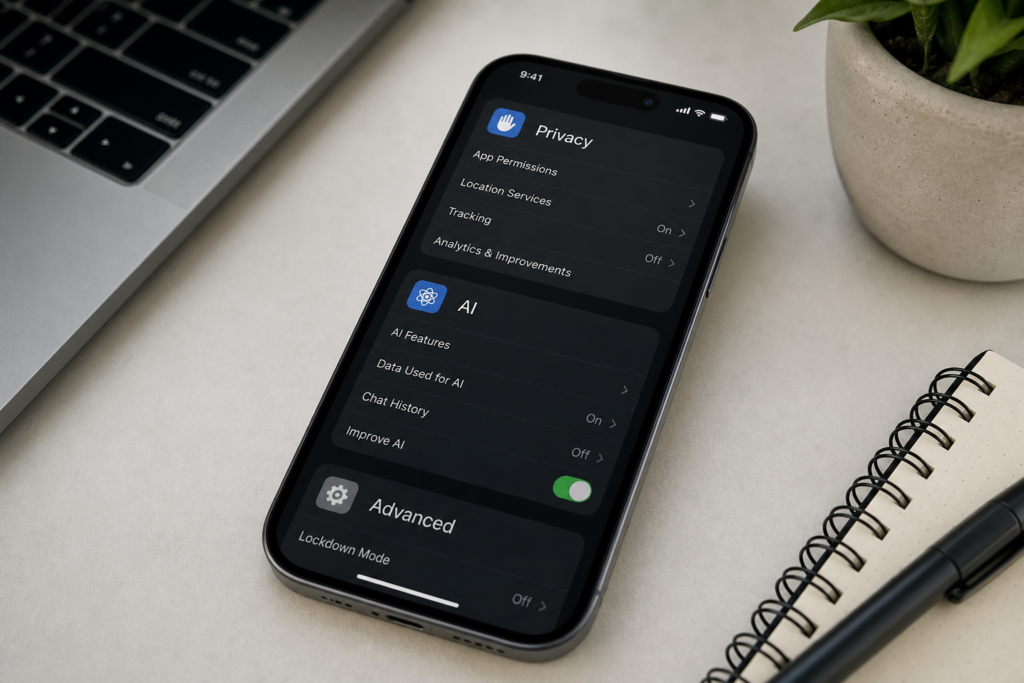
Apple says many Apple Intelligence requests run on the iPhone. When a request needs more processing power, the device can use Private Cloud Compute, which sends the relevant information to Apple silicon servers for processing.
Apple’s stated privacy model is that data sent to Private Cloud Compute is used only to complete the request and is not stored or made accessible to Apple. Apple also says independent researchers can inspect the software supporting the system.
That does not mean every AI feature is entirely offline. Server-based features can have daily usage limits, and Apple says those limits may change based on the feature, request complexity, system demand, and other policies. Siri AI, intelligent photo editing, Image Playground, and some cloud-based Shortcuts models are among the features that may be affected.
To review the relevant controls, open Settings > Apple Intelligence & Siri. Depending on the feature and software version, you can manage Apple Intelligence, Siri requests, language settings, and related privacy options. You can also review Apple’s explanation of Apple Intelligence privacy and Private Cloud Compute before enabling the tools.
For users in Canada and the United States, the main limitation at launch is not a countrywide block. It is the combination of device, language, and feature support.
| Situation | What to expect |
|---|---|
| Compatible iPhone with English (Canada) or English (United States) | Broadest access to Apple Intelligence features, with Siri AI rolling out in English beta. |
| Compatible iPhone using French (Canada) | Some Apple Intelligence features are supported, but Siri AI availability depends on Apple’s language rollout. |
| Older compatible iPhone, such as iPhone 11 through iPhone 15 | Can install iOS 27, but generally does not support Apple Intelligence. |
| Child under 13 | Apple says Siri AI is not available for users under 13. |
| Feature using server-side models | Daily usage limits may apply. |
Apple’s feature-availability list is the best way to check a specific combination of country, language, and tool. It separates features such as Writing Tools, Genmoji, voicemail summaries, Safari tools, and Visual Intelligence instead of treating Apple Intelligence as one single package.
For most owners of a compatible iPhone, updating now is reasonable if you want the current operating system, security improvements, and new system features. Before installing, back up the iPhone, connect it to Wi-Fi, and make sure it has enough battery or is connected to power.
If Siri AI is your main reason for updating, confirm that your iPhone is one of the Apple Intelligence-enabled models and that both Siri and the device language are set to a supported option. If you have an iPhone 11 through iPhone 15 that is not a Pro model, expect the standard iOS 27 changes rather than the full Apple Intelligence package.
Apple’s update is available now, but the rollout of Siri AI and additional languages will continue. The exact timing of some feature expansions has not been announced.
Follow Apple’s iOS 27 update instructionsA. Yes. iPhone 14 models are compatible with iOS 27. However, iPhone 14 does not support Apple Intelligence or Siri AI because those features require newer Apple Intelligence-enabled hardware.
A. Siri AI is rolling out in beta in English, so eligible users in Canada can access it when their iPhone and Siri are set to supported English. Apple has announced additional language support, including French, but has not given an exact date for that expansion.
A. Many requests can run on the iPhone, but more complex requests may use Private Cloud Compute. Apple says information processed there is used to complete the request and is not stored or made accessible to Apple. Server-based features may also have daily usage limits.
A. Check your iPhone model first. Apple Intelligence requires an eligible model such as iPhone 15 Pro, iPhone 15 Pro Max, or iPhone 16 and later. Then check that Siri and the device language match a supported language, and remember that individual features can have separate regional or language limits.