Welcome to KnowHow Daily!
Practical guides, money-saving tips, tech solutions, government benefits, and useful information for everyday life.
Welcome to KnowHow Daily!
Practical guides, money-saving tips, tech solutions, government benefits, and useful information for everyday life.

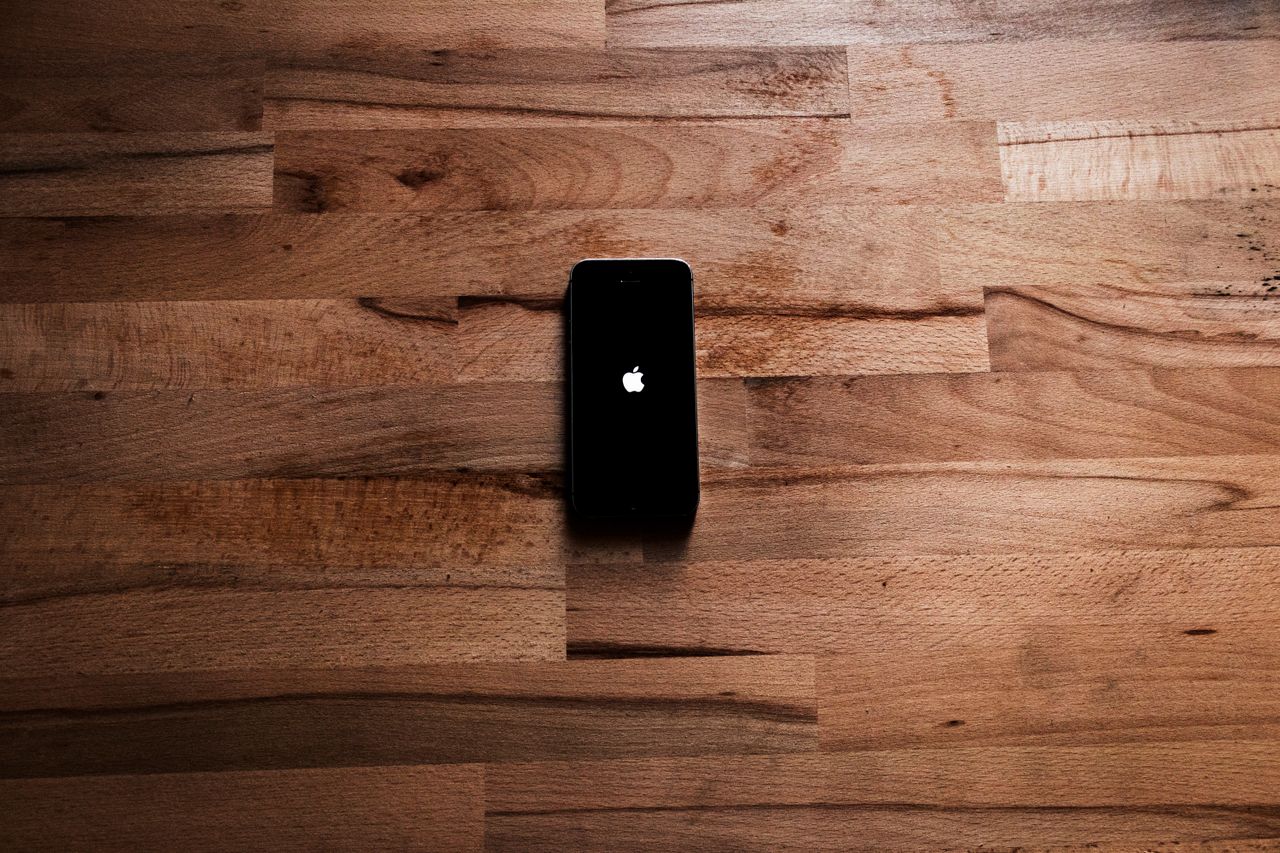
Apple has previewed iOS 27 with Siri AI, new safety tools, smarter apps, and performance updates. Here’s the rollout status, compatible iPhones, and what to expect.
Apple previewed iOS 27 at WWDC26 on June 8, 2026, but it has not published an exact public release date as of September 7, 2026. The company’s official wording is that iOS 27 will arrive as a free software update “this fall.” That means the rollout is expected during the September-to-November window, but any specific day would be speculation until Apple announces it.
Developer testing began on June 8, and Apple’s public beta program opened the following month. The beta is available for people who want to try unfinished software, but it can include bugs, compatibility problems, and features that change before the final release.
For most iPhone owners in Canada and the United States, the practical answer is simple: iOS 27 is not yet confirmed as a final public update on September 7, and Apple has not provided a firm installation date. The stable version will appear in Settings when Apple begins the general rollout.
iOS 27 supports a broad range of iPhones, starting with the iPhone 11 lineup. Apple’s official compatibility list includes the following models:
| iPhone family | Compatible models |
|---|---|
| iPhone 17 | iPhone 17 Pro Max, iPhone 17 Pro, iPhone Air, iPhone 17, and iPhone 17e |
| iPhone 16 | iPhone 16 Pro Max, iPhone 16 Pro, iPhone 16 Plus, iPhone 16, and iPhone 16e |
| iPhone 15 | iPhone 15 Pro Max, iPhone 15 Pro, iPhone 15 Plus, and iPhone 15 |
| iPhone 14 | iPhone 14 Pro Max, iPhone 14 Pro, iPhone 14 Plus, and iPhone 14 |
| iPhone 13 | iPhone 13 Pro Max, iPhone 13 Pro, iPhone 13, and iPhone 13 mini |
| iPhone 12 | iPhone 12 Pro Max, iPhone 12 Pro, iPhone 12, and iPhone 12 mini |
| iPhone 11 | iPhone 11 Pro Max, iPhone 11 Pro, and iPhone 11 |
| iPhone SE | iPhone SE, second generation and later |
Compatibility with iOS 27 does not mean every feature will work on every supported iPhone. The operating system can run on older models, while some Apple Intelligence features require newer hardware. Apple says Apple Intelligence and Siri AI in iOS 27 require all iPhone 16 models or later, the iPhone 15 Pro, or the iPhone 15 Pro Max.
The headline feature is Siri AI, a more conversational assistant powered by Apple Intelligence. Apple says it can handle richer answers, follow-up conversations, personal context, and actions across apps such as Messages, Music, Reminders, and Mail.
Siri AI is also designed to understand what is happening on the iPhone. It can help locate photos, emails, and notes, take actions in supported apps, and assist with writing. A dedicated Siri app brings conversations together, while a new Siri mode in Camera works with Visual Intelligence to answer questions about objects and surroundings.
Apple has said Siri AI will arrive in English later in 2026. That timing matters for Canadian and U.S. readers because the first English release is expected to be more widely available than the later language expansions. Apple also warns that regional and language availability may vary.
iOS 27 expands Apple Intelligence beyond Siri. The Photos app gains tools such as Spatial Reframing, Extend, and an improved Clean Up feature. Image Playground supports more image styles, including photorealistic results, while Suggestions in Messages and Mail can recommend actions based on the conversation.
Safari adds automatic tab organization and a Notify Me feature that can alert you when a webpage changes, such as when a product comes back in stock or a listed price is updated. The Passwords app can identify weak or compromised passwords and help update eligible accounts.
Shortcuts also becomes easier to create. Instead of building a workflow action by action, users can describe what they want in everyday language and let the system connect the steps across supported apps.
Apple is adding more controls for parents and guardians. During setup, parents can choose which system apps a child can use, then approve additional apps over time through Ask to Buy.
Ask to Browse lets children request permission before opening new websites. Communication Safety expands beyond nudity warnings to help address graphic or violent content in shared images and videos. Parents can also set Time Allowances for categories such as games, entertainment, and social media, along with schedules that determine when specific apps are available.
Apple is refining the Liquid Glass design introduced with iOS 26. iOS 27 adds more control over the appearance of the interface, including a slider for adjusting the look from ultraclear to fully tinted. Apple also says app launches, Photos loading, and AirDrop transfers can be faster, although actual results will vary by iPhone model, network conditions, and how the device is used.
The system is designed to move more smoothly between Wi-Fi and cellular connections. That could help when leaving a home network, walking away from a public hotspot, or moving between coverage areas during a FaceTime call or navigation session.
When Apple starts the public rollout, you’ll be able to check for the update directly on your iPhone. Before installing a major update, back up the device, connect it to Wi-Fi, and plug it into power.
Check Apple’s official iPhone software update instructions
Then open Settings, choose General, and tap Software Update. If iOS 27 is available for your model, select Download and Install and follow the onscreen instructions. If you have automatic updates enabled, the iPhone may download and install the update overnight while charging and connected to Wi-Fi.
The public beta is intended for testing, not for guaranteeing a smooth everyday experience. Apple recommends using beta software on a secondary device rather than an iPhone that you rely on for work, travel, banking, or emergency communication.
If you still want to test it, enroll through Apple’s Beta Software Program and make a current backup first. Remember that beta features can be incomplete, battery life may be affected, and some apps may not behave normally.
Join the Apple Beta Software Program
The next confirmed milestone is Apple’s final release announcement. Until then, the most reliable status is “coming this fall,” not a specific September date. Apple may also release several beta updates before the stable version reaches compatible iPhones.
Owners of older supported iPhones can expect the core iOS 27 update, but newer Apple Intelligence features will be limited to compatible hardware. If Siri AI or another feature is missing after installation, check the iPhone model, device language, Apple Intelligence settings, and regional availability before assuming the update failed.
A. No. As of September 7, 2026, Apple has only confirmed that iOS 27 will be released as a free update this fall. A specific public release day has not been officially announced.
A. Yes. Apple lists the iPhone 11, iPhone 11 Pro, and iPhone 11 Pro Max as compatible with iOS 27. Some newer Apple Intelligence features require a newer iPhone.
A. Apple says Siri AI and Apple Intelligence require all iPhone 16 models or later, the iPhone 15 Pro, or the iPhone 15 Pro Max. Feature and language availability may vary by region.
A. The beta is legitimate Apple software, but it is unfinished and may contain bugs, battery issues, or app compatibility problems. Apple recommends installing it on a secondary device rather than an iPhone you depend on every day.
A. Apple is preparing iOS 27 for both Canada and the United States. The main update is expected to follow Apple’s general fall rollout, while individual features such as Siri AI can have separate language, regional, or regulatory availability.