Welcome to KnowHow Daily!
Practical guides, money-saving tips, tech solutions, government benefits, and useful information for everyday life.
Welcome to KnowHow Daily!
Practical guides, money-saving tips, tech solutions, government benefits, and useful information for everyday life.

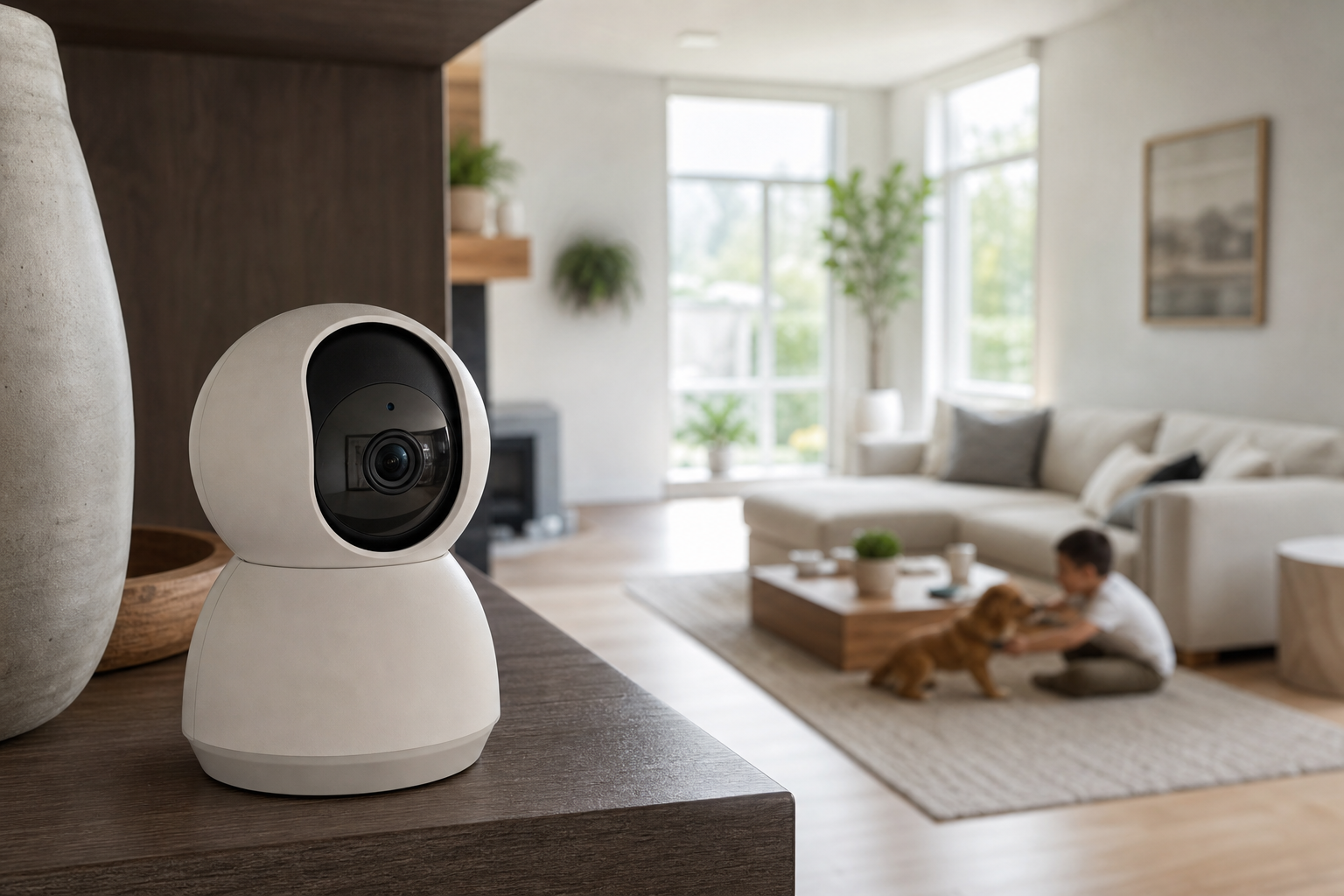
Compare the best indoor security cameras for Canadian homes in 2026, including local storage, privacy shutters, smart alerts, subscriptions, and Apple Home compatibility.
The best indoor security camera is not necessarily the one with the highest resolution. For most Canadian homes, the more important questions are whether the camera has a physical privacy control, reliable night vision, useful person and pet alerts, and a recording option that does not force you into a monthly subscription.
Indoor cameras are useful for checking an entryway, monitoring children or pets, watching a basement or garage entrance, and confirming whether an alarm was triggered. They are not a replacement for a professionally monitored alarm system, and they should not be placed in bathrooms or other highly private areas.
This guide focuses on models officially available to Canadian buyers in September 2026. Prices and promotions can change, so the most useful comparison is the camera’s long-term cost, storage method, app quality, and privacy controls.
| Camera | Best for | Key strengths | Main drawback |
|---|---|---|---|
| TP-Link Tapo C225 | Best overall | 2K video, pan-and-tilt, physical privacy mode, microSD storage, person and pet detection | Uses 2.4 GHz Wi-Fi and has no built-in battery |
| eufy Indoor Cam S350 | Best image quality | 4K wide-angle camera, 2K telephoto camera, 8x hybrid zoom, local storage, 360-degree coverage | More expensive and does not support Apple HomeKit |
| Google Nest Cam Indoor, wired, 3rd gen | Best for Google Home | 2K HDR, wide 152-degree view, Google Home integration, built-in person, animal, and vehicle alerts | Advanced history and continuous recording require a subscription |
| Aqara Camera Hub G3 | Best for Apple Home households | 2K video, pan-and-tilt, HomeKit Secure Video support, face and pet recognition, smart-home hub functions | HomeKit Secure Video reduces recording resolution to 1080p |
| Ring Indoor Cam, 2nd Gen | Best for a simple Ring setup | Compact design, privacy cover, two-way audio, easy Ring Alarm and Alexa integration | Recorded video is cloud-based and requires Ring Protect for saved footage |
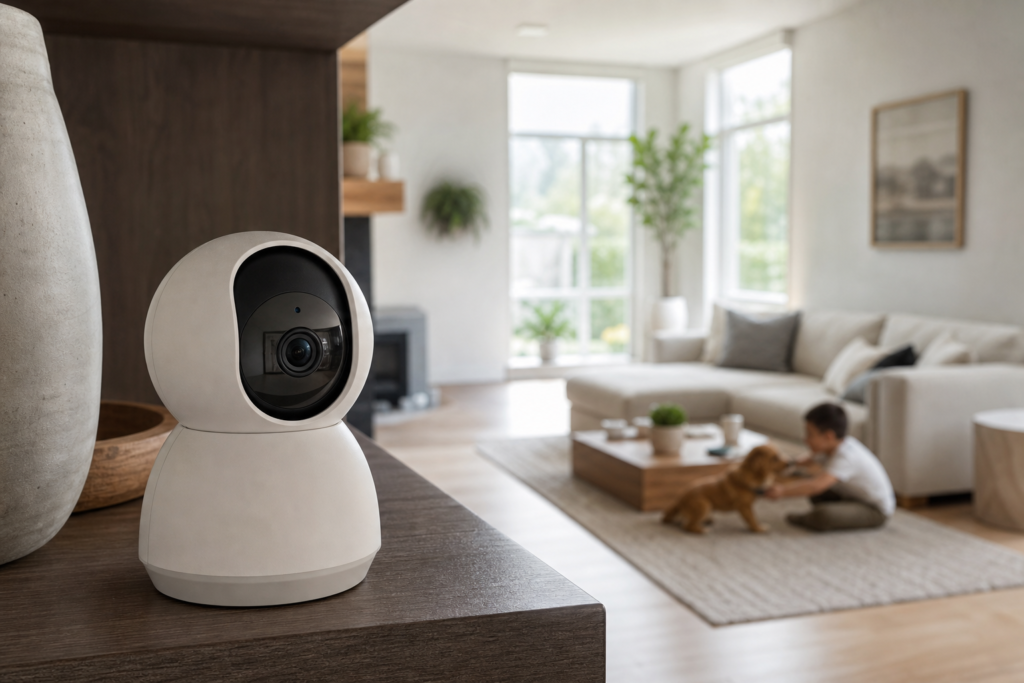
The Tapo C225 offers the most balanced feature set for the average Canadian home. It records in 2K QHD, pans across a broad area, tilts vertically, tracks movement, and can identify people, pets, vehicles, babies crying, barking, meowing, and other sounds.
Its physical privacy mode is especially useful in a living room, home office, or nursery. When enabled, the lens is covered by the camera housing rather than simply relying on an app setting. The camera also accepts a microSD card of up to 512 GB, allowing local recording without subscribing to Tapo Care.
There are two important limitations. The C225 is a plug-in camera, so it needs to stay near an outlet, and the Canadian model connects over 2.4 GHz Wi-Fi. That frequency usually provides better range through walls, but it may be slower than a dual-band camera in a congested network.
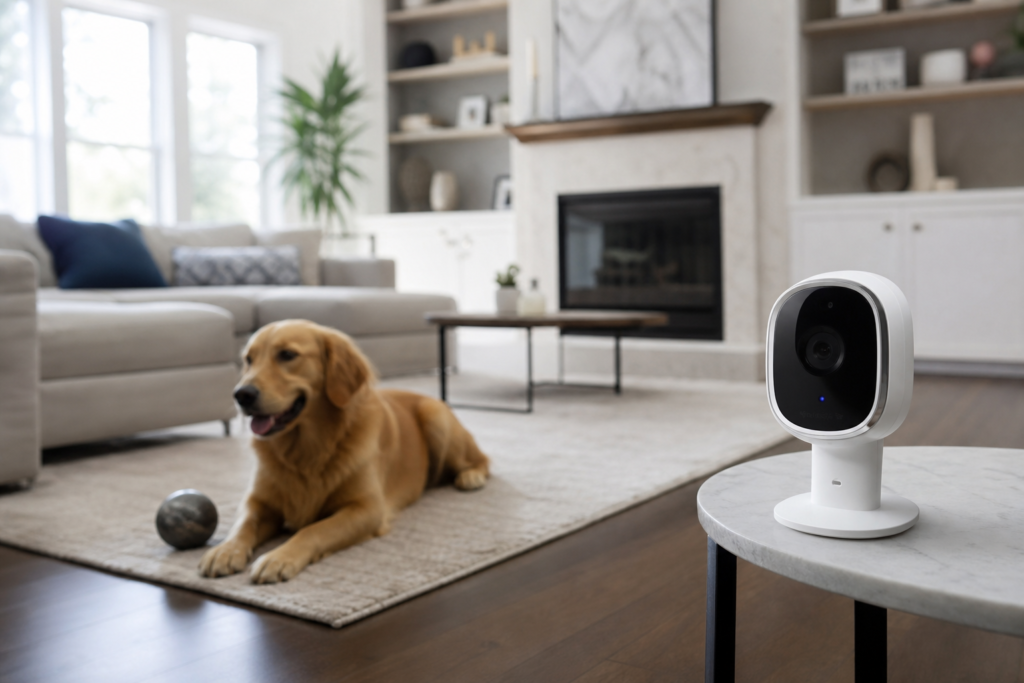
The eufy Indoor Cam S350 is the strongest choice when identifying details matters most. It combines a 4K wide-angle lens with a 2K telephoto lens, providing up to 8x hybrid zoom. Its 360-degree horizontal pan and 75-degree vertical tilt can follow a person or pet around a large room more effectively than a fixed camera.
The S350 includes human, pet, and crying detection, night vision, two-way audio, and a privacy mode that turns the camera away and stops recording. It can record to a microSD card of up to 128 GB and does not require a monthly fee for its core local-recording functions.
This model makes sense for a large open-concept room, a home with active pets, or anyone who wants to zoom in on a face, package, or unusual movement. It is less suitable for Apple households because eufy lists the S350 as incompatible with HomeKit. Cloud-based features such as thumbnail previews may also send selected video or images to the cloud.
Google’s third-generation wired Nest Cam Indoor is a good fit if your household already uses the Google Home app, Nest displays, Google TV, or other compatible Google devices. It records up to 2K HDR, offers a 152-degree diagonal field of view, and includes built-in intelligent alerts for people, animals, and vehicles.
The camera includes six hours of event video previews, with clips up to 10 seconds. A Google Home Premium Standard subscription extends event history to 30 days, while the Advanced plan adds up to 60 days of event history and up to 10 days of continuous video history.
That subscription structure is the main trade-off. The Nest Cam is easy to use and has strong account security features, but it is not the best choice for shoppers who want microSD recording or a fully local system. It also requires the Google Home app rather than the older Nest app.
The Aqara Camera Hub G3 is the most appealing option for households built around Apple Home, HomeKit Secure Video, and Aqara sensors. It combines a 2K camera with pan-and-tilt movement, face and pet recognition, gesture controls, and a Zigbee hub for compatible Aqara devices.
HomeKit Secure Video can keep supported recordings within Apple’s home-security system and lets you use Apple device controls and activity zones. However, Apple’s current HomeKit video limitations mean the G3 records in Full HD 1080p when operating through HomeKit Secure Video rather than its full 2K resolution.
The G3 is also more than a camera. It can serve as a central hub for Aqara door, motion, temperature, and other sensors. That makes it a better value for people planning a broader smart-home setup than for shoppers who only want a basic live view.
The Ring Indoor Cam, 2nd Gen is compact, straightforward, and easy to add to an existing Ring Alarm or Alexa system. It provides 1080p video, night vision, motion detection, two-way audio, and an attached privacy cover that can block the lens when you want a physical barrier.
Ring’s strongest advantage is its ecosystem. If you already use Ring doorbells, alarm sensors, or Alexa routines, the Indoor Cam is simple to manage from the same app. It is also a practical choice for a small apartment, hallway, or home office where 1080p is sufficient.
The cost model is different from Tapo and eufy. Without a Ring Protect plan, you can view live video and receive real-time notifications, but recorded videos are not saved for later review. In Canada, Ring lists Solo, Multi, and Pro plans, with higher tiers adding longer video history and more intelligent alerts.
Storage is one of the biggest differences between indoor cameras. A local-storage model saves footage to a microSD card in the camera or to a compatible hub. This can reduce monthly costs and keep more video inside your home, but the card could be damaged, removed, or lost if someone takes the camera.
Cloud storage protects recordings from a damaged camera and makes them easier to review remotely. The trade-off is a recurring fee and the fact that video, thumbnails, or metadata may be processed by the manufacturer’s online service.
An indoor camera watches the most private part of your life, so security settings matter as much as image quality. Change the default password immediately, use a unique password, enable two-step verification, and install firmware updates promptly.
Look for a physical lens cover or a privacy mode that stops recording. Schedule the camera to turn off when household members are home, disable the microphone when you do not need two-way audio, and create activity zones that exclude bedrooms, windows, or areas where visitors should not be recorded.
The Office of the Privacy Commissioner of Canada recommends researching what information a connected camera collects, securing the home router, considering a separate guest network for smart-home devices, and avoiding cameras in highly sensitive spaces. Personal household use is generally treated differently from surveillance conducted by landlords or businesses, but you should still tell regular visitors, caregivers, roommates, and tenants when recording may occur.
For most Canadian households, buy the TP-Link Tapo C225. It has the best combination of price-conscious ownership, smart alerts, pan-and-tilt coverage, local storage, and a physical privacy mode.
Choose the eufy Indoor Cam S350 when image detail and zoom are more important than ecosystem compatibility. Choose the Google Nest Cam Indoor, wired, 3rd gen if your household already lives in Google Home. The Aqara Camera Hub G3 is the better fit for Apple Home and Aqara sensor users, while the Ring Indoor Cam, 2nd Gen is the simplest choice for an established Ring or Alexa setup.
A. You may still be able to record locally if the camera supports microSD recording and remains powered, but remote viewing and phone notifications normally require an internet connection. Cloud-only cameras generally cannot save new footage to the cloud during an outage.
A. No, not always. Tapo and eufy models in this guide support local microSD recording, although optional cloud features may cost extra. Google Nest and Ring provide more complete recorded-history features through paid plans.
A. A plug-in camera with a tabletop stand is usually easiest because it avoids permanent wiring. The Tapo C225, Google Nest Cam Indoor, Ring Indoor Cam, and Aqara G3 can all work on a shelf, bookcase, or other stable surface, subject to the home’s Wi-Fi coverage.
A. Do not treat an indoor camera as a hidden surveillance device. Tell people who may be recorded, avoid private spaces, disable audio when it is unnecessary, and review applicable provincial or territorial privacy and recording rules if the camera is used in a rental or business context.
A. The eufy Indoor Cam S350 is the strongest choice for detailed pet monitoring because of its 360-degree movement, 8x hybrid zoom, pet detection, and tracking. The Tapo C225 is a better value if you want similar pet alerts and local storage at a lower overall cost.