Welcome to KnowHow Daily!
Practical guides, money-saving tips, tech solutions, government benefits, and useful information for everyday life.
Welcome to KnowHow Daily!
Practical guides, money-saving tips, tech solutions, government benefits, and useful information for everyday life.

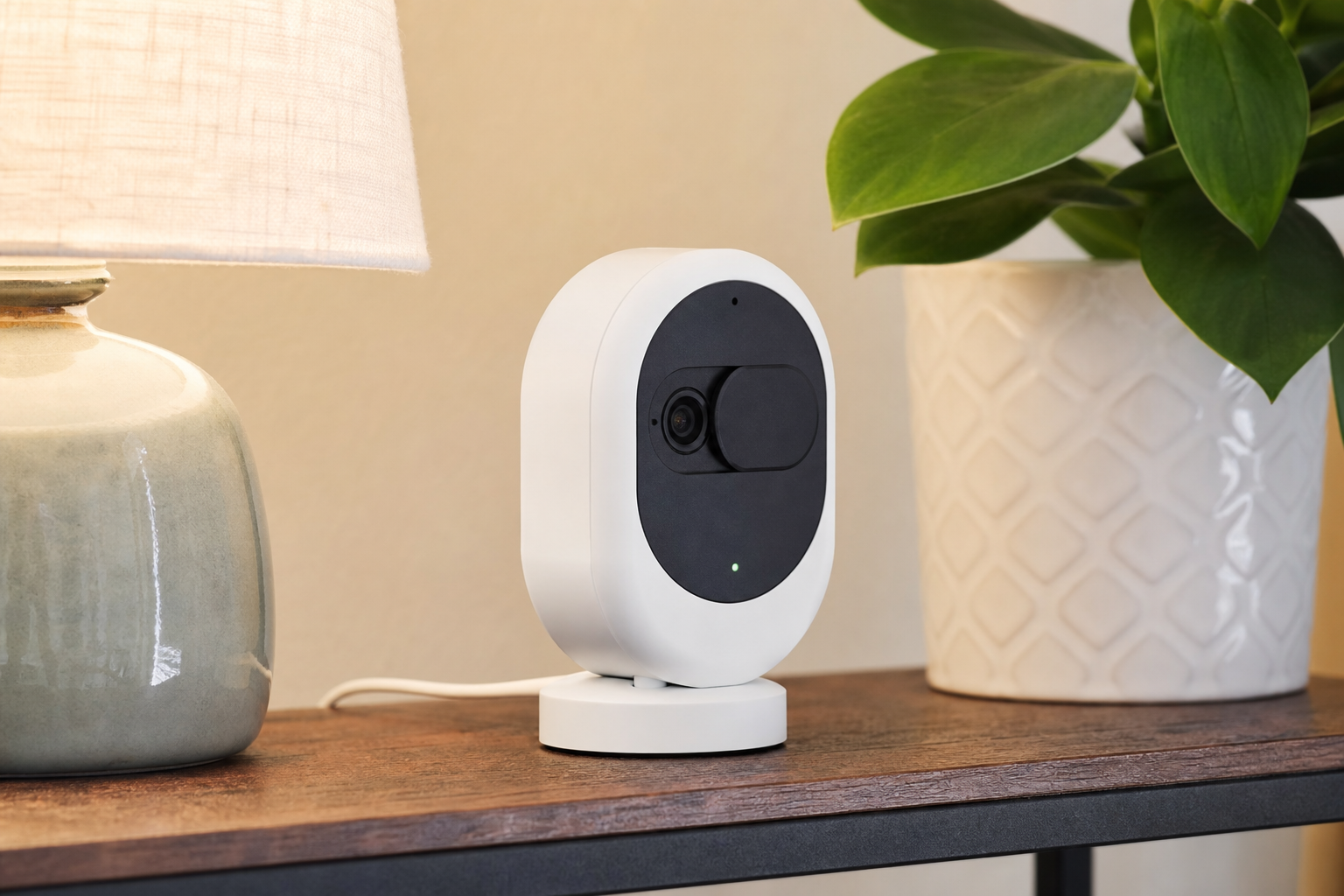
Compare the best security cameras for Canadian apartments and renters, including privacy shutters, no-drill setup, subscription costs, local storage, and U.S. compatibility.
The best security camera for an apartment is usually a small, plug-in indoor model that can sit on a shelf, use existing power, and avoid permanent changes to the unit. For most renters, the most useful features are a physical privacy cover, clear night video, adjustable motion zones, two-way audio, strong account security, and an app that works reliably in Canada and the United States.
Based on current manufacturer specifications and privacy guidance—not hands-on testing—the Google Nest Cam Indoor (wired, 3rd gen) is the best overall choice. The Arlo Essential Indoor 2nd Gen is the best fit when privacy is the top priority, while the Ring Indoor Cam (2nd Gen) makes the most sense for renters already using Alexa or other Ring products.
| Camera | Best for | Key strengths | Main trade-off |
|---|---|---|---|
| Google Nest Cam Indoor (wired, 3rd gen) | Best overall | 2K HDR, 152-degree view, person/animal/vehicle alerts, 2.4 GHz and 5 GHz Wi-Fi | Advanced history and continuous recording require Google Home Premium |
| Arlo Essential Indoor 2nd Gen | Best privacy design | Automated Privacy Shield, 2K or HD options, night vision, built-in siren | Premium features depend on an Arlo Secure subscription |
| Ring Indoor Cam (2nd Gen) | Best for Alexa households | 1080p video, colour night vision, motion zones, manual privacy cover | Many recording and smart-alert features are subscription-based |
Google’s latest wired indoor Nest Cam is the most complete option for a typical apartment living room, entry area, or hallway. It records up to 2K HDR, has a 152-degree diagonal field of view, supports both 2.4 GHz and 5 GHz Wi-Fi, and includes built-in alerts for people, animals, and vehicles. The wide view is useful when you want to monitor a doorway and part of a room without mounting the camera high on a wall.
The camera can sit on a table or mount to a wall with the included hardware. That makes it renter-friendly, although a shelf placement is the least disruptive option. Google lists the Canadian price at CA$129.99, while U.S. pricing and promotions may differ.
The biggest limitation is cloud storage. The camera includes short event previews, but longer event history and 24/7 recording require Google Home Premium. The Advanced plan is also required for up to 10 days of continuous video history. If you want recordings without a monthly subscription, this is not the most economical choice.
View the official Google Nest Cam Indoor (wired, 3rd gen) product page
Arlo’s Essential Indoor 2nd Gen stands out because it uses an automated Privacy Shield that covers the lens when privacy mode is active. That is more reassuring than simply turning off motion alerts or relying on an app setting: you can see that the camera is physically blocked.
The model is available in HD and 2K versions, with a 130-degree field of view, two-way audio, night vision, direct Wi-Fi connectivity, and an integrated siren. It is a good match for a bedroom, home office, or studio apartment where you want the camera available when you are away but visibly inactive when you are home.
Arlo includes a trial of its Secure plan, but premium features require a paid subscription after the trial. Before ordering, check whether the features you care about—such as richer alerts or longer video history—are included without an ongoing plan.
View the official Arlo Essential Indoor 2nd Gen support page
Ring’s Indoor Cam (2nd Gen) is a compact plug-in camera for renters who want straightforward setup and Alexa compatibility. It records in 1080p, offers colour night vision, customizable motion zones, two-way talk, and a manual privacy cover that turns off the camera and microphone when closed.
The privacy cover is especially useful in a rental because it provides a quick physical signal that the camera is not listening or viewing. Ring also supports privacy zones, which can block areas such as a desk, doorway, or neighbouring window from the recorded image.
Ring’s trade-off is its reliance on cloud services for many useful features. Recording history, advanced alerts, video search, and some continuous-recording options require a Ring subscription. The camera is best for live viewing and event notifications if you do not want to pay monthly; it is less attractive for renters who want a long archive of footage without recurring fees.
View the official Ring Indoor Cam (2nd Gen) specifications
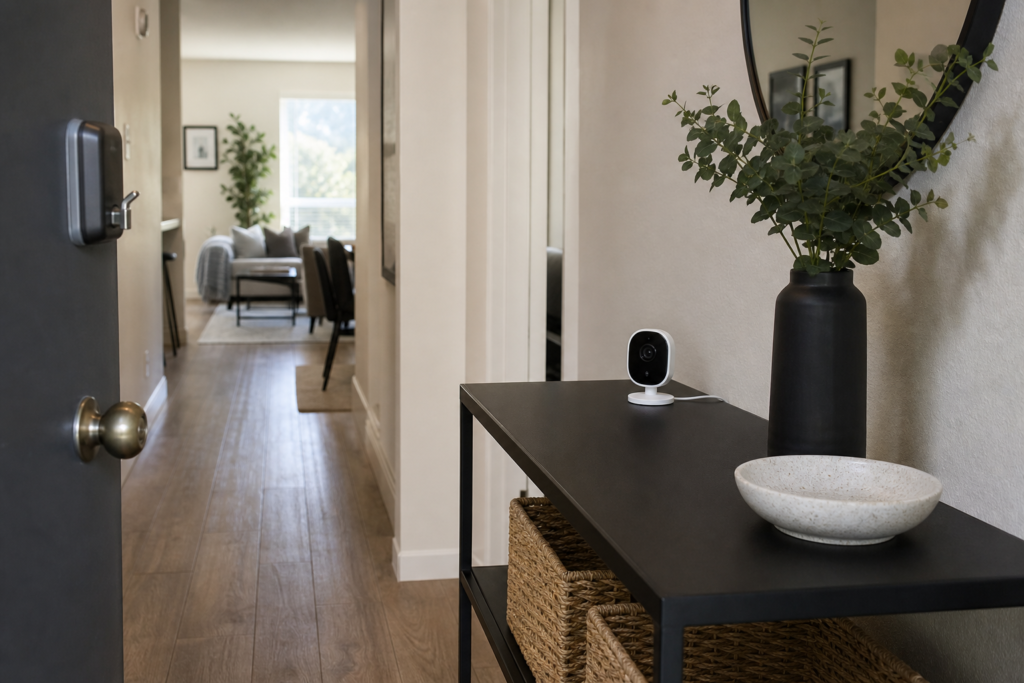
A camera that can sit on a bookshelf, dresser, or TV stand is usually the easiest choice for a rental. It avoids drilling, reduces the risk of damage fees, and lets you take the camera with you when you move. If you mount it, use only hardware allowed by your lease and keep the power cable secured without blocking a walkway.
Motion alerts are not the same as privacy. A camera may stop notifying you while continuing to stream or record. Look for a physical lens cover or shutter, a clear microphone control, privacy zones, two-factor authentication, and the ability to remove shared users.
A sharper image is helpful, but it does not matter much if the recording disappears before you can review it. Check how much event history is included, whether continuous recording is available, whether a subscription is required, and whether the camera supports local storage. Subscription prices and plan names can change, so confirm the current terms on the manufacturer’s product page before purchase.
A wide-angle camera can cover a studio or open-concept living area from one corner, but it may make faces near the edges look smaller. A narrower view can be better for a doorway or hallway. For a small apartment, one wide camera is often more practical than several cameras aimed at overlapping areas.
Change the default password, use a unique password for the camera account, turn on two-factor authentication, install firmware and app updates, and use WPA2 or WPA3 Wi-Fi where available. The U.S. Federal Trade Commission also recommends considering a separate network for connected cameras and checking access logs for unusual activity.
Read the official FTC guide to secure home security cameras
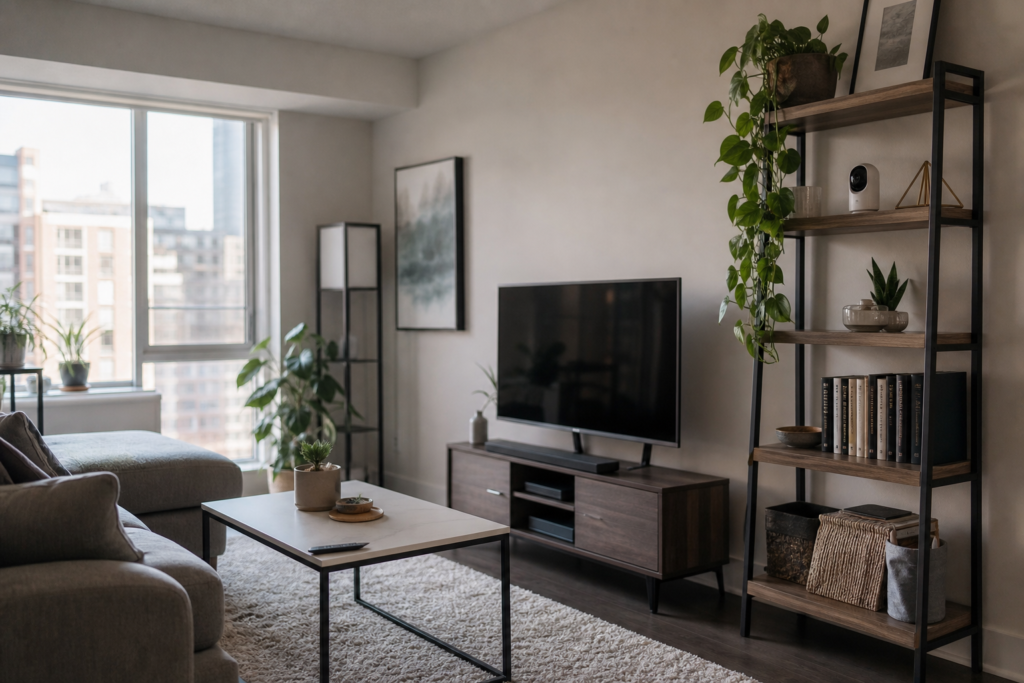
Point indoor cameras only at areas you control. Do not aim a camera through a window at a shared hallway, neighbour’s unit, or another tenant’s doorway. Disable audio when it is not necessary, especially in shared homes or when guests, contractors, roommates, or caregivers may be present.
Canadian privacy guidance emphasizes limiting the field of view, avoiding areas where people have a heightened expectation of privacy, securing recordings, and collecting only the information needed for the stated purpose. In the United States, audio-recording rules can vary by state, so renters should check local law before using continuous audio recording or capturing private conversations.
Also review your lease or building rules before installing a camera outside your unit or pointing one at a common area. A camera inside your apartment is generally less complicated than a device that records neighbours, shared corridors, elevators, or building entrances.
Choose the Google Nest Cam Indoor (wired, 3rd gen) if you want the strongest combination of video quality, wide coverage, and smart alerts. Pick the Arlo Essential Indoor 2nd Gen if a physical privacy shield matters more than ecosystem integration. Choose the Ring Indoor Cam (2nd Gen) if you already use Alexa or Ring and are comfortable with a more subscription-oriented storage model.
For any of these cameras, a shelf-mounted setup, a visible privacy control, strong account security, and careful framing toward your own space will usually matter more than buying the highest available resolution.
A. Yes. The easiest approach is to place a plug-in camera on a shelf, dresser, or bookcase near an outlet. If you need a higher angle, use a removable mounting method only if your lease and the camera manufacturer allow it, and avoid damaging paint, trim, or wiring.
A. The camera itself is not automatically illegal, but privacy issues can arise if it records roommates, guests, neighbours, shared hallways, or private conversations. Keep the view inside your own space, limit audio, tell affected people about the device, and review provincial privacy and tenancy rules when the situation is complicated.
A. All three can generally provide some combination of live viewing, alerts, or limited event features without a paid plan, but the amount of stored video and advanced detection varies. Google Nest, Arlo, and Ring each reserve some history, search, or enhanced alert features for their paid services.
A. A battery model is easier to place away from outlets and can be convenient when you cannot run a cable. However, it needs recharging and may not support continuous recording. For a fixed apartment location, a small plug-in camera is usually simpler and more dependable.
A. Only if the camera can frame your own doorway without unnecessarily recording a shared corridor, neighbouring doors, or people’s daily movements. Building rules may also prohibit devices aimed at common areas. A door sensor or camera placed inside the entryway may provide useful awareness with less privacy impact.