Welcome to KnowHow Daily!
Practical guides, money-saving tips, tech solutions, government benefits, and useful information for everyday life.
Welcome to KnowHow Daily!
Practical guides, money-saving tips, tech solutions, government benefits, and useful information for everyday life.

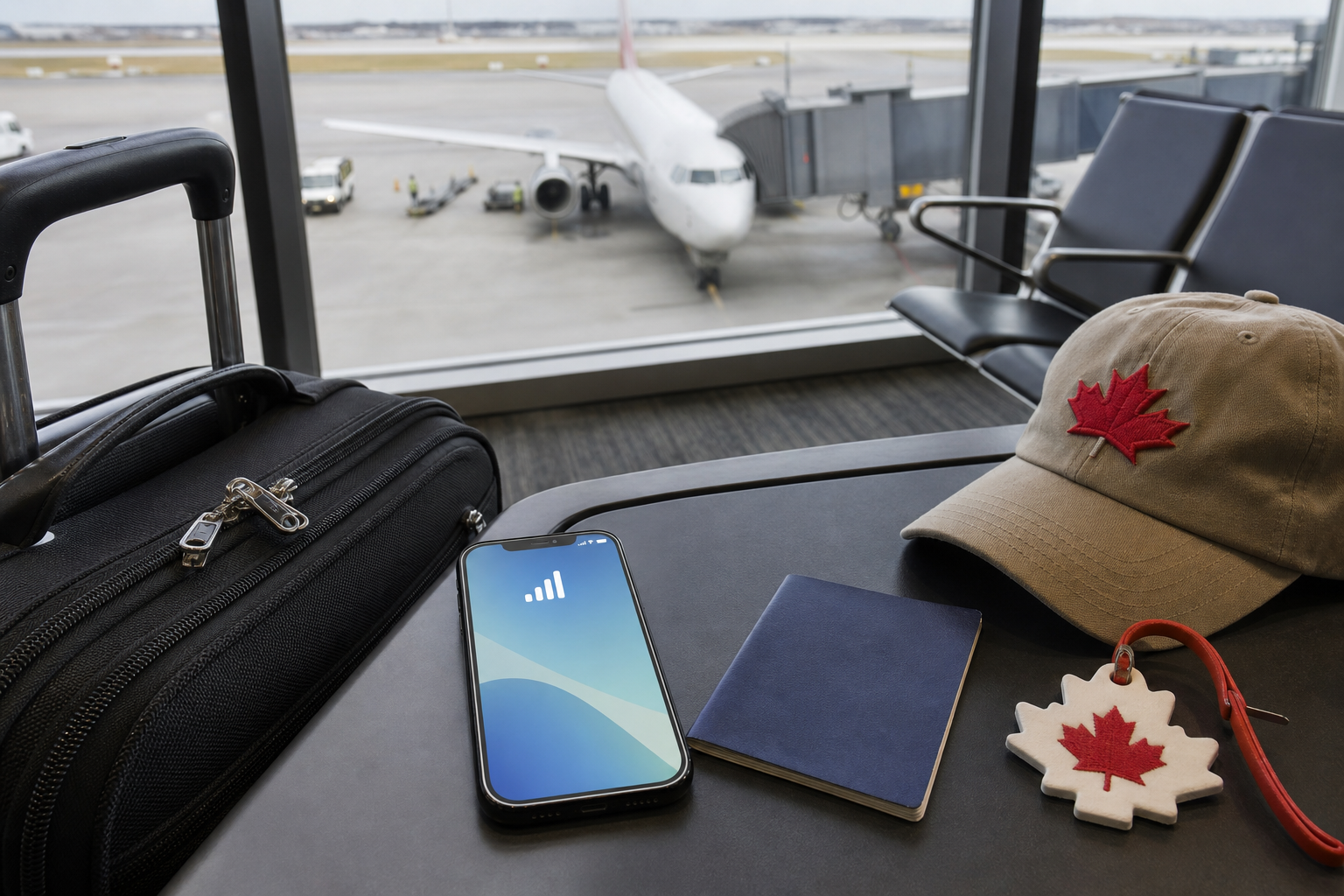
Traveling from the U.S. to Canada with Google Fi? Learn how long activation takes, which plans work abroad, and how international data suspension works.

If you’re taking a Google Fi phone from the U.S. to Canada, activate the service before your trip—not after you land. Google Fi says new service must be activated and used in the United States for at least one day before it’s used internationally.
The same rule applies when you add a new phone to an existing Fi account. A new device must be activated and used in the U.S. for at least one day before international use, whether you’re using an eSIM, a physical SIM, or another supported SIM setup.
“At least one day” is the practical deadline to plan around. Don’t activate Fi at the airport just before boarding and assume it will work immediately in Canada. Give the line and device a full day of normal U.S. use before departure.
Review the official Google Fi international travel rules
Not every Google Fi plan includes international service. For a U.S. customer visiting Canada, the plan you have matters as much as the activation date.
| Google Fi plan | Canada and Mexico | Other international destinations |
|---|---|---|
| Unlimited Essentials | International calls, texts, and data aren’t supported | Not supported |
| Flexible | Calls and texts between the U.S., Canada, and Mexico are included; data is charged at $10 per GB | Data is available in more than 200 destinations at $10 per GB |
| Unlimited Standard | Unlimited data, calls, and texts are included | Not intended for general international travel outside Canada and Mexico |
| Unlimited Premium | Included | Unlimited data is available in more than 200 countries and regions |
For a short trip to Canada, Unlimited Standard is the simplest fit if you want included data, calls, and texts. Flexible can work well if you use very little data, but the $10-per-GB rate can add up quickly if you stream video, use a hotspot, upload photos, or rely on mobile data throughout the day.
Unlimited Essentials is the plan most likely to cause a surprise. It may be suitable for U.S.-only use, but Google Fi says it does not support calls, texts, or data when you travel internationally.
Use this checklist several days before leaving the U.S.:
Check Google Fi international service settings
Google Fi international service is generally enabled by default, but checking the setting is worthwhile if you previously turned roaming off or changed plans. If you want to avoid unexpected charges on Flexible, you can also turn international service off or monitor usage in the Fi app.
Check whether your phone is compatible with Google Fi
After the line has been properly activated and used in the U.S., you generally don’t need a new SIM card or a separate international add-on for Canada. Your phone connects through a supported Canadian network when cellular service is available.
On Unlimited Standard, data in Canada is included, subject to the plan’s terms and any high-speed data limits. Calls and texts between Canada, the U.S., and Mexico are included as well.
On Flexible, calls and texts between those three countries are included, while cellular data is billed at $10 per GB. Texts to other countries may be included, but calls to destinations outside the U.S., Canada, and Mexico can cost extra.
On Unlimited Premium, international data is included in more than 200 countries and regions. Calls to some destinations may still have additional charges, so check the specific rate before making an international call outside the North American coverage area.
First, check that cellular data and data roaming are enabled in your phone’s settings. Then open the Google Fi app and review the international service setting. Restarting the phone can also force it to register with a local network.
If you use a phone with two active SIMs, network features may be limited. Google says its international coverage module is available on Pixel 7 and later devices when there isn’t another active physical or digital SIM running alongside the Google Fi SIM.
For persistent activation errors, Google’s troubleshooting guidance says the service should be activated in the U.S. before international use. Certain military, State Department, and eligible dependent accounts may qualify for an exception after government-status verification.
Google Fi is designed primarily for use in the United States, with international travel included as a feature—not as a replacement for a permanent overseas mobile plan.
After an extended period outside the U.S., typically around 50 days, Google Fi may send a warning by email and through the app. Your account can remain active at first, but international data may be suspended 30 days after that warning.
Returning to the U.S. and using data there for at least a week can help you avoid the suspension. If international data has already been suspended, Google says it won’t be restored until the account has significant data use in the U.S. for at least 30 days.
During an international data suspension, you may still be able to call and text, but you should not count on mobile data for maps, rideshare apps, messaging, or airport communication.
For a brief Canadian vacation, switching plans may not be necessary if your current plan already matches your usage:
Plan changes can have different effective times. Google Fi says switching to Unlimited Premium from Unlimited Essentials or Unlimited Standard can take effect immediately, while other plan changes may take effect in the next billing cycle. Check the app before changing anything so you know which plan will apply during your trip.
Compare Google Fi international plan coverage
A. New Google Fi service and new devices must be activated and used in the United States for at least one day before international use. Activating for the first time after arriving in Canada may fail unless you qualify for an official military, State Department, or eligible dependent exception.
A. Yes. Google Fi says Unlimited Standard includes unlimited data, calls, and texts in the United States, Canada, and Mexico, subject to the plan’s terms and applicable high-speed data limits.
A. Yes. Flexible provides international data in Canada and other supported destinations at $10 per GB. Calls and texts between the United States, Canada, and Mexico are included.
A. Your account may remain active for calls and texts, but international mobile data is suspended. Google says significant data use in the United States for at least 30 days is required before international data access is restored.
A. Normally, no. Google Fi says you don’t need to change your settings, contact support, or set up a new SIM card for international service. Your phone must still be compatible, properly activated, and configured for cellular data and roaming.