Welcome to KnowHow Daily!
Practical guides, money-saving tips, tech solutions, government benefits, and useful information for everyday life.
Welcome to KnowHow Daily!
Practical guides, money-saving tips, tech solutions, government benefits, and useful information for everyday life.

Learn the difference between the Apple TV app, Apple TV subscription, and Apple TV 4K, including prices, sports, compatible devices, and Canada-U.S. differences.
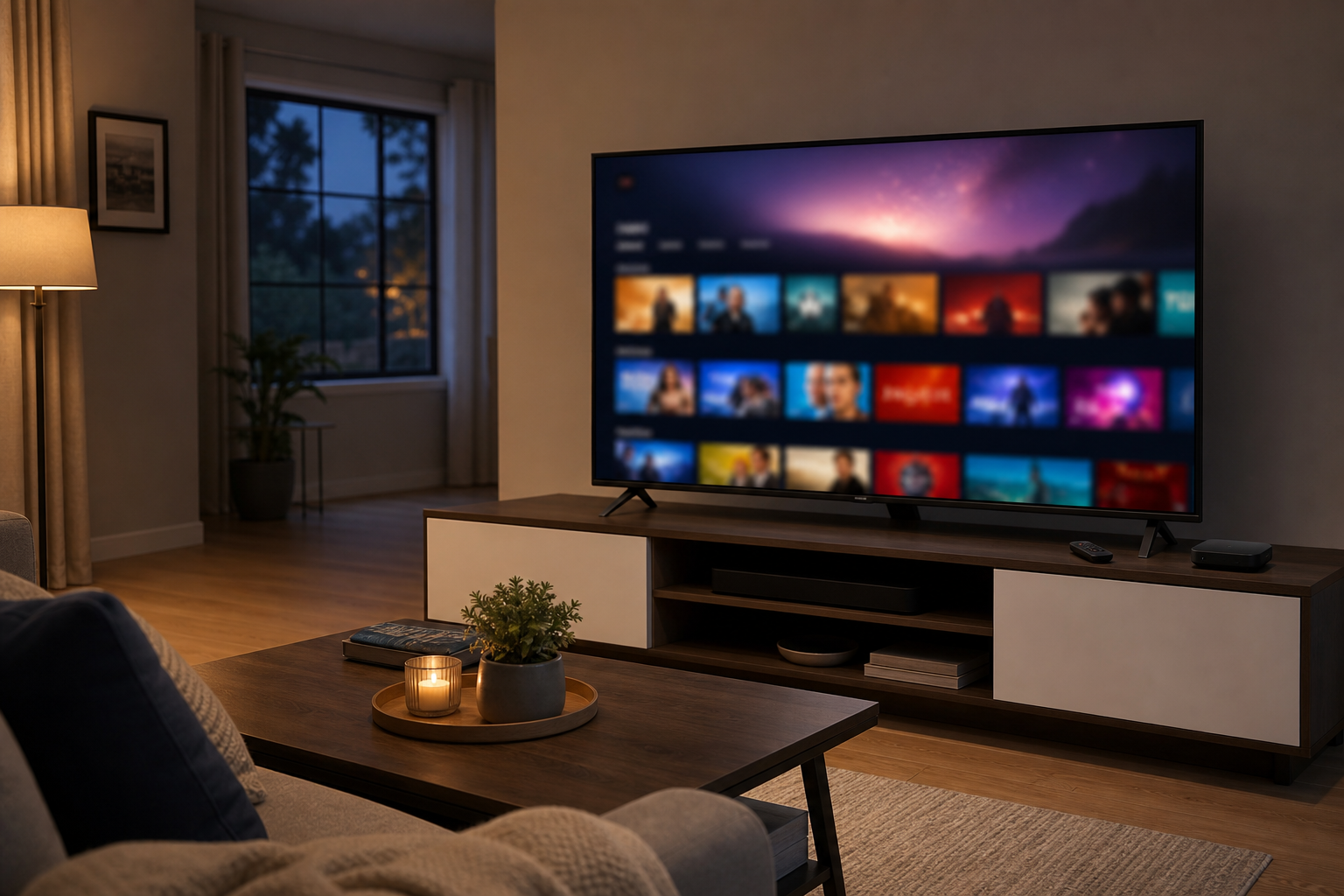
“Apple TV” can mean three different things, which is why shopping and streaming searches often become confusing. It can refer to the Apple TV app, the Apple TV subscription, or the Apple TV 4K streaming device.
The app is the software. The subscription gives you access to Apple Originals and selected live sports. The Apple TV 4K is the physical box that connects to your television and lets you use the app, plus other streaming services and Apple features.
You can subscribe to Apple TV without owning an Apple TV 4K. In fact, many people use the service through an existing smart TV, Roku, Amazon Fire TV device, game console, iPhone, iPad, Mac, Windows PC, Android device, or web browser.
The Apple TV app is a streaming and entertainment hub. It includes Apple Original shows and movies, live sports available through your subscription, and a store where you can rent or buy individual movies and access previously purchased iTunes content.
The app can also help you find programming from other services. Depending on the device and region, it may display content from services such as Disney+, Crave, and Amazon Prime Video. However, seeing another service inside the app does not mean that service is included with Apple TV. You still need its separate subscription.
The Apple TV app is available on Apple devices and many third-party platforms, including compatible Samsung, LG, Sony, VIZIO, and TCL televisions, Roku and Amazon Fire TV devices, Chromecast with Google TV, PlayStation, Xbox, and supported cable or streaming boxes.
Availability and features can vary by country, manufacturer, and model. If the app does not appear in your device’s app store, that model or region may not be supported.
The Apple TV subscription is Apple’s paid streaming service. It includes hundreds of Apple Originals, such as scripted series, documentaries, children’s programming, and movies. Apple Originals are available on demand and are generally presented without commercial breaks.
The subscription does not automatically include every movie shown in the Apple TV app. Some titles are available to rent or buy separately. It also does not include third-party streaming subscriptions simply because they appear in the app.
New subscribers in both countries can usually start with a seven-day free trial. After that, the current monthly prices are:
| Region | Monthly price | What is included |
|---|---|---|
| Canada | $14.99 CAD | Apple Originals, MLS, Friday Night Baseball, and other included Apple TV programming |
| United States | $12.99 USD | Apple Originals, MLS, Friday Night Baseball, and U.S. Formula 1 coverage |
Prices can change, and taxes may apply. Apple also offers Apple TV through Apple One, and eligible Apple Music Student Plan subscribers may receive Apple TV access as part of that offer.
If you buy a qualifying new Apple device, Apple currently advertises three months of Apple TV at no charge. The offer must be claimed within the stated redemption period, and eligibility restrictions apply. Check the offer shown in the Apple TV app after setting up the device.
Apple TV 4K is a small streaming box that plugs into your television through HDMI. It connects to the internet over Wi-Fi, or through Ethernet on the higher-capacity model, and is controlled with the included Siri Remote.
The current Apple TV 4K is available in two configurations:
The device supports 4K video, Dolby Vision, HDR10+, and Dolby Atmos when your television, sound system, content, and HDMI setup support those formats. The 128GB model adds Gigabit Ethernet and Thread networking support, which can be useful for a wired connection or certain smart-home setups.
An HDMI cable is not included, so you may need to buy one separately. You also need an HD-capable television, a broadband internet connection, and a power outlet.
Apple TV 4K can run many popular entertainment apps, including Netflix, Prime Video, Disney+, YouTube, and other services supported in your region. It can also play Apple Music, display Apple Photos, support Apple Arcade games, and act as a smart-home hub.
That makes it more than a box for the Apple TV subscription. It is a replacement for the smart-TV operating system, and some people prefer it because the interface is fast, consistent, and less dependent on the television manufacturer’s software.
In Canada, Apple TV costs $14.99 CAD per month after the trial. Subscribers can watch Apple Originals, MLS programming, and Friday Night Baseball through the Apple TV app. Apple’s current Canadian service information does not list the full Formula 1 package as a Canadian Apple TV benefit; Apple identifies its all-session Formula 1 offering as U.S.-only.
Canadian viewers may also see Canadian services and content integrations that differ from what appears in the United States. For example, the Apple TV app can help surface content from services such as Crave, but a separate Crave subscription is still required.
In the United States, Apple TV costs $12.99 USD per month after the seven-day trial. The subscription includes Apple Originals, MLS, and Friday Night Baseball. Beginning with the 2026 season, Apple also carries every Formula 1 Grand Prix in the United States, including practice, qualifying, Sprint sessions, and races.
U.S. customers can subscribe through supported Apple devices, the Apple TV app, the web, and selected third-party platforms. On Amazon Fire TV, Apple notes that U.S. customers can subscribe through Apple TV and Prime Video, while purchasing or renting other content may require another supported device.
No. If your television already has the Apple TV app, you can watch Apple Originals without buying Apple hardware. You can also use the service on a phone, tablet, computer, compatible streaming device, game console, or the web.
Apple TV 4K makes more sense if your current smart-TV software is slow, your television does not support the app, you want a stronger 4K and Dolby Atmos experience, or you want one interface for several streaming services. It is also a good fit for households already using iPhone, AirPods, HomePod, Apple Music, Apple Photos, or Apple smart-home accessories.
If your main goal is simply watching Ted Lasso, Severance, MLS, or other Apple TV programming, start with the app and subscription. Buy the box only if you want the hardware benefits.
On iPhone and iPad, selected Apple TV shows and movies can be downloaded for offline viewing. Downloads are not available in the same way on every third-party television or streaming device.
A. Apple TV Plus was the earlier name commonly used for Apple’s streaming service. Apple now generally presents the service as Apple TV. The Apple TV app is the software used to access it, while Apple TV 4K is the separate streaming device.
A. Yes, the Apple TV app is available on many Roku and Amazon Fire TV devices. Availability depends on the model and country. Install the app from the device’s app store and sign in with your Apple Account.
A. No. The Apple TV app can help you find or organize content from other services, but third-party subscriptions remain separate. You must subscribe directly to those services to watch their included content.
A. Yes. Apple says one Apple TV subscription can be shared with up to five other family members through Family Sharing, for a total of up to six people, subject to Apple Account and Family Sharing requirements.
A. Apple’s current all-session Formula 1 offering is identified as U.S.-only. Canadian viewers should not assume that an Apple TV subscription includes the same Formula 1 rights as a U.S. subscription.