Welcome to KnowHow Daily!
Practical guides, money-saving tips, tech solutions, government benefits, and useful information for everyday life.
Welcome to KnowHow Daily!
Practical guides, money-saving tips, tech solutions, government benefits, and useful information for everyday life.

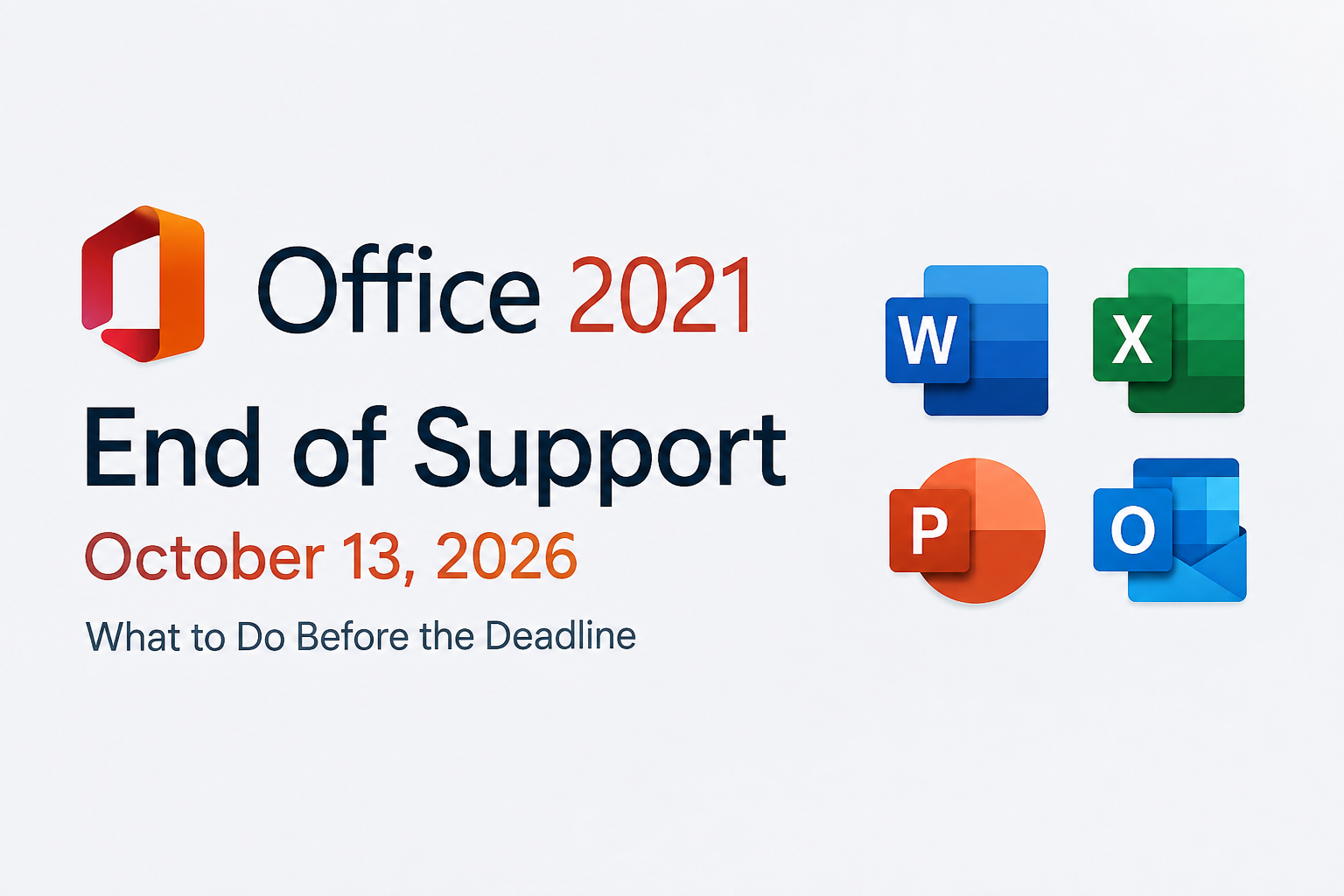
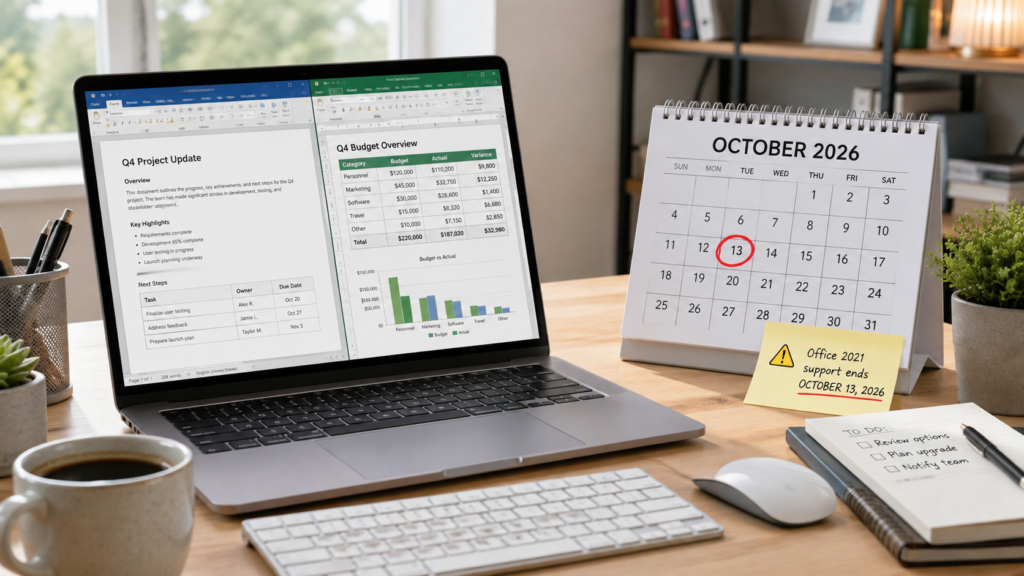
| • Microsoft says support for Office 2021 ends October 13, 2026, with no extension and no extended security updates. • Word, Excel and other Office 2021 apps may continue to open after the deadline, but they will no longer receive security fixes, bug fixes or Microsoft technical support. • You do not automatically have to move to a subscription: compare a supported Microsoft 365 plan with a supported one-time-purchase Office version based on how you work. |
The phrase “end of support” often sounds like a kill switch. Microsoft’s own guidance is more specific: Office 2021 apps may continue to function after October 13, 2026. Your existing documents do not suddenly disappear simply because the support date passes.
The real change is what stops arriving. Microsoft says there will be no new security updates, bug fixes or technical support for Office 2021 after the deadline. Over time, that can matter more than whether Word still launches on the morning of October 14.
Office files can arrive through email, downloads, shared drives and cloud services. A supported Office version receives fixes when Microsoft discovers vulnerabilities or compatibility problems. An unsupported version stays frozen while the rest of Windows, browsers, cloud storage and file formats continue to change.
If the computer is offline and used for a narrow purpose, the risk profile is different from a work computer that constantly opens outside attachments. The important point is to make a deliberate decision rather than treating “it still opens” as the same thing as “it is still supported.”
Microsoft 365 is the obvious path for people who want continuously updated desktop apps, cloud storage and multi-device benefits. But some users prefer a one-time purchase and can compare the currently supported perpetual Office options instead. Prices and included apps vary by market and edition, so check Microsoft’s current product pages before buying.
For a household, compare the number of users and devices. For a business, add compliance, update management and shared-service requirements. A low-cost license that does not fit the way the organization works can create more migration work later.
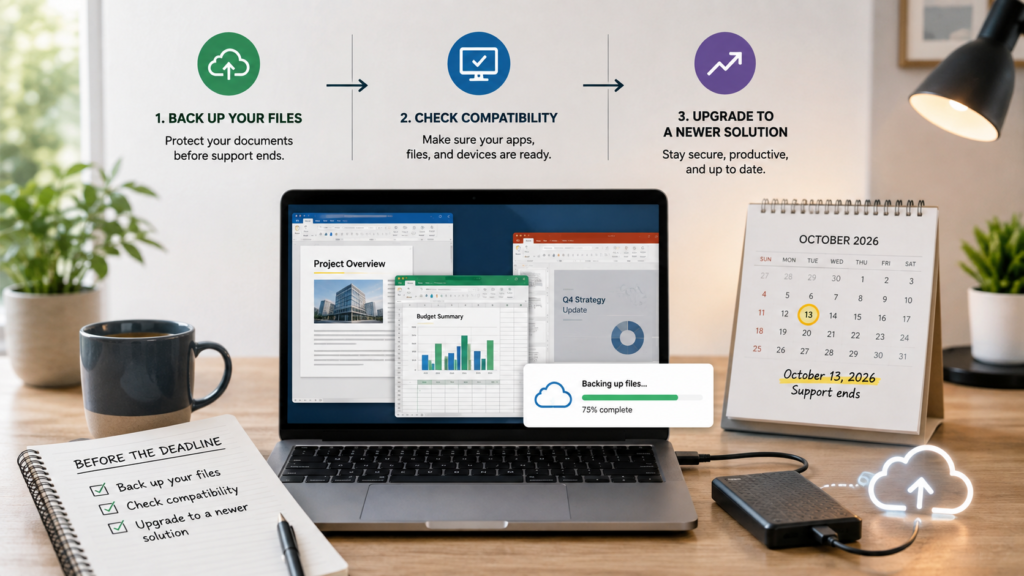
First, confirm what version you actually have. In an Office app, open the Account area and look for the product name. “Office 2021” and a Microsoft 365 subscription can look very similar on the desktop but have different support models.
Next, make a simple inventory of templates, macros, add-ins and any Access or Publisher workflows that matter. Test those items on the replacement before removing the old installation. If you manage several computers, start the compatibility check well before October rather than scheduling every upgrade during the final week.
| Official Links • Microsoft: End of support for Office 2021 Read Microsoft’s consumer guidance for the October 2026 deadline. https://support.microsoft.com/en-us/office/system-requirements/end-of-support-for-office-2021 • Microsoft lifecycle announcement for Office LTSC 2021 Business and IT administrators can review the lifecycle notice. https://learn.microsoft.com/en-us/lifecycle/announcements/office-ltsc-2021-end-of-support • Microsoft 365 Compare Microsoft’s currently supported subscription options. https://www.microsoft.com/microsoft-365 |
Q. Will Office 2021 stop opening after October 13, 2026?
A. Microsoft says the apps may continue to function, but they will no longer receive security updates, bug fixes or technical support.
Q. Can antivirus software replace Office security updates?
A. No. Antivirus can add protection, but it does not patch vulnerabilities inside an unsupported Office application.
Q. Do I have to buy Microsoft 365?
A. Not necessarily. Microsoft 365 is one supported option, but users who prefer a one-time purchase can compare Microsoft’s current supported perpetual Office products.