Welcome to KnowHow Daily!
Practical guides, money-saving tips, tech solutions, government benefits, and useful information for everyday life.
Welcome to KnowHow Daily!
Practical guides, money-saving tips, tech solutions, government benefits, and useful information for everyday life.

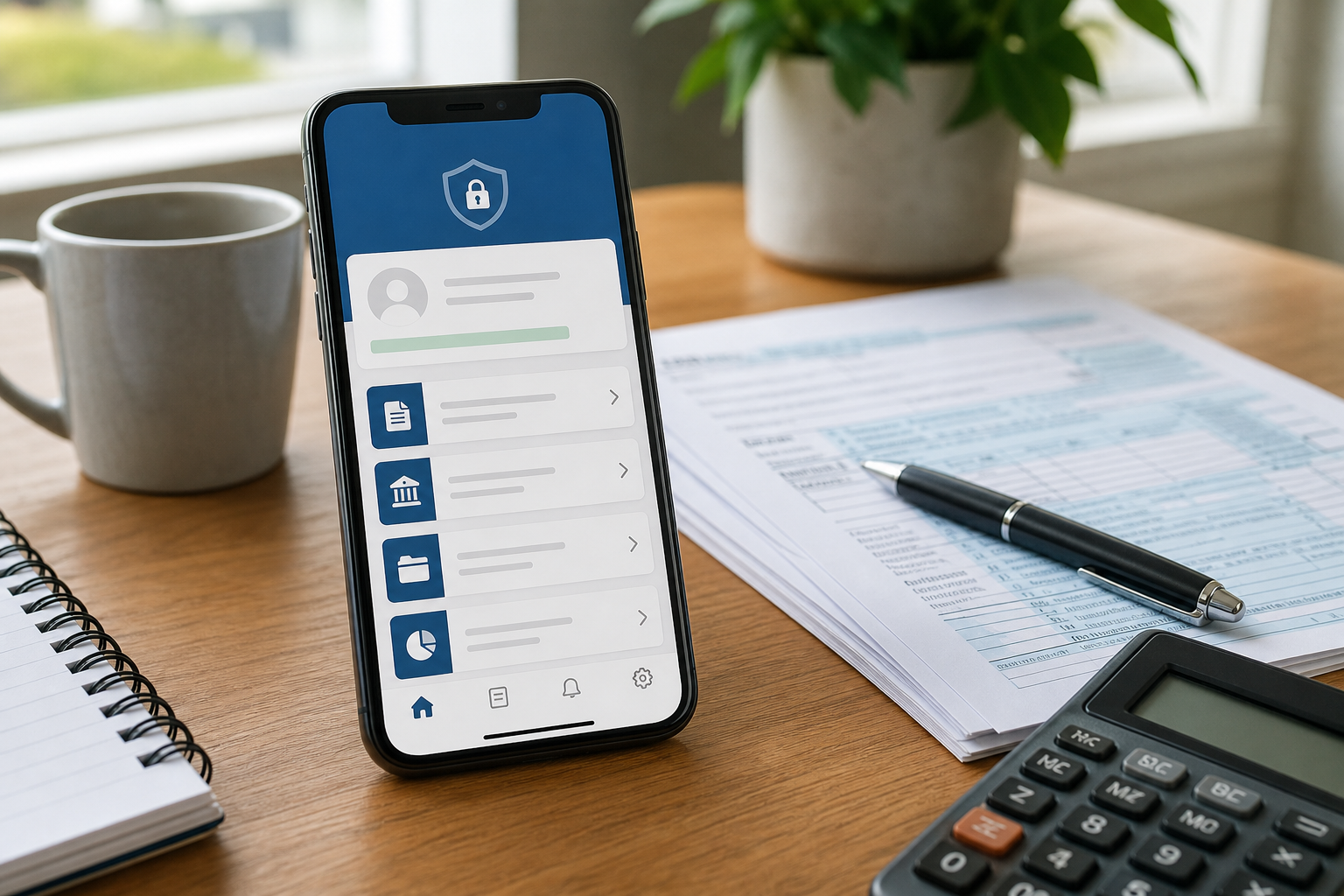
The new IRS app replaces IRS2Go. Learn what changed, how to download the official app, sign in securely, check refunds, make payments, and avoid scams.

The IRS app is the new name and expanded version of IRS2Go. It launched on September 25, 2026, and gives taxpayers a broader way to handle routine federal tax tasks from a phone or tablet.
The most important distinction is that this is an update to the existing IRS mobile experience, not a replacement for IRS.gov. The app adds selected account features, but the IRS website still provides the agency’s full collection of tax information, forms, tools, and online accounts.
If you already had IRS2Go installed, you generally do not need to download a separate app. With automatic updates enabled, the app should update through the normal app-store process. Otherwise, open the Apple App Store or Google Play and choose Update.
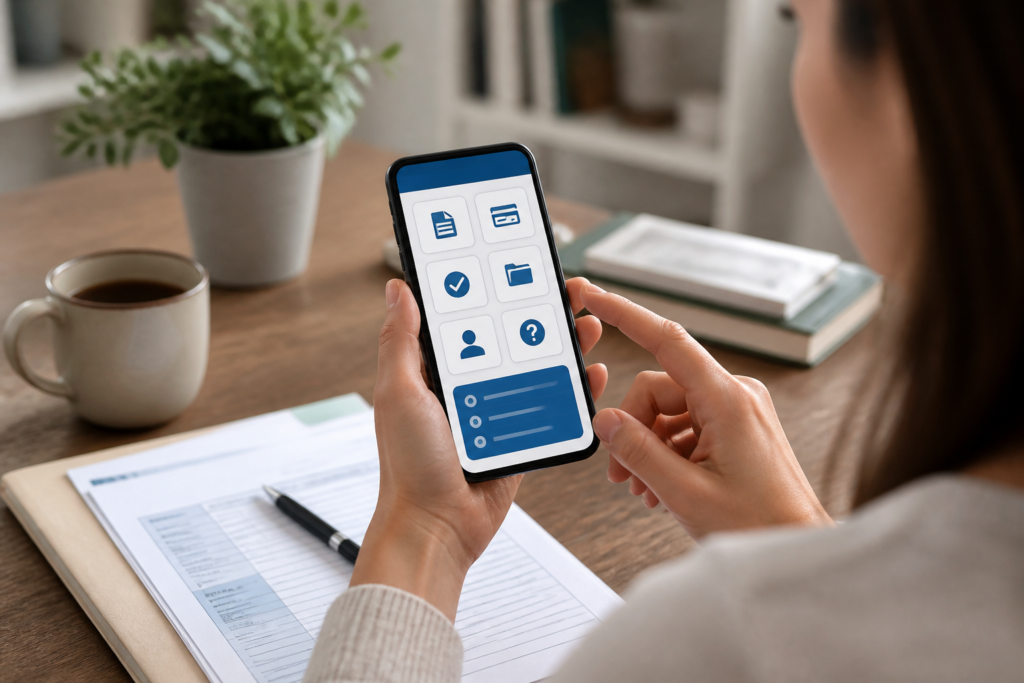
Some services remain available without signing in, while other features require secure access to your IRS Individual Online Account.
The exact information shown can depend on your tax situation and what is available in the IRS systems. The app does not expose every feature found in the full Individual Online Account.
Open the official IRS app information pageThe safest route is to start from the IRS’s official app page rather than searching for an app through an advertisement, text message, or unexpected email. That page links to the official listings for both major mobile platforms.
View the official IRS app page with verified download linksYou can also open the official store listing directly:
Before installing, check the publisher name carefully. A familiar-looking icon or a search result at the top of a store page is not enough by itself, especially if the listing is reached through a sponsored advertisement.
To use the account features, open the app and choose the sign-in option. The IRS app uses the secure sign-in process associated with IRS Individual Online Account and ID.me. In some cases, the app sends you to a secure browser screen to complete identity verification before returning you to the app.
If you already have an IRS Individual Online Account, use the same credentials and sign-in method rather than creating a second account. If you do not have an account, the IRS provides an account-creation and identity-verification process before personal tax information can be displayed.
Sign in to or create an IRS Individual Online AccountNever share your IRS or ID.me password with another person. If someone claims they need your login code to help with a refund, payment, or notice, treat that as a warning sign.
The new app is useful for quick account checks, but it is not a complete mobile version of every IRS service.
| Service | What to expect |
|---|---|
| IRS app | Mobile access to selected individual account services and familiar IRS2Go tools. |
| IRS.gov | Full tax guidance, forms, calculators, publications, filing information, and broader online services. |
| Individual Online Account | Comprehensive personal account access through the IRS website, including information and tools that may not yet appear in the app. |
| Business Tax Account | Separate online service for eligible business taxpayers; it is not replaced by the new individual-focused app. |
| Tax Pro Account | Separate service for tax professionals and representatives. |
That means the app is best viewed as a convenient mobile doorway into selected services, not as the only way to contact or manage your relationship with the IRS.
Tax-related scams often rely on urgency. A message may claim that your refund is blocked, your account will be closed, or you must install an app immediately. The IRS says it will not ask for sensitive personal or financial information through an unsolicited text, email, or pop-up message.
Use these checks before entering information:
The app makes the most sense for U.S. taxpayers who want quick access to refund information, payment tools, notices, transcripts, or basic account details while away from a computer. It may also be useful for people who previously relied on IRS2Go and want to keep using the same familiar services.
The app is available in English and Spanish and supports compatible phones, tablets, and accessibility features. The IRS says it requires iOS or iPadOS 15.1 or later, or Android 7.0 or later.
If you are a Canadian taxpayer looking for Canada Revenue Agency services, this is not the right app. It is the mobile app for the U.S. Internal Revenue Service. Canadians with U.S. tax obligations may still have reasons to use IRS services, but the app does not replace Canada’s CRA tools.
If you used IRS2Go, check whether the app has updated automatically. If it has not, update it through the official store listing or begin from the IRS app page. For a one-time refund check, you may not need to sign in. For balances, notices, transcripts, payment activity, or other personal account information, use the secure sign-in process and verify that you are in the official IRS app.
A. No. IRS2Go transitioned to the IRS app through the normal app-update process. If automatic updates are turned off, update the existing app through the official Apple App Store or Google Play listing.
A. Yes. Refund and amended-return status checking remains available without signing in, along with other limited services. Account balances, notices, transcripts, and several self-service features require secure sign-in.
A. No. The app extends selected Individual Online Account features to mobile devices. IRS.gov and the full online account remain available for broader tax information and services, while Business Tax Account and Tax Pro Account remain separate.
A. No. The app belongs to the U.S. Internal Revenue Service. Canadian tax services are handled separately through the Canada Revenue Agency.