Welcome to KnowHow Daily!
Practical guides, money-saving tips, tech solutions, government benefits, and useful information for everyday life.
Welcome to KnowHow Daily!
Practical guides, money-saving tips, tech solutions, government benefits, and useful information for everyday life.

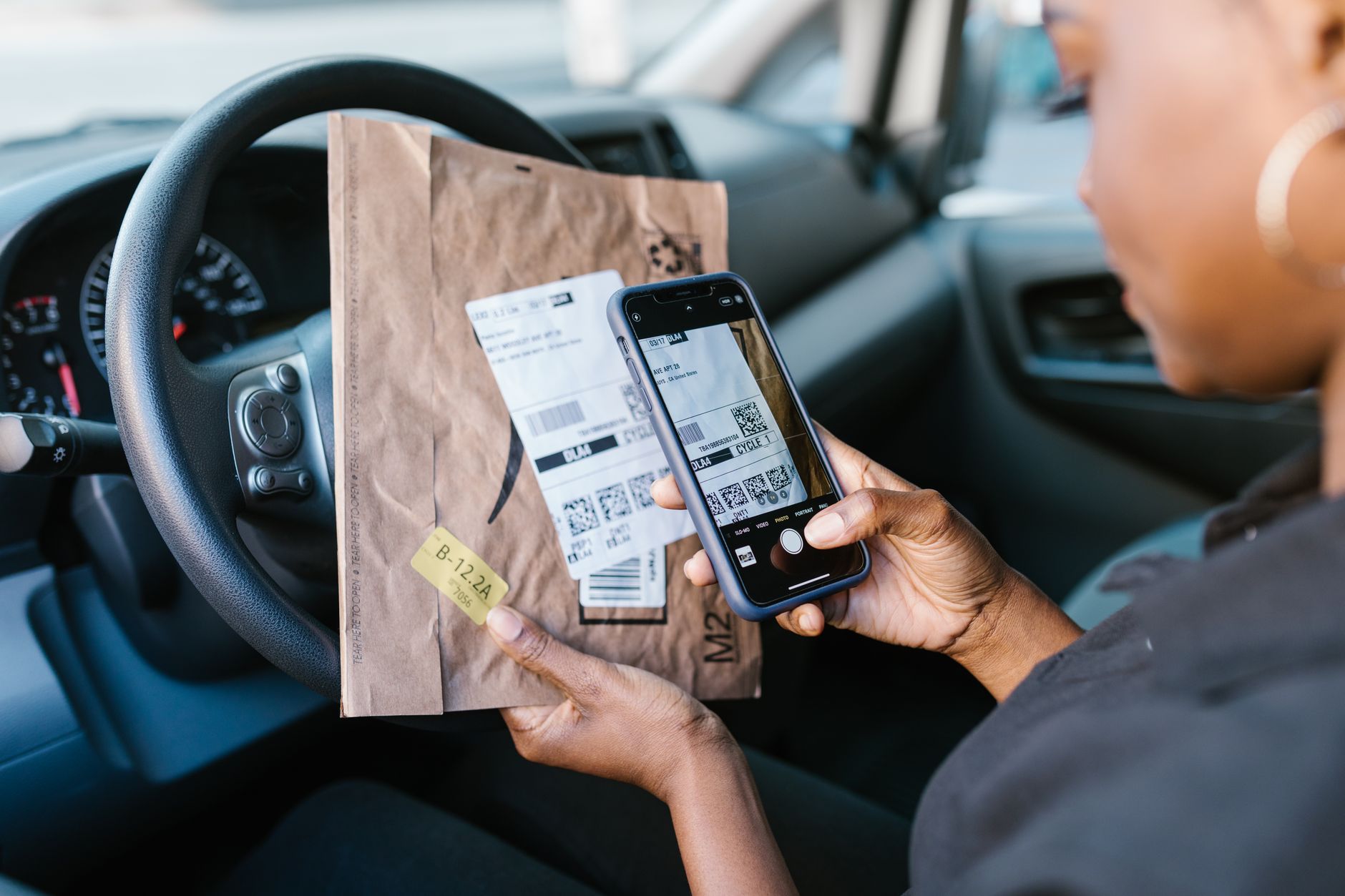
The FTC warns that scammers are covering parking-meter QR codes with fake ones. Learn how to check payment links, protect your phone, and report a bad scan.
The Federal Trade Commission issued a consumer alert on September 3, 2026, after reports that scammers were covering legitimate QR codes on parking meters with fraudulent replacements. A driver who scans the altered code may be sent to a fake payment page designed to collect credit-card details, login credentials, or other personal information.
The FTC has not said that every parking QR code is fraudulent, and the alert does not identify one nationwide parking operator behind the reports. The practical warning is simpler: treat a QR code on a meter or sign as a link you need to inspect, not as proof that the payment page is legitimate.
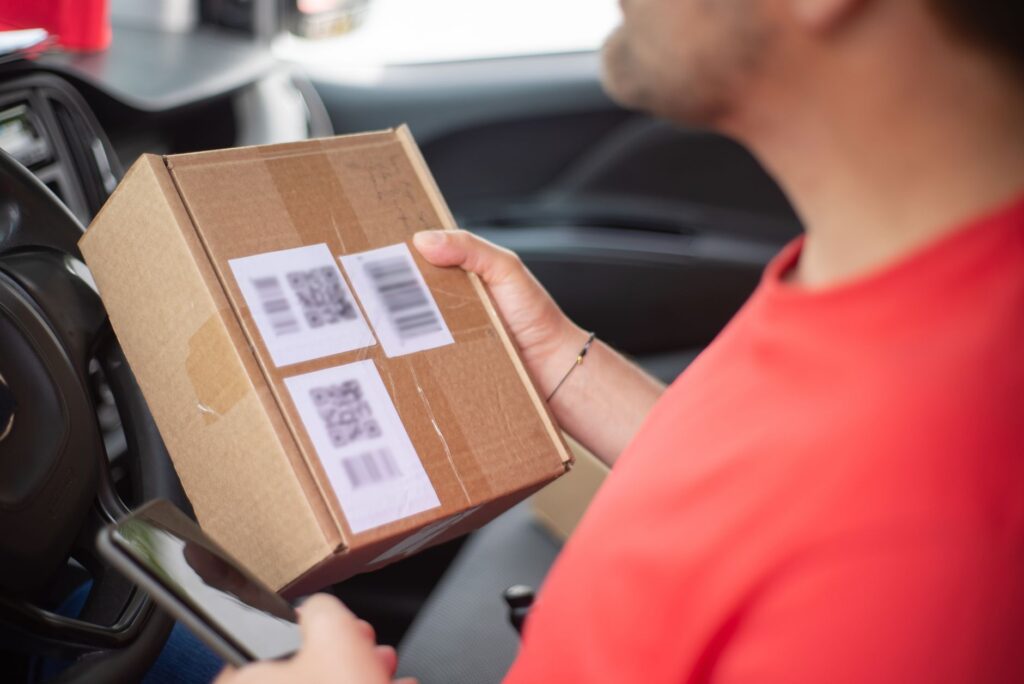
Many parking systems use QR codes to open a mobile payment page or an operator’s parking app. Because the code is often displayed in a public place, a scammer may be able to place a sticker over the real code without changing the rest of the meter or sign.
The replacement code can lead to a convincing copy of a parking-payment website. The page may ask for your license plate, phone number, email address, password, or credit-card information. Some fraudulent links may also try to persuade you to download an unfamiliar app or approve permissions.
A working webpage, a familiar-looking logo, or a page that knows you are trying to pay for parking does not prove that the site is genuine. The important clue is the destination address and whether it matches the parking authority, city, operator, or app you intended to use.
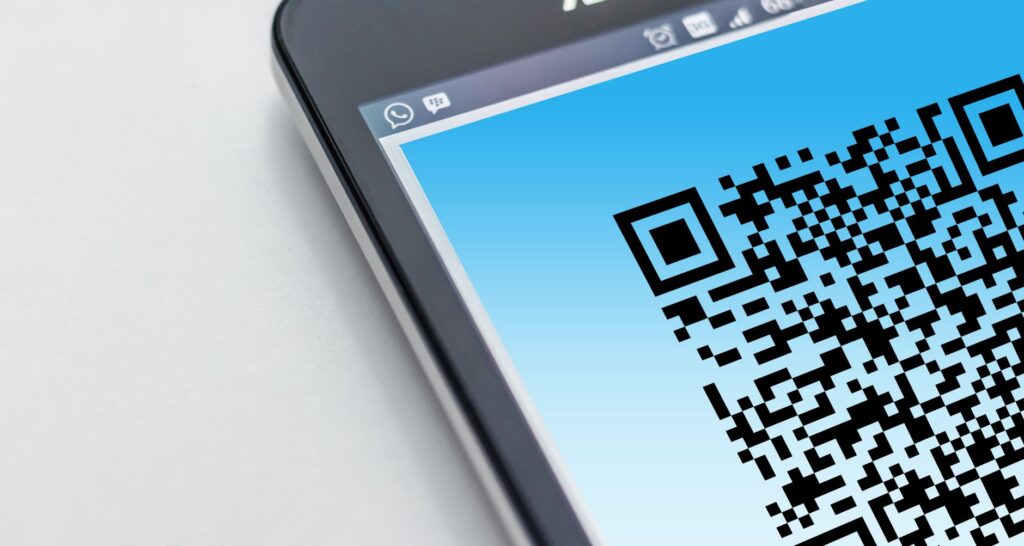
Most phone cameras and QR readers show a preview of the destination before opening it. Pause at that screen. Look closely at the full web address for misspellings, extra words, switched letters, unusual punctuation, or a domain that only resembles the real operator’s name.
If you have another way to pay, such as a known parking app, a meter keypad, or an official city parking website that you type yourself, use that instead of scanning a suspicious code.
The FTC recommends keeping your phone’s operating system and apps updated. Updates can include security fixes that reduce the risk of harmful links or malicious downloads causing problems.
On an iPhone or iPad, Apple’s official instructions are to open Settings, select General, and then choose Software Update. On Android, the usual path is Settings, System, and Software updates, although the exact wording can vary by manufacturer and carrier.
Use a different strong password for every important account, especially email, banking, payment, and mobile-carrier accounts. Turn on multi-factor authentication wherever it is available. That way, a stolen password is less likely to provide immediate access to several accounts.
Scanning a code does not automatically mean your phone or accounts have been compromised. The risk is higher if you entered information, downloaded an app, approved permissions, or completed a payment. Take the following steps based on what happened:
Keep screenshots, the suspicious web address, receipts, transaction details, and photographs of the altered QR code if you have them. That information may help your card issuer, parking operator, local police department, or fraud-reporting agency understand what happened.
The September 3 alert came from the U.S. Federal Trade Commission and is directed at U.S. consumers. If the incident happened in the United States, report it to the FTC and notify the parking operator or city that manages the meter. If money or account information was involved, contact your bank or card issuer immediately.
Canadian readers should use the Canadian Anti-Fraud Centre’s online reporting service and contact local police if they were victims of fraud or cybercrime. The Canadian centre accepts reports from victims and witnesses, including cases where there was no financial loss.
The FTC alert confirms reports of fake QR codes being placed over legitimate parking-meter codes, but it does not announce a nationwide shutdown of QR-code parking payments or identify a single operator responsible for all incidents. Parking systems differ by city, so local officials and parking companies may issue their own warnings or replace affected signs.
For now, the safest routine is to inspect the destination before opening it, use a payment method you already recognize, and stop if the URL or page does not look right. If a QR code appears tampered with, do not scan it; photograph the sign from a safe distance and notify the parking authority through a contact method you find independently.
A. Yes. The legitimate parking system may use QR codes, but a scammer can place a fraudulent sticker over the original code. Check the physical sign and preview the destination before opening the link.
A. Close the page, avoid downloading anything, and check whether an unfamiliar app or permission was added. Keeping your phone and apps updated is also a sensible precaution. If you notice suspicious activity, contact your device provider or payment provider.
A. Change your password immediately if you entered it on the page, and change it anywhere else you reused the same password. If you only opened the page and entered nothing, changing passwords is less urgent, but review your accounts if anything seems unusual.
A. Possibly, but the result depends on the payment method, timing, and provider. Contact your bank, card issuer, or payment service immediately using an official phone number or app, explain that the transaction may be fraudulent, and ask what dispute or reversal options are available.
A. Report it online to the Canadian Anti-Fraud Centre and contact local police if you lost money or had personal information misused. Also notify your bank, card issuer, and the parking authority involved.
Featured image: RDNE Stock project / Pexels / Pexels License







FDA Infant Formula Standards Proposal: What Parents Need to Know About Nutrient Changes and the Comment Deadline